I believe I setup a test project the way things are intended. I am not used to playing in Unity with this structure so it is hard to know.
I found the entry point. Created a **gameobject** and put the _component_ on it. Then I did the same for _input_, Then put that _render_ (monobehavior) on my **camera**. Saved the **scene**. Added the **scene** to _build_. Built the project. I can never get it to find the _cache_ folder. I know my cache works I have it working on windows forms example.
I literally tried adding the cache folder in every directory. I am not sure if the cache folder is supposed to start with a capital "C" or lower case "c" as the windows forms that I have played with uses the lowercase "c" in /cache/ and I drop that where the console app dlls are to be seen. I even tried going to the AppData dir. and putting it in the CompanyName folder structure.
So this structure is likely common place in standard .NET/mono dev environments - and I think I get it, but could use some help with a demo repo or something showing how to wire up everything in Unity with a sample scene and standard build setup. Otherwise I think most of us that do things the Unity way all the time are lost here.
Thanks for your time considering this.
Forgot to mention this is all working from the main branch.
Awaiting reply I pressed on...
Found I needed to add .bytes to all the cache put in Resources directory, subfolder "Cache"
ref: https://github.com/HelloKitty/RS317.Sharp/commit/33d5c31af171de71b9c96dd0d9818c09d182a931
So that problem is solved.
New problem and still highlighting the need for a example scene.
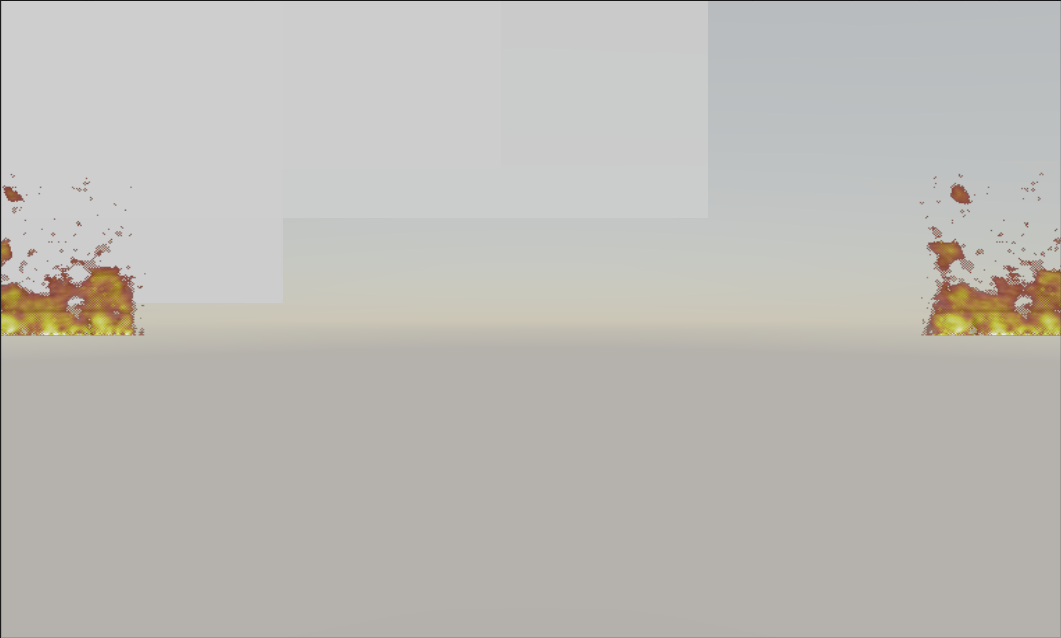
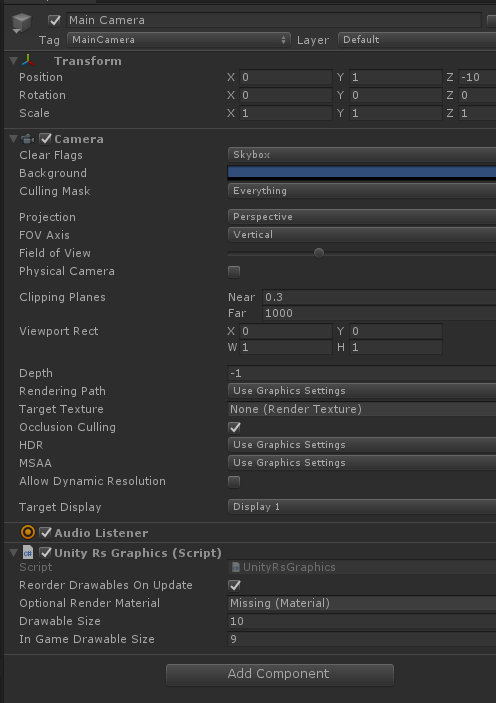
However if I click randomly all over I eventually get it trying to connect to the server with who knows what user name/pass. At least server is 127.0.0.1 by default - however not sure where that gets assigned as I see some options in there. Typically there is a "codebase" text file that has it...for now in Resources or better StreamingAssets would make sense.
If I assign a Texture I get closer to something that I can follow.
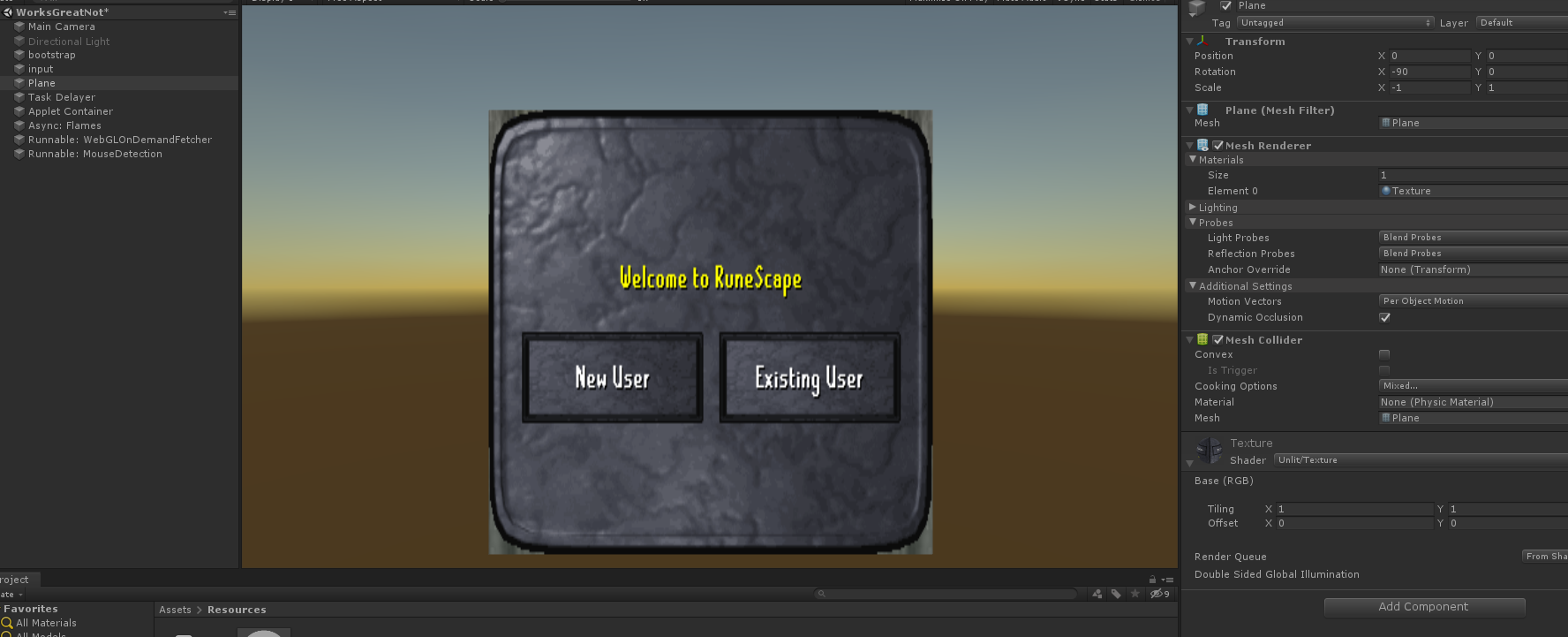
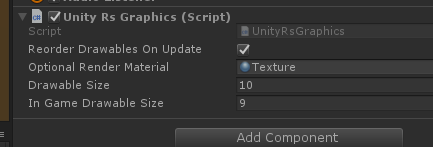
However by the "Drawable Size" I gather that is acting like I have a mesh with a bunch of submeshes on it with separate uvs. Really lost here. Further lost … somehow the mouse click works and tab works to switch input field and I can type. However, I can't click ""
or if I was new and didn't know "new user" button wasn't needed and I clicked new user...I can't hit cancel.
At any rate - I doubt I am doing this right. This is all a very different approach to Unity than what many of us are used to. Some hints would greatly help us sort out how to work with this framework.
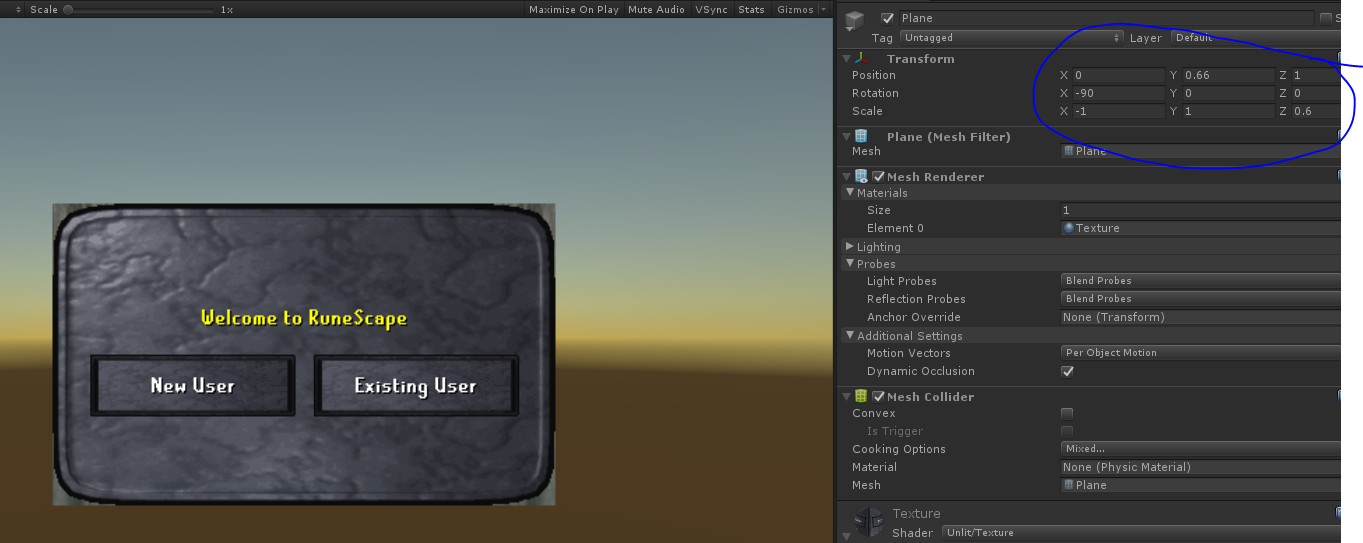
Playing around I found making the size/position/scale as such the mouse clicks lined up. Again - sure this isn't the right way but trying to get it to connect. This way Cancel buttons and Login buttons work. Now only thing to do is find a server that doesn't use RSA I think this project comes with one.
Please: https://github.com/HelloKitty/RS317.Sharp/issues/10