jmpews
## 基于 QEMU 的 iOS 12.1 内核调试,分析,利用 #### 1. Prologue 目前 iOS Emulator 的真正意义上只有 [Corellium](https://twitter.com/CorelliumHQ). 还有一些是基于 bridge 例如最近的 [ipasim](https://github.com/ipasimulator/ipasim), 以及 Xcode 自带的模拟器. (这个 [ipasim](https://github.com/ipasimulator/ipasim) 实现有点意思的, 借助 WinOBJC.具体可以查看它的 github 介绍. 目前基于 QEMU 的模拟, 无论是之前 [zhuowei](https://twitter.com/zhuowei) 写过两篇文章, 以及下面要介绍的 [alephsecurity](https://twitter.com/alephsecurity) boot to launch a bash. 都是单纯的从 xnu kernelcache 开始 emulate. 缺少了 iBoot / SecureROM 阶段, 或者说是由 qemu 替代 iBoot 执行了部分必要的工作. (我个人倾向于完整的 emulate boot chain, 或者说至少从 iBoot 开始) 并不是说 iBoot 不可以 emulate, 据说 [Corellium](https://twitter.com/CorelliumHQ) 使用 bootloader 是 iHoot. 最近在打 xnu zone spray 漏洞的时候, 需要一个 kernel debug 的环境, 就恰好尝试了下. #### 2. 实现原理 (这里只是简单提一下, 因为忙于其他事情, 没有时间并没有给出细致分析)` 原理本质其实不是很难, `iPhone_5.5_12.1_16B92_Restore.ipsw` 里面就有 kernelcache 和 rfs.只需要按照 ios boot chain 准备好数据例如 DT, boot-args 等等, 然后传给 xnu 即可. 如果要完整逆向 iBoot 的显然会很难, 恰好有 leaked 的 iBoot 源码 可以作为参考. 这里可以发现只需要按照 iBoot 的执行流程, 准备好 RamDisk, decompressed kernelcache, DT, 即可. (但是作者好像并没有参考这个, 导致在设置 `boot_args->topOfKernelData` 中遇到一些困难)    但是然后很多其他事情需要我们处理, 例如 trust cache, 以及作者遇到的 `dyld_shared_cached` 的加载. #### 3. 内核调试 直接上 IDA 挂载(这里必须要秀一下 IDA 7.3 :), qemu 启动加 `-s` (如果希望在启动暂停可以额外增加 `-S`). 当然 lldb / gdb 也可以.  当然这里 kernelcache 是 strip 过的, 只剩余很少的符号. 为了还原符号. 这里有两个参考资料可以使用 1. Apple 官方 KDK 但是是 X86_64 版本 2. 基于 https://github.com/darm64/xnu 编译的 arm64 的 xnu kernel, 这里有已经编译好的 https://github.com/userlandkernel/ios-unstripped-kexts/tree/master/kernels/12.1 这里这里下一个断点到 `consider_zone_gc`. 然后运行我们的 exp. (由于这里已经不是处于 sandbox, 所以直接调用 `mach_memory_info` 获取 zone 状态.) 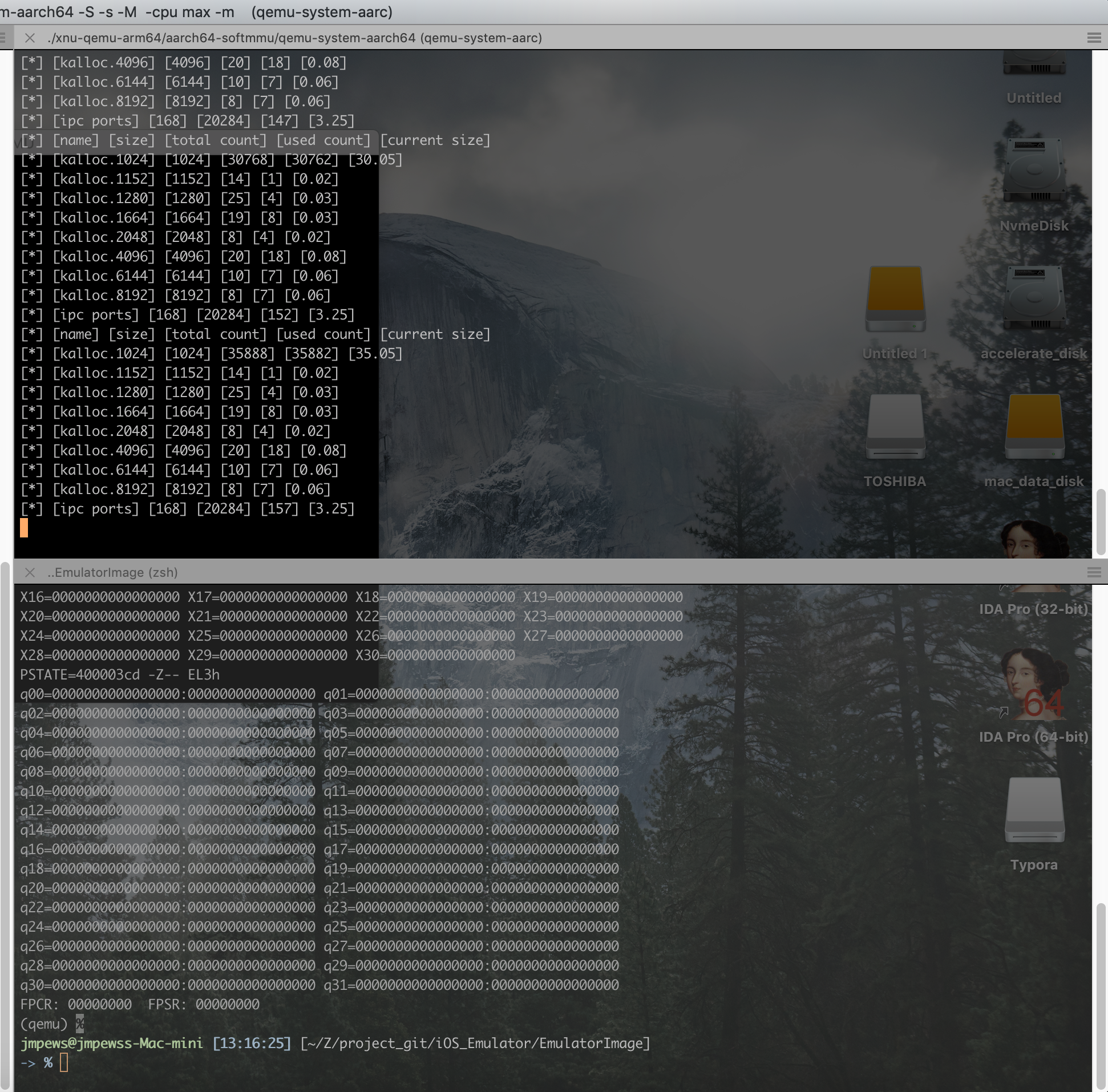 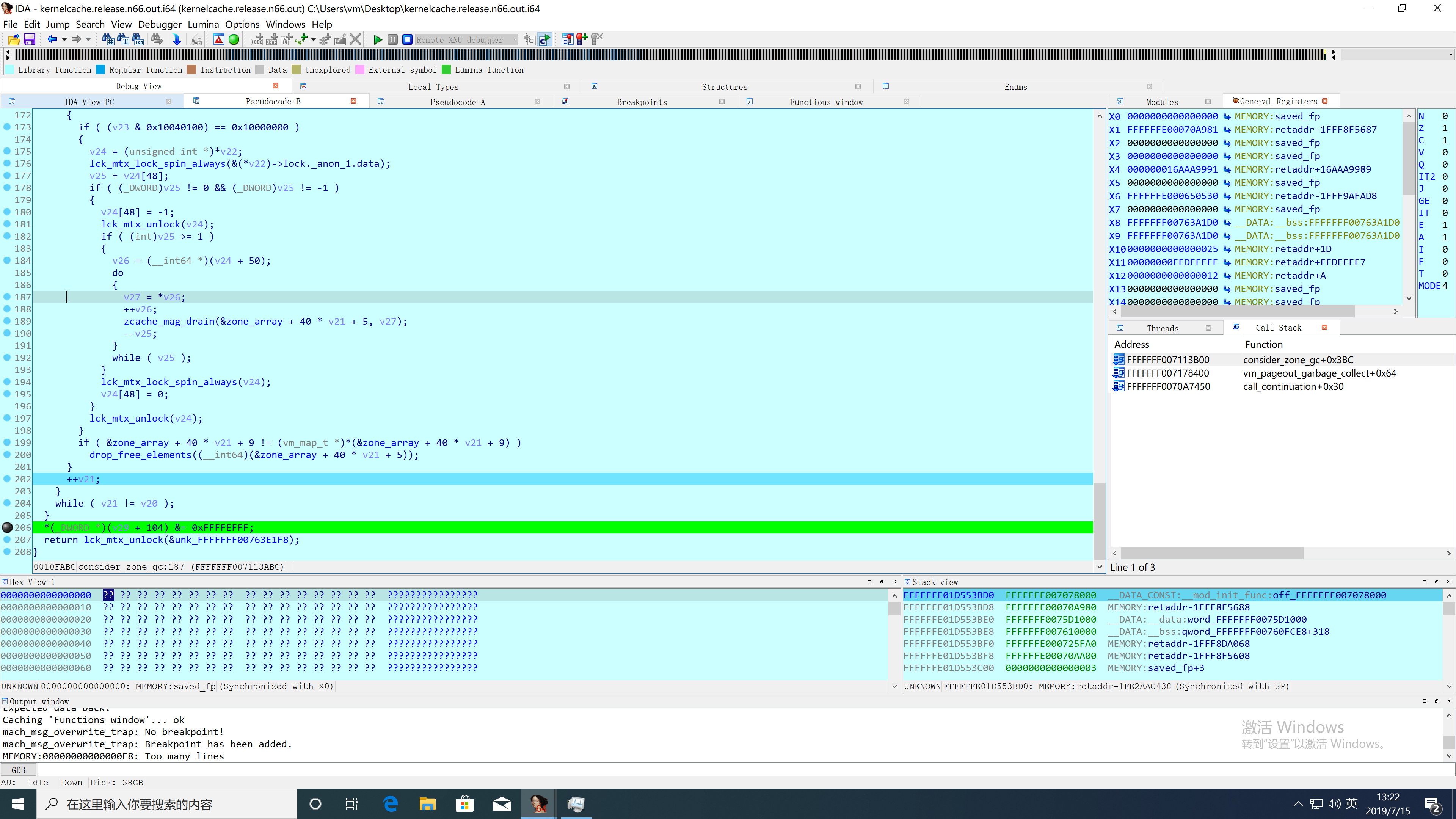 这里可以看到经过 `vm_pageout_garbage_collect` 后, zone map 里 free list (which `zone_map_page` marked as `all_free` tag) 都被重新回收, 同时也完成我们需要的 cross zone 攻击. 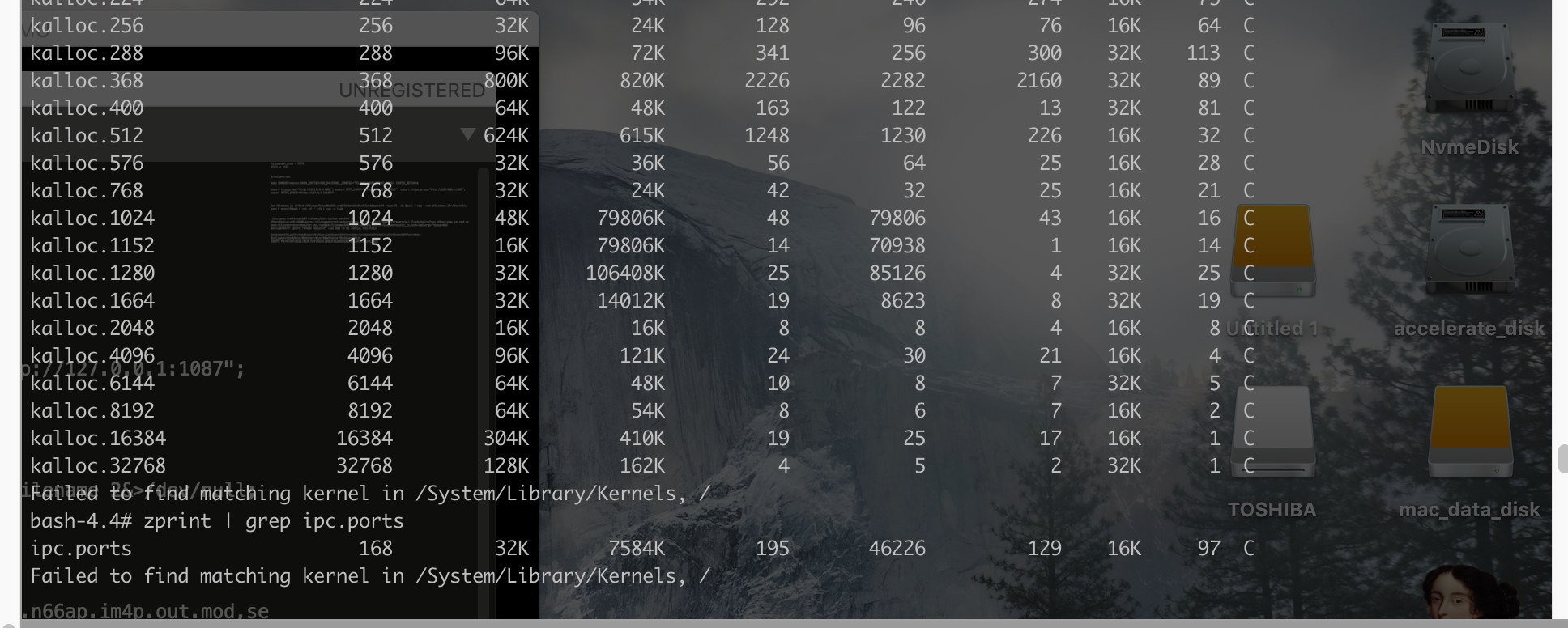 #### 4. 可以利用的方向? ##### 4.1. 基于 QEMU 的 fuzz 基于 qemu 的 fuzz 有很多, 可以利用 qemu trace-event 做很多事情. 1.. 编译 qemu 增加 `--enable-trace-backends=simple` flag 2.. 运行 qemu 增加 ` -trace enable=guest_mem_before_exec,file=trace.dump.bin` 3.. 使用 `./qemu/scripts/simpletrace.py ./qemu/trace-events-all trace.dump.bin` 进行结果分析 ##### 4.2. FairPlay dumpcrypted 当我在使用 `kextstat` 意外发现, 是不是可以搞一些事情呢?  ##### 4.3 Exploit Development Environment ##### 4.4 xnu kernel research #### 5. Credit ``` https://alephsecurity.com/2019/06/17/xnu-qemu-arm64-1/ https://worthdoingbadly.com/xnuqemu/ [leaked iboot source code] ```