- Clone the repository into your local folder.
- Make sure you have the latest NPM version installed.
- Once the repository is cloned, access the folder via terminal or VS code terminal and change directory to the cloned folder.
- Type the command
npm ito install all the packages - Once installed, run the app by typing the command
npm start. Open http://localhost:3000 to view it on your browser.
- Latest version of
node - Latest vesion of
npm - Any browser which supports javascript (Google Chrome, Safari, Edge, Brave etc...)
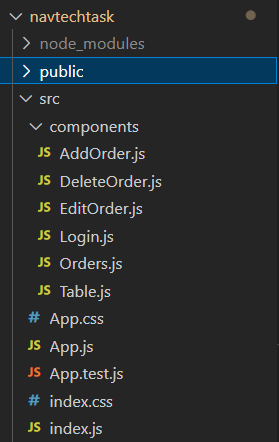
Given below is a snippet of the folder structure:
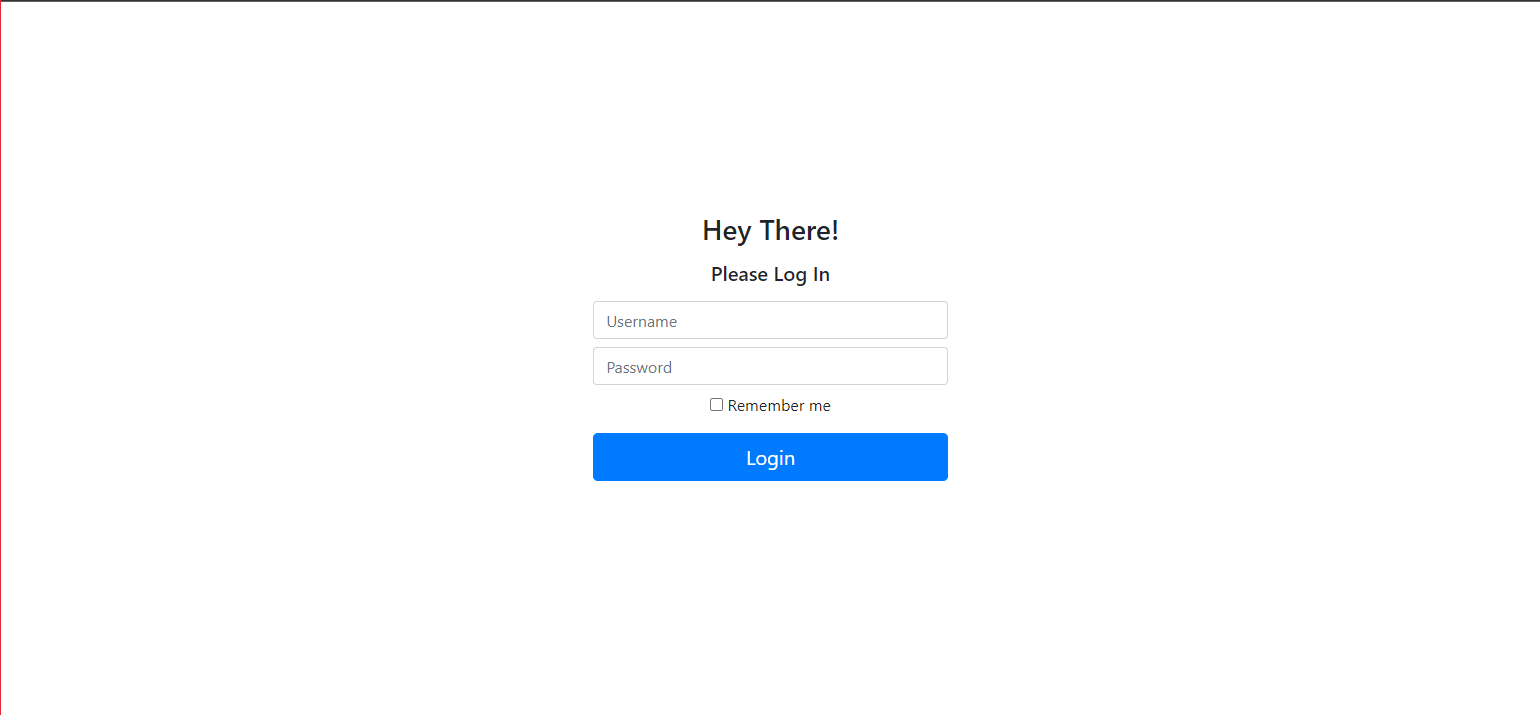
Username: admin Password: admin
- bootstrap
- react
- react-bootstrap
- react-dom
- react-router-dom
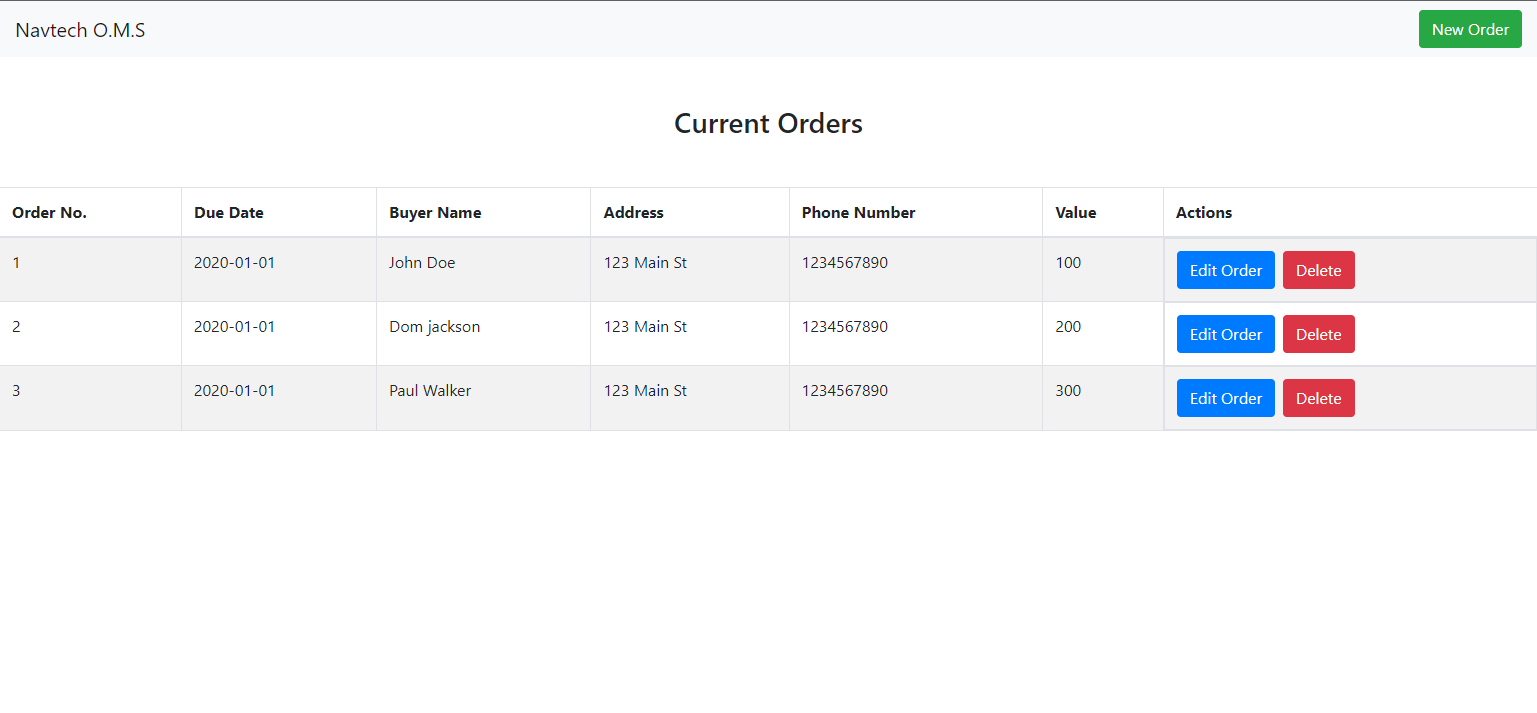
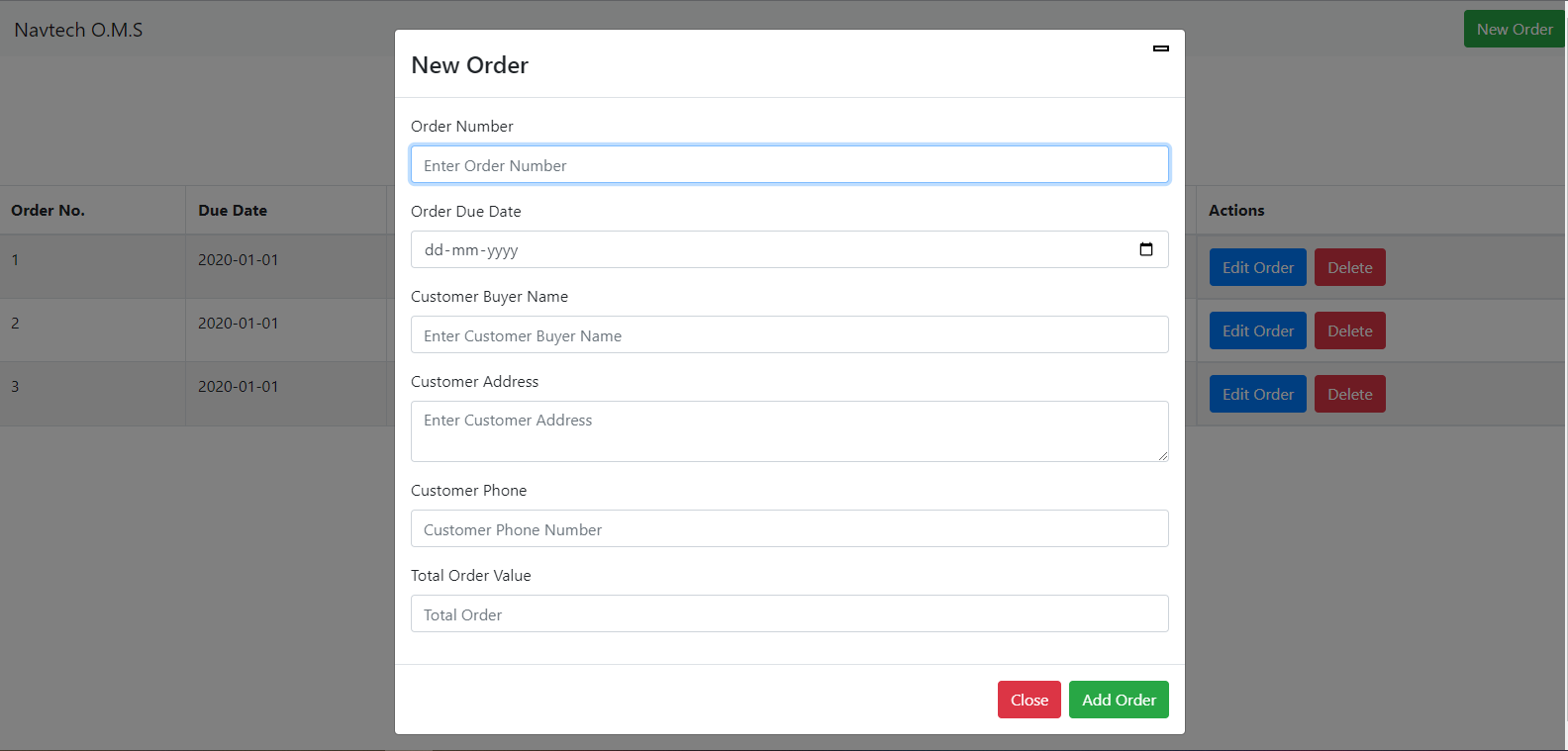
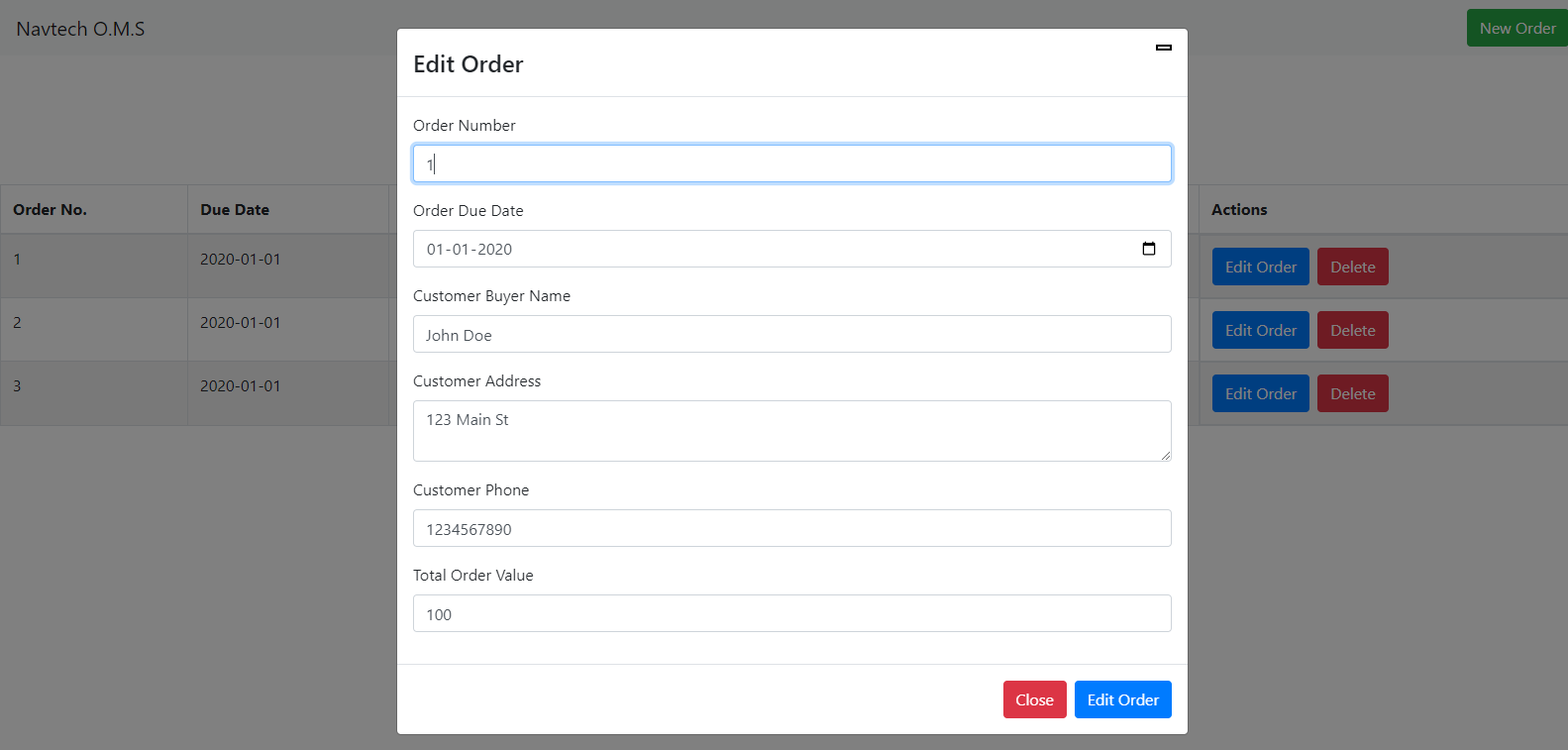
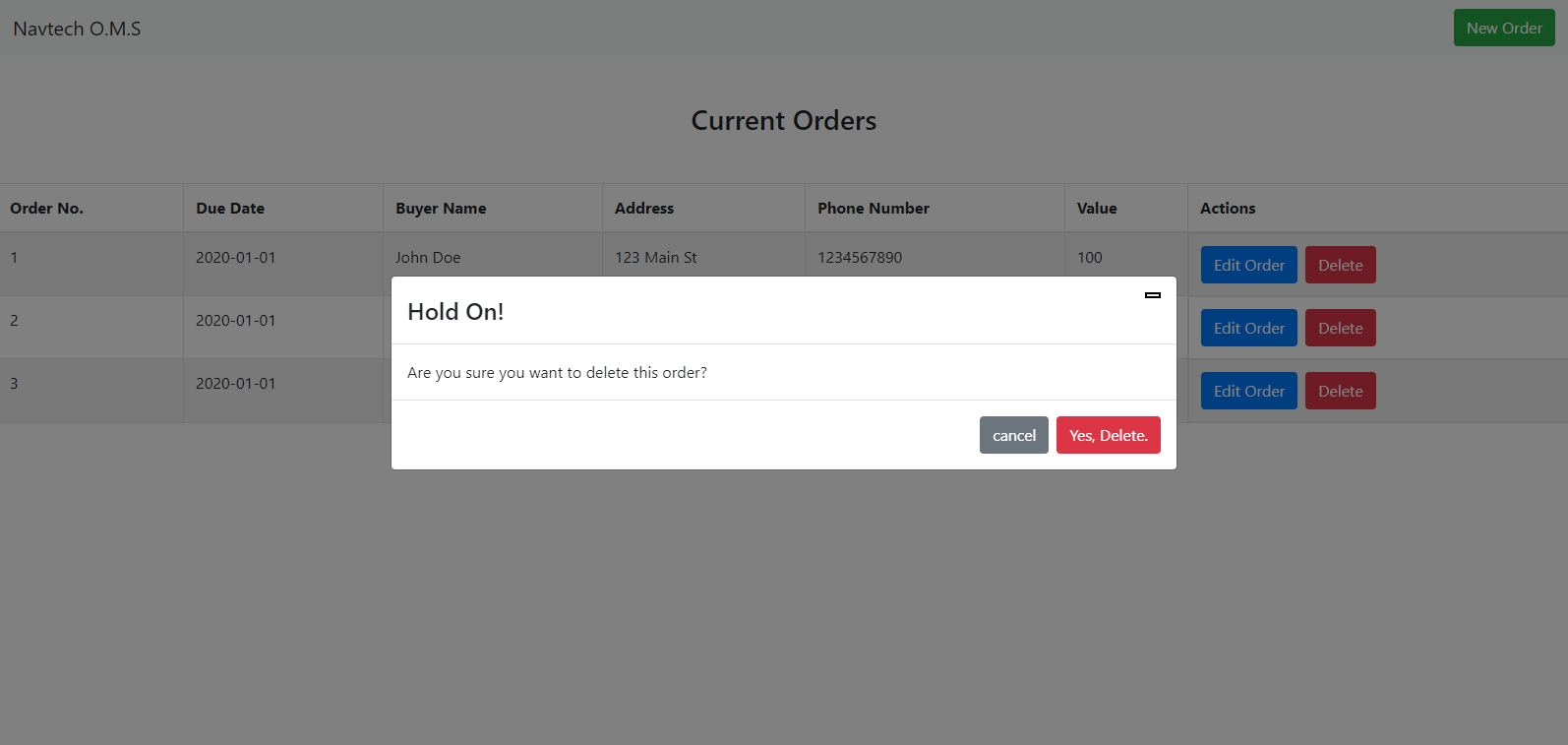
No back-end has been used (Neither Node.js or Typscript) for this task as it wasn't required for the task given. React.js was sufficient to complete the above task.
