This project is to experiment with 3d printing and developing a low powered Kubernetes cluster on raspberry Pi’s. As I am creating/printing the cluster case itself, I want to include a switch, power, and space for the raspberry Pi’s in a compact and portable manor.
1 Ender 3 pro (or similar 3 printer)
3x Raspberry Pi 3
1x TP link 8 port switch unmanaged switch https://www.amazon.com/Ethernet-Splitter-Optimization-Unmanaged-TL-SG108/dp/B00A121WN6
1x Anker 60w 6 port USB charging station amazon.com/Anker-Charger-PowerPort-iPhone-Galaxy/dp/B00P936188/
3x Right angle Micro USB Cable https://www.amazon.com/SUNGUY-3-Pack-Degree-Charging-Samsung/dp/B07H172CHD/
3x .5 FT Ethernet cables https://www.monoprice.com/product?p_id=3426
1x Ubiquiti USG (Or any router will work) https://www.ui.com/unifi-routing/usg/
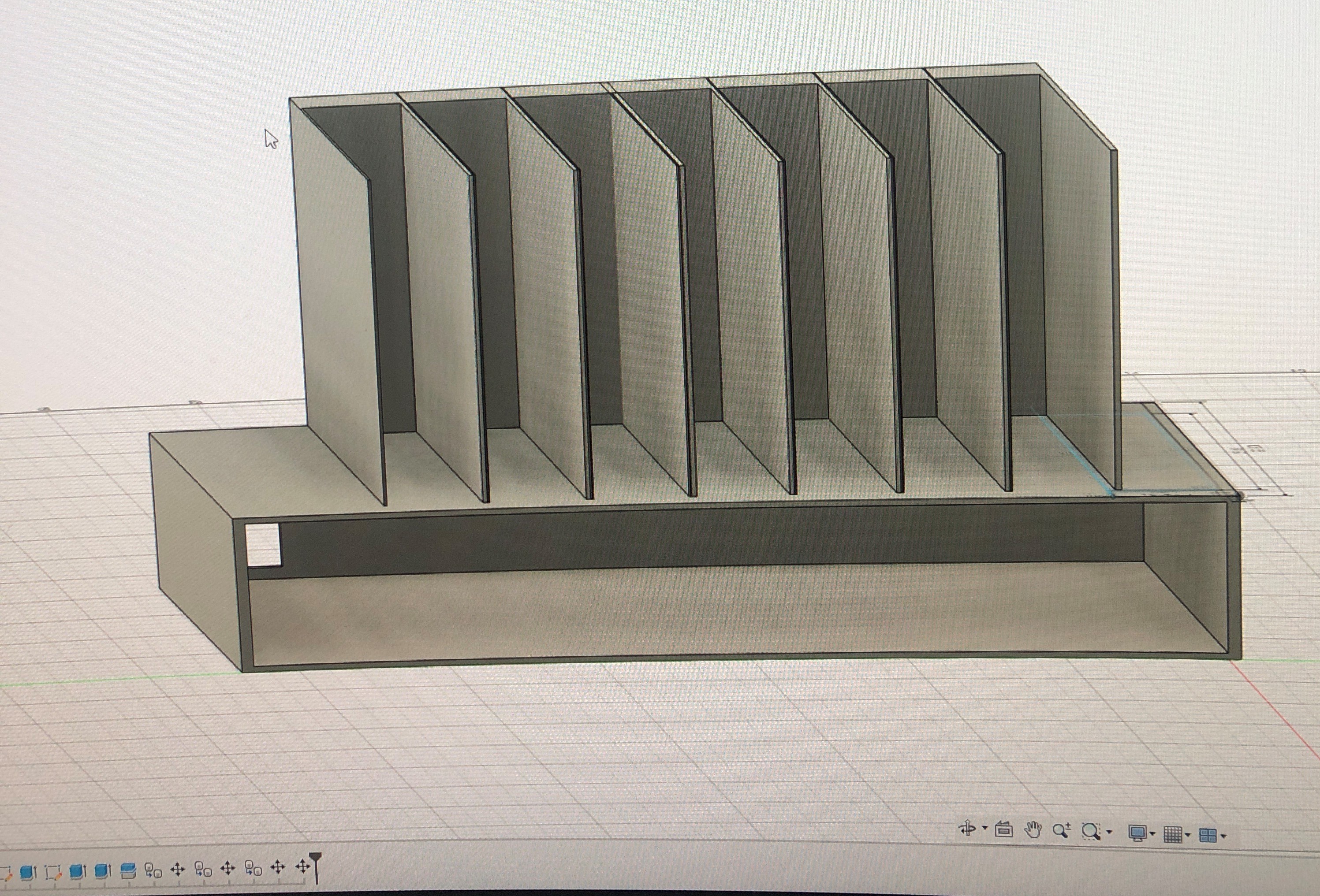
I started to made a very basic mockup on Autodesk fusion 360:
I then started to print individual pieces to make sure they would fit properly.
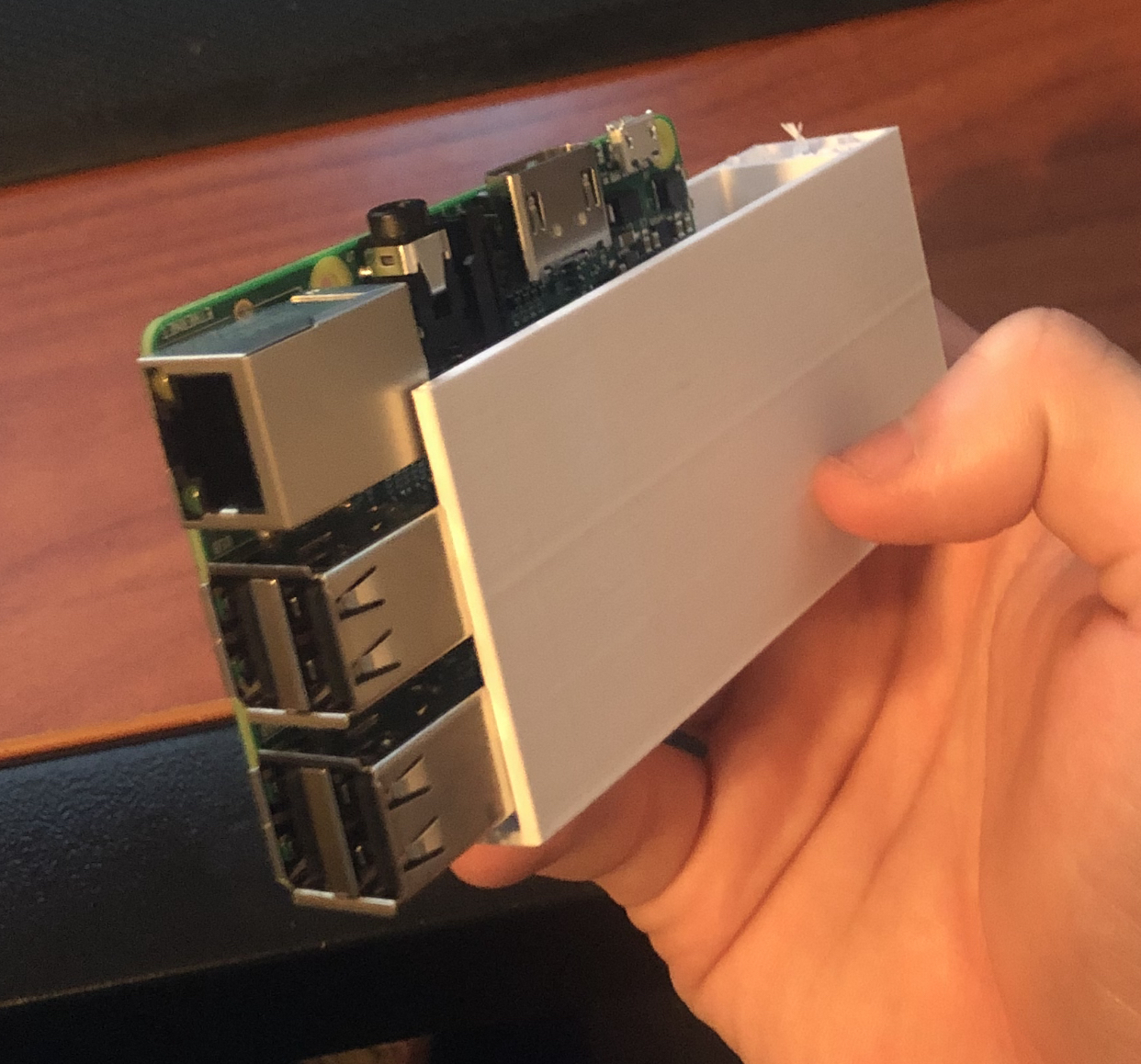
Here is the first design to fit (had to cut the top off for the PI's):
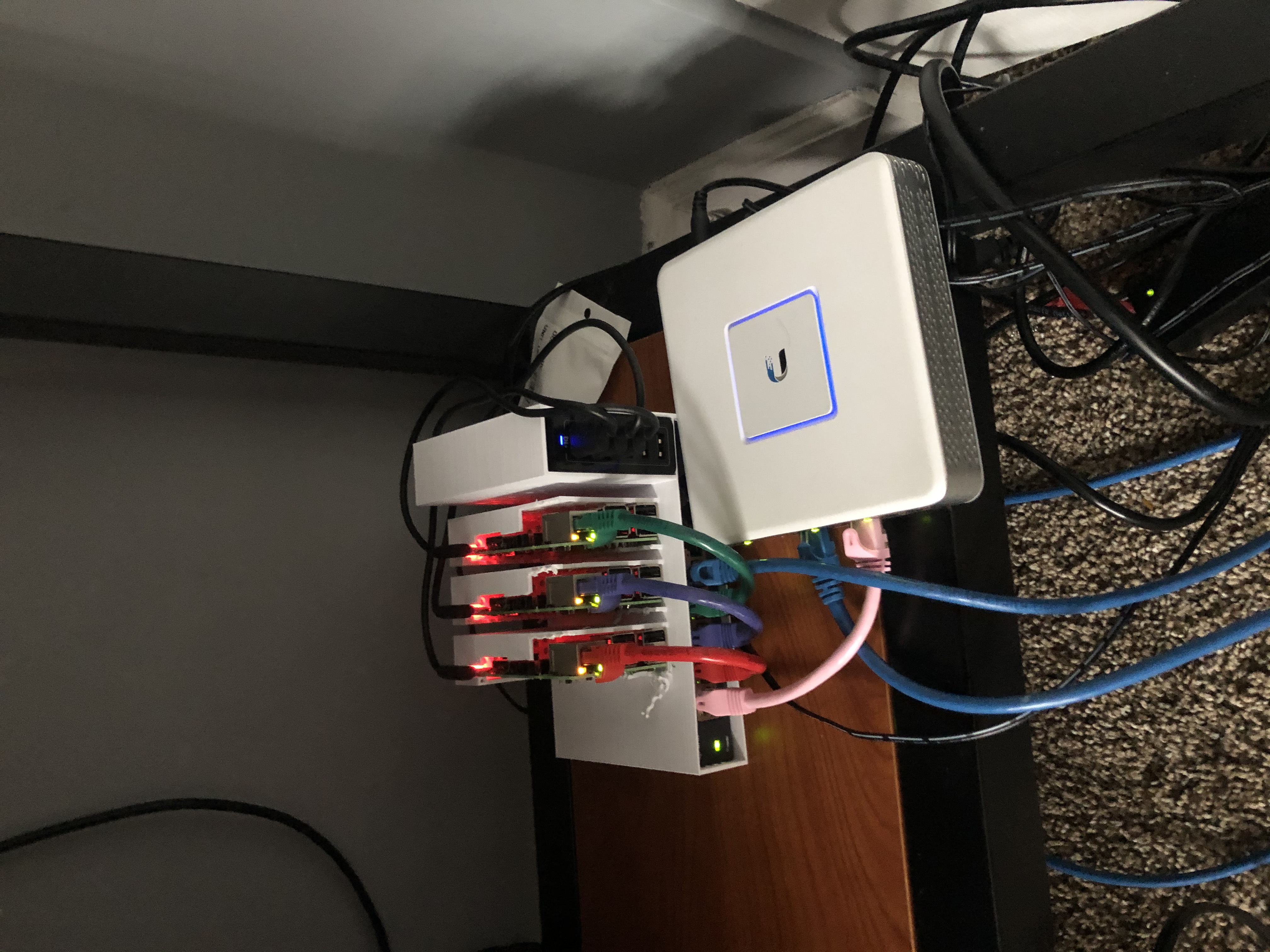
Now all we need is the software!!
My network is split up in the 10.10.10.0 subnet and split the names by network cable for easier diagnosing

After the Pi's have booted up for the first time, I needed to configure the Hostname and change the default passwords.
Run: sudo raspi-config
Set the new password, enable SSH, Change the GPU memory from 64=>16 and change the hostname to your preference. Mine will be ROY, GEE, and BIV to easily distungush the RPI's based on Ethernet Cable.
I have also configured each PI with a static IP:
In /etc/dhcpcd.conf, ROY example:
static ip_address=10.10.10.6/24
static routers=10.10.10.1
static domain_name_servers=10.10.10.1 8.8.8.8
I also added in the /boot/cmdline.txt so we can run the k3s containers:
cgroup_enable=cpuset cgroup_memory=1 cgroup_enable=memory
I have decided to work with k3s, which is a lightweight implementation of kubernetes. This allows for more resources on these already limited RPI 3's.
On the master node (ROY) I ran:
curl -sfL https://get.k3s.io | sh -
Then you can find the node token by entering:
sudo cat /var/lib/rancher/k3s/server/node-token
On each of the worker nodes (GEE,BIV) I have ran:
curl -sfL https://get.k3s.io | K3S_URL=https://10.10.10.6:6443 K3S_TOKEN=nodetoken sh -
Running kubectl get nodes You should see all 3 nodes connected!

I installed Helm (https://helm.sh/) a package manager for Kubernetes containers. Following their documentation:
$ curl -fsSL -o get_helm.sh https://raw.githubusercontent.com/helm/helm/master/scripts/get-helm-3
$ chmod 700 get_helm.sh
$ ./get_helm.sh
This allows us to easily install premade containers on all of our nodes.
To get better idea of how I use my resources, I am going to install prometheus, A time series database and metrics collector. then I will report this information via Grafana a dashboarding tool.
Thankfully with helm there is a pre-configured promethus and grafana container that we can deploy.
helm repo add prometheus-community https://prometheus-community.github.io/helm-charts
helm repo add stable https://kubernetes-charts.storage.googleapis.com
helm repo update
kubectl create ns monitoring
sudo -E helm install prometheus prometheus-community/kube-prometheus-stack -n monitoring
Afterwards when running sudo kubectl get pods -n monitoring

We can now see the pods are up and running and we are collecting metrics on our server!
in order to view these pods outside of the pods network we have to portfoward to the main node and then we can view it.
sudo kubectl port-forward -n monitoring my-kube-prometheus-stack-grafana-5b9645d744-l5cfs --address 0.0.0.0 3000
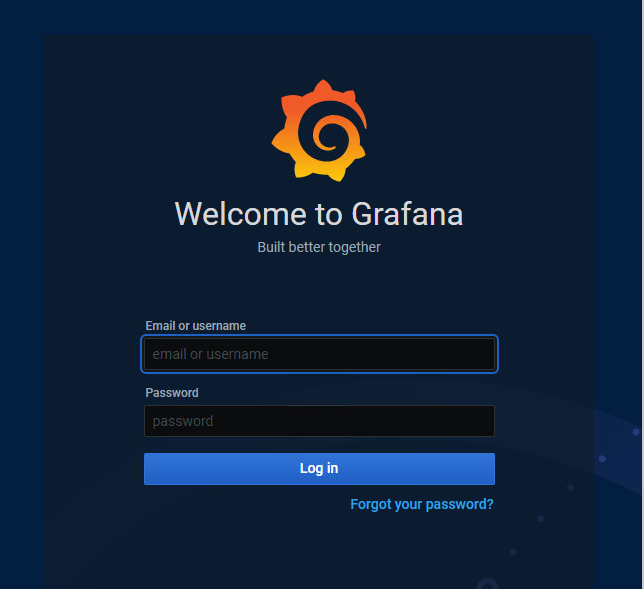
I can go to my web browser to 10.10.10.6:3000 and the login page will be displayed
Credentials are by default admin/admin
It also comes with a few different premade dashboard to see activity on each pod.
1.0.0 Created Readme, Licenese, progresslog, and TODO
1.0.1 Added to Requirments
1.1.0 Added Printing information
1.1.1 Added network diagram
Added More printing information
1.1.2 Added RPI SETUP
Added Installing K3s Software
1.1.3 Added Kubectl photos
Added special RPI instruction so I could install k3s.
1.2 Added Package Manager
Added Monitoring the cluster
1.2.1 Added to monitoring the cluster with pod info and Grafana
