
A minimalist launcher built with gtk4-layer-shell and rust.
The current packages are for the AUR (lupa-git) and NixOS (flake in this repo).
Note
On some Wayland compositors, the clipboard may not persist after the app closes. You may want to try wl-clip-persist if this is the case.
Lupa comes with several core search providers.
- Applications
- Files, making use and requiring the
localsearchindexer - Evaluate mathematical expressions, making use of the evalexpr crate
- System actions (shutdown, reboot, etc)
- Emoji
Each provider has a prefix to narrow down the search, the prefixes for the official providers are:
- Apps: #
- Calculator: =
- Files: /
- System actions: *
- Emoji: !
The configuration file for lupa is located in $XDG_CONFIG_HOME/lupa/conf.toml,
usually resolving to ~/.config/lupa/conf.toml, automatically generated on first launch
if it's missing.
You may always print the default configuration by running lupa with the
--default-config flag (or just -d).
Documentation for the configuration file is included in the default configuration.
Plugins are located are located in $XDG_CONFIG_HOME/lupa/plugins/, the folder
is not generated on first launch.
The example plugin, with its anatomy and documentation, can be found at
./data/example_plugin.lua.
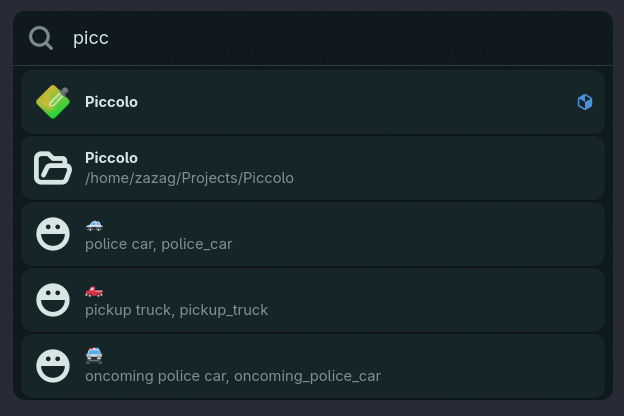
Lupa showing multiple result types.
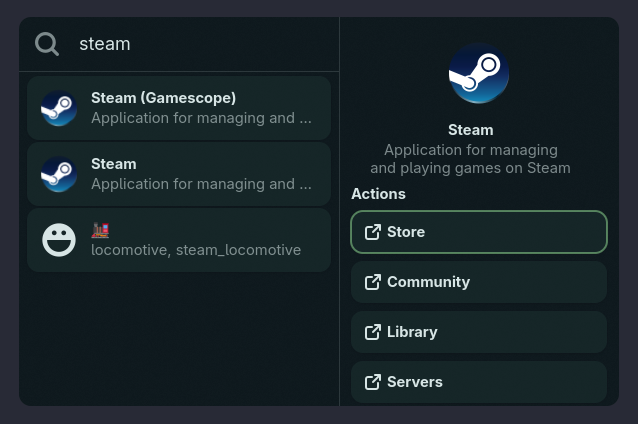
Lupa showing the sidebar results for an application.
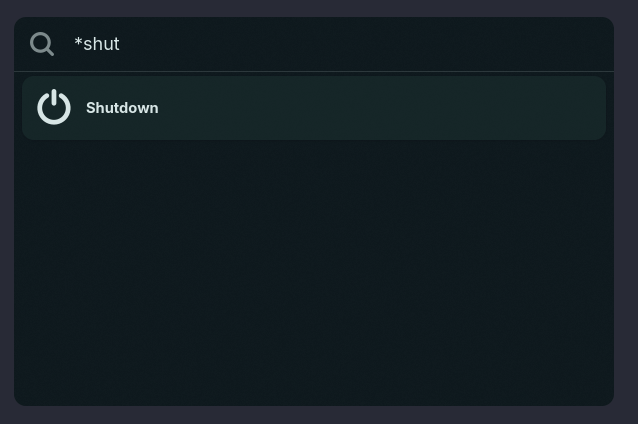
Lupa showing a system action.
Some implementation details for app discovery and execution are based in the work done by lucien.
