
Forked from hy-language-server.
This software is still in the experimental stage!
Please be aware that specifications may change without prior notice.
Verified-working Hy version: 1.0.0
| Hy version | Hyuga Support |
|---|---|
| 0.24 | 0.2.1 |
| 0.25 | ? |
| 0.26 | ? |
| 0.27 | ? |
| 0.28 | ? |
| 1.0.0 | 1.0.0 |
We need your help to check the support status for each hy version.
Please report the results in issues!
textDocument/did{Open,Change}textDocument/completion- Display a list of all modules installed in your system, including classes/functions in the currently opening source. (Plain Python symbols are also included.)
textDocument/definition- Jump to the definition. (Currently, this refers to hy-source only.)
textDocument/hover
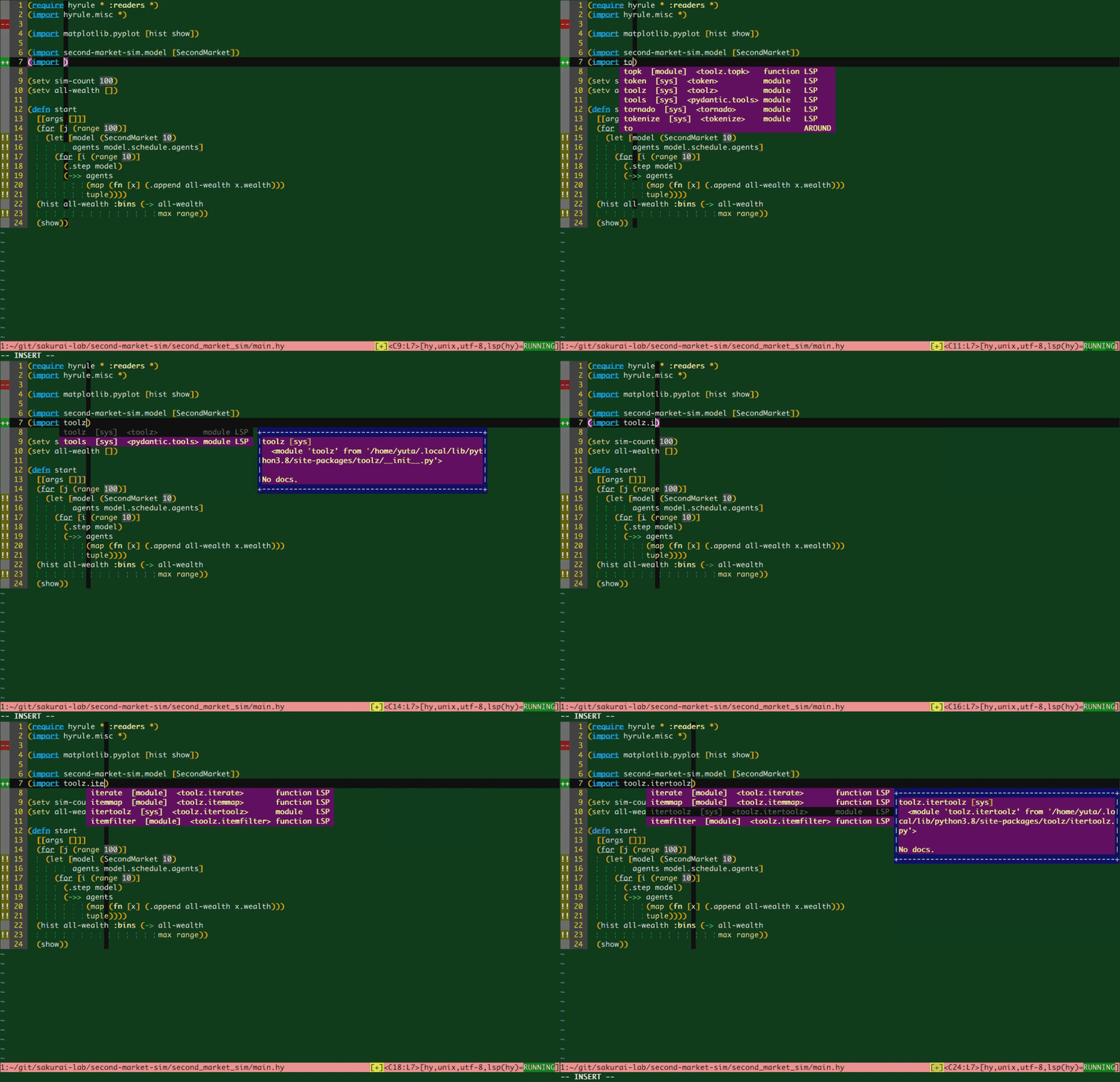
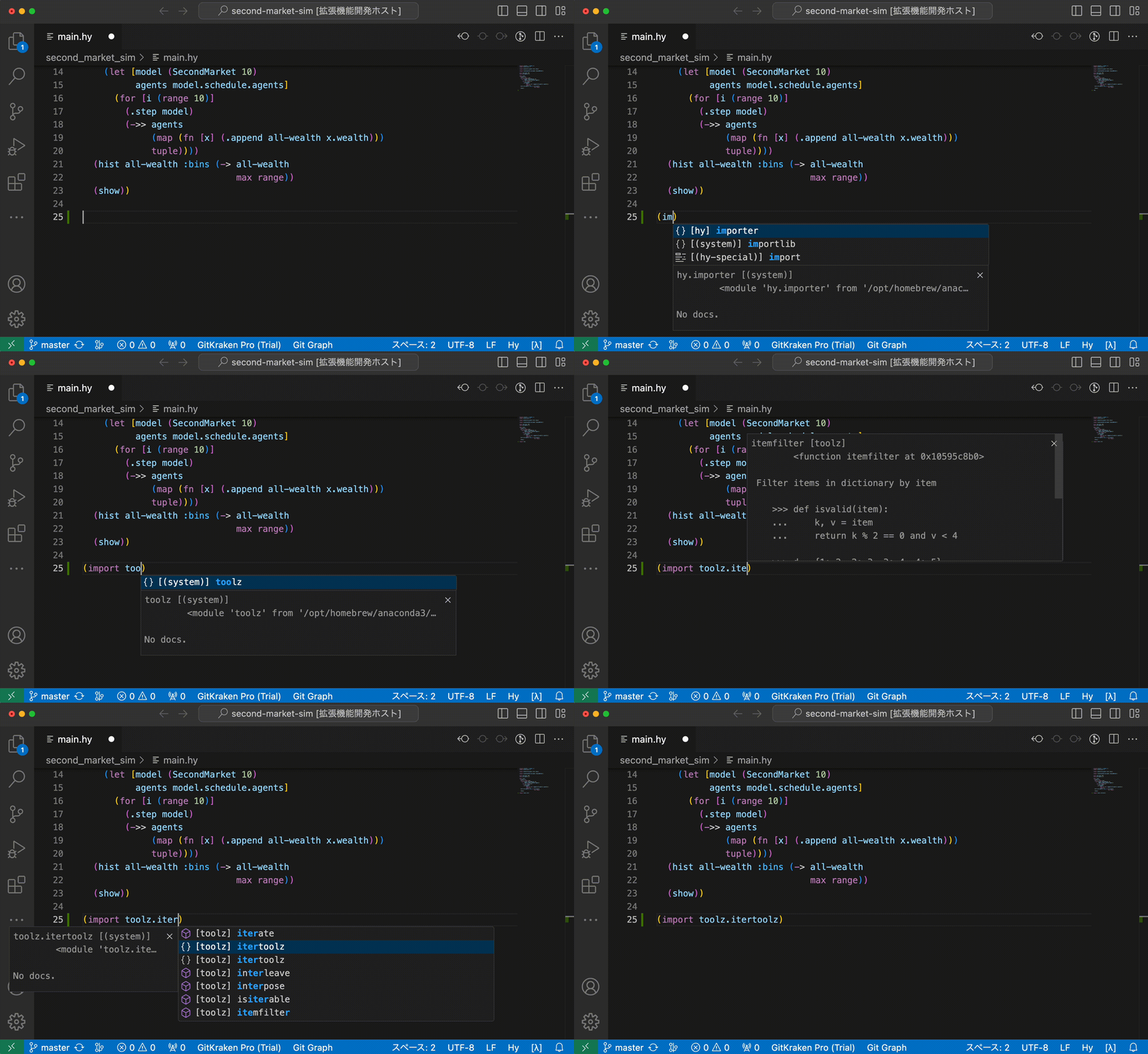
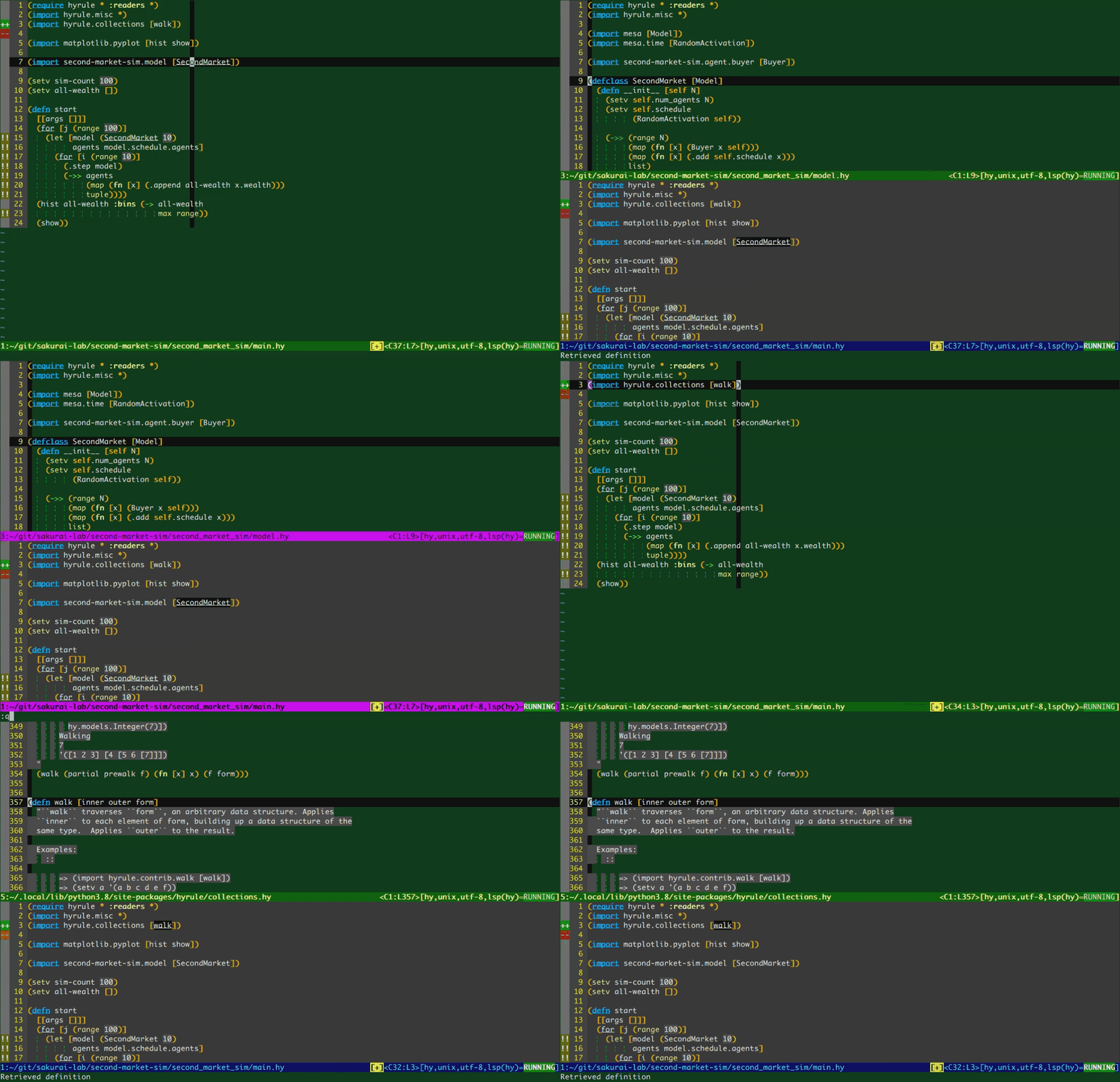
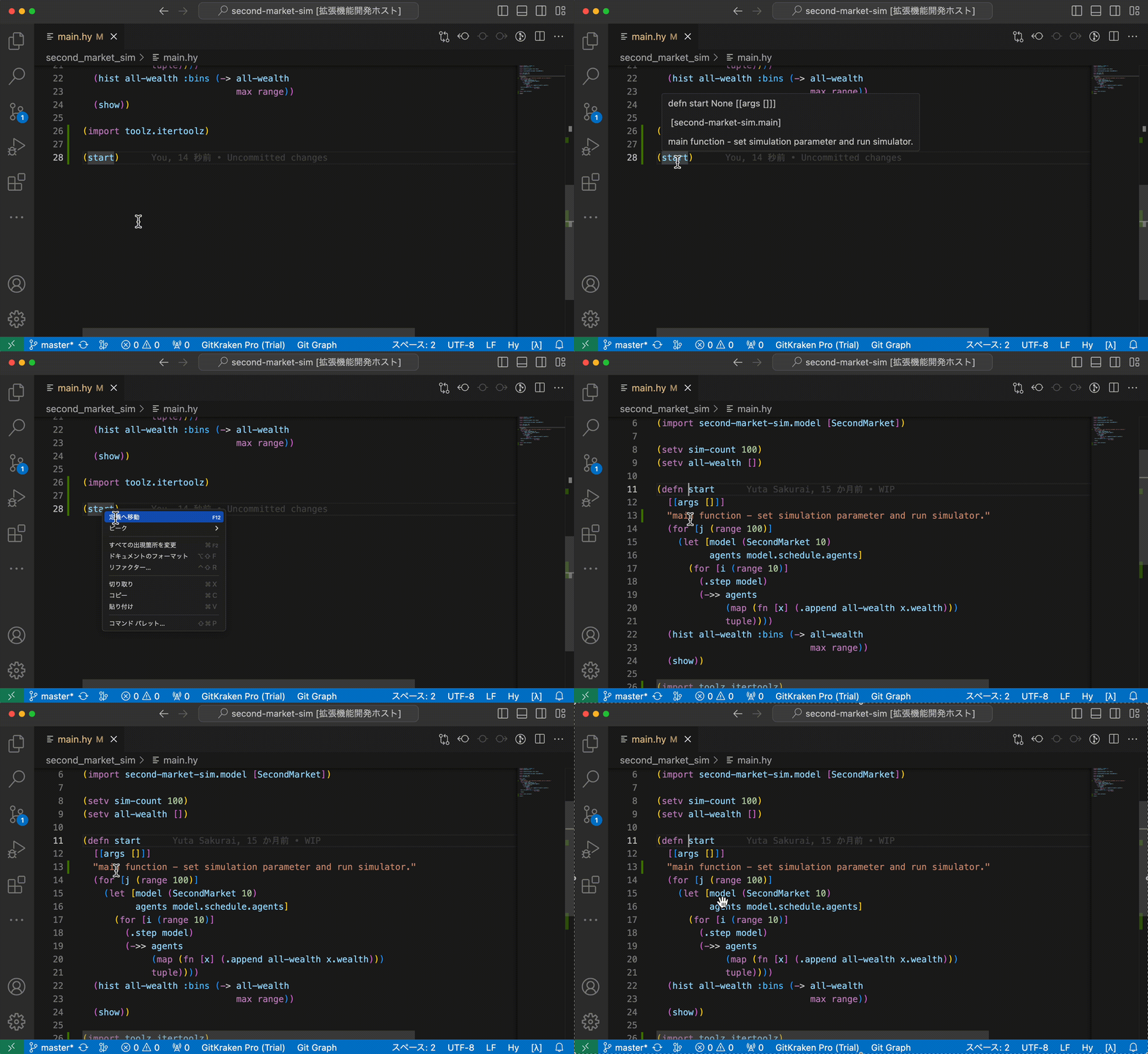
pip3 install hyugaInstall vim-lsp and vim-lsp-settings, open a *.hy file with filetype=hy, then run :LspInstallServer
- Install
hyugato your python environment. (Refer to thePlain installsection for details.) - In VSCode, open
Extensionsview, search forhyuga, and installHyuga VSCode Client.- or: visit Hyuga VSCode Client - Visual Studio Marketplace and install.
- Install poetry.
- Clone this project:
git clone https://github.com/sakuraiyuta/hyuga.git - In project directory, execute
poetry install.
poetry run pytest testsMIT


