A Home Assistant theme inspired on Google app Light mode.



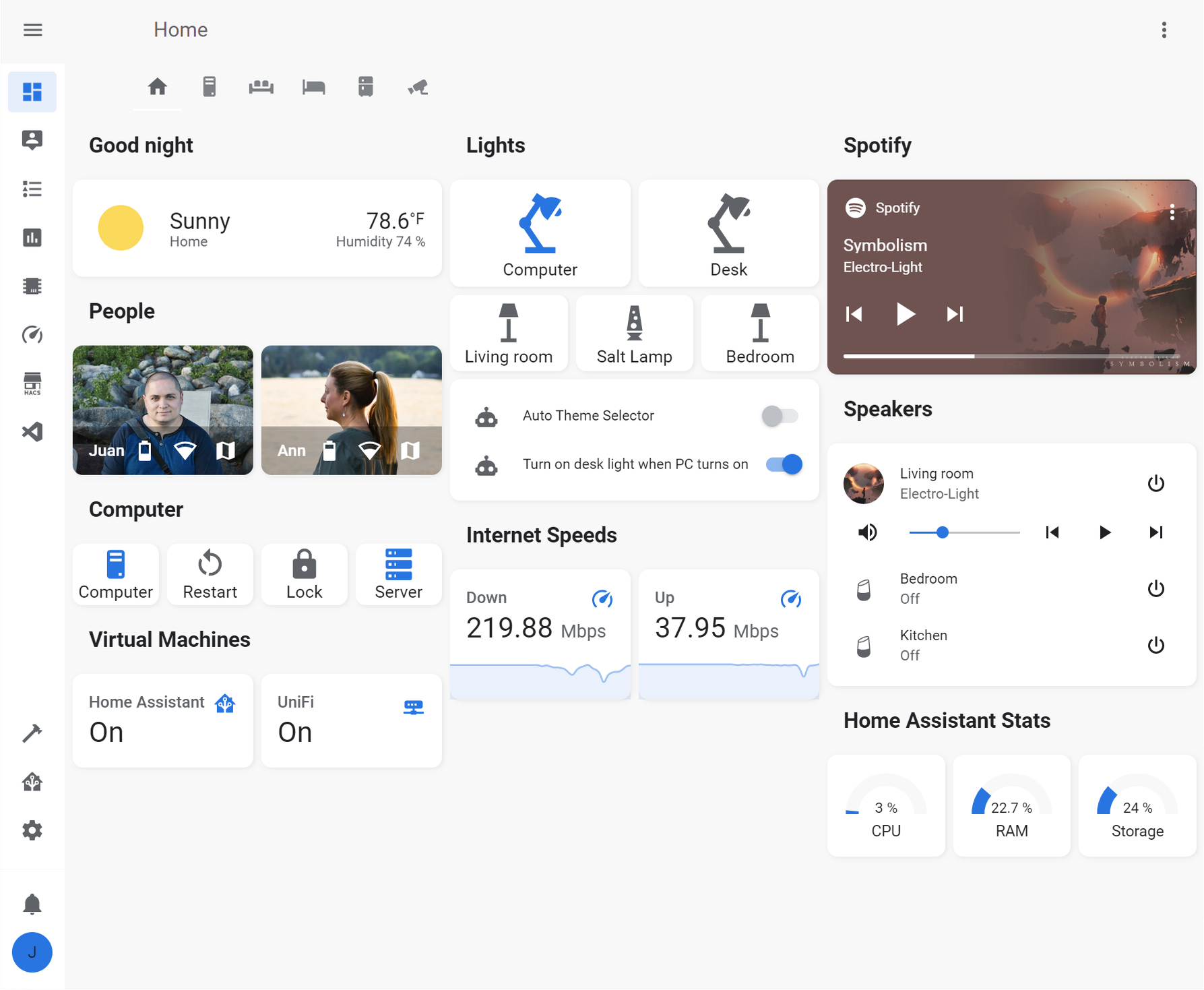
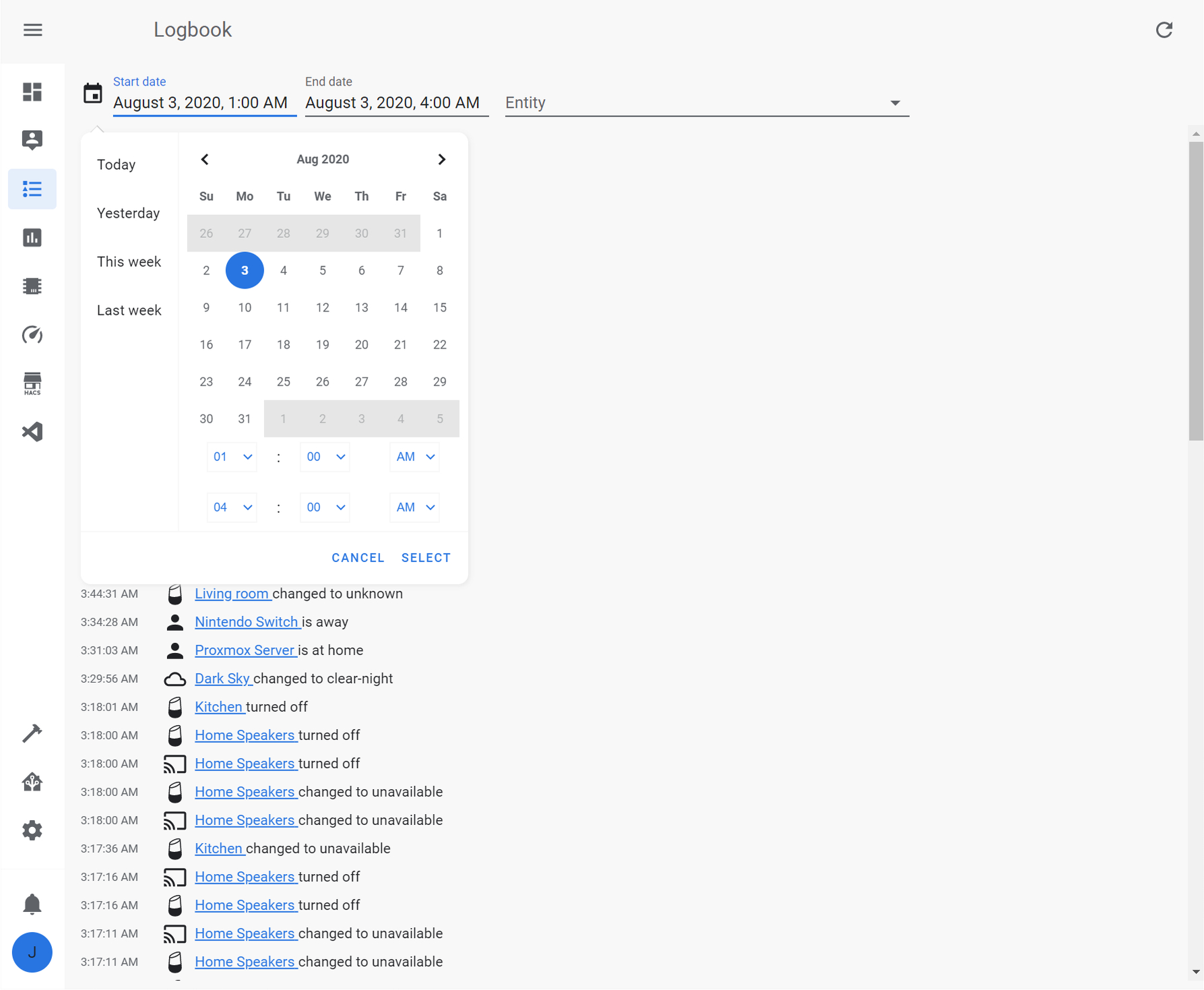
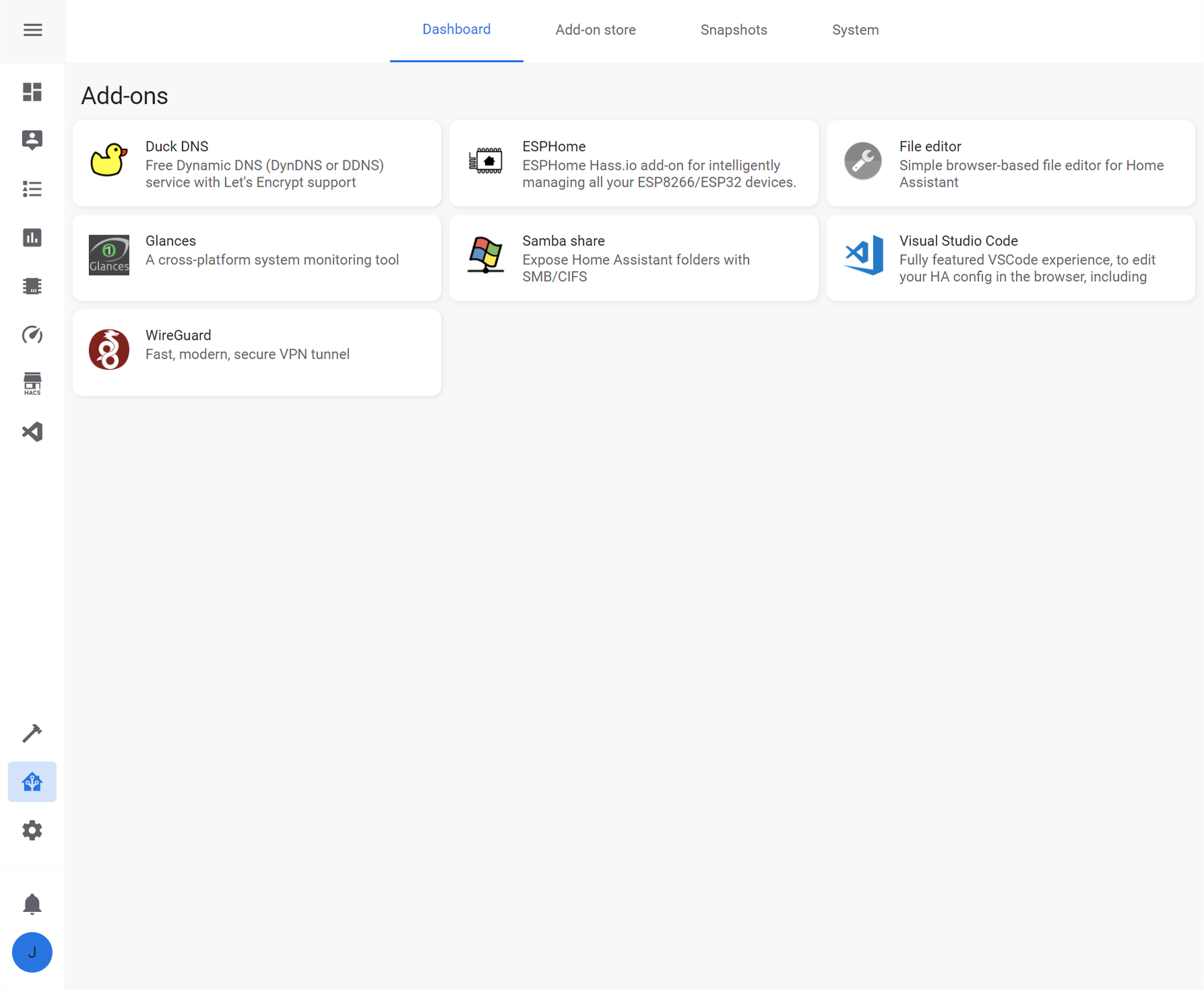
- Make sure that under the configuration.yaml file you have the following:
frontend:
  themes: !include_dir_merge_named themes
- Under the Home Assistant Config folder, create a new folder named themes
- Restart Home assistant to apply the changes.
- Go into the Community Store (HACS)
- Search for Google Light Theme
- Open the theme
- Press Install
- Restart Home Assistant
- In the Home assistant themes folder, create a file named
google_light_theme.yaml - In this GitHub repo, go into the themes folder, open the
google_light_theme.yamlfile and copy the content - Paste the content in the
google_light_theme.yamlfile created under your Home Assistant themes folder
- Open your Home Assistant Profile
- Under, Themes, select the new Google Light Theme
When using the Custom Header plugin, add the following to make sure that the header matches the theme.
custom_header:
  compact_mode: true
  background: var(--app-header-background-color)
  elements_color: var(--app-header-text-color)
  active_tab_color: var(--state-icon-active-color)
  tab_indicator_color: var(--state-icon-active-color)
