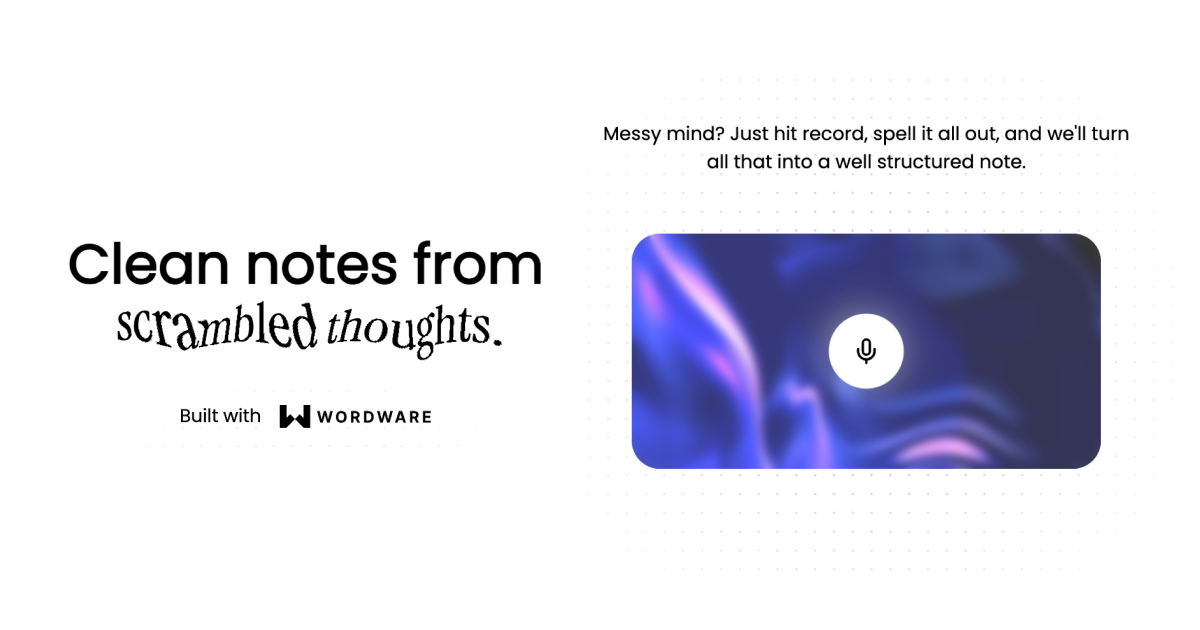
Audioscribe is a web application that converts recordings into structured notes, utilizing Wordware as the AI Agent in the backend. This project leverages cutting-edge technologies to provide users with a seamless experience in recording, transcribing, and managing their notes. 🚀
You can duplicate the AI agent and prompts used in this app by visiting this Wordware link.
To set up the Audioscribe project on your local machine, follow these steps:
- Clone the Repository 📂: Clone the Audioscribe repository from GitHub to your local machine using your preferred method (e.g., Git Bash, GitHub Desktop, or the command line).
- Install Dependencies 📦: Navigate to the project directory and run
npm installto install all the required dependencies. - Environment Variables 🔐: Create a
.envfile in the project root directory and add the following environment variables:NEXT_PUBLIC_BASE_URL: The base URL for your application.BLOB_READ_WRITE_TOKEN: Your Azure Blob Storage token for read and write operations.REPLICATE_API_TOKEN: Your Replicate API token for transcription services.WORDWARE_API_KEY: Your Wordware API key for advanced text processing.LOOPS_API_KEY: Your Loops API key for audio processing.NEXT_PUBLIC_POSTHOG_KEY: Your PostHog API key for analytics.NEXT_PUBLIC_POSTHOG_HOST: Your PostHog host URL for analytics.
Example .env file content:
