How to build IKVM
Create a build directory in openjdk
- ikvm\openjdk\build
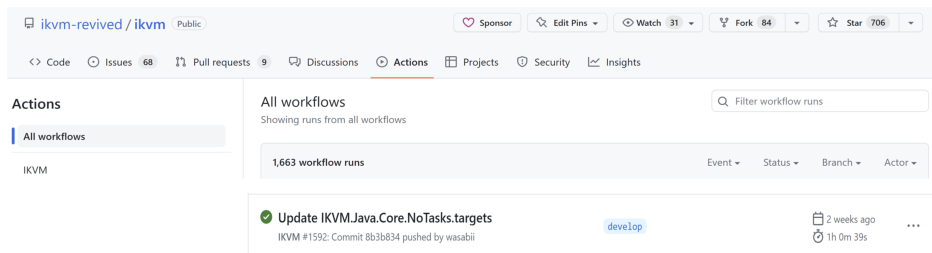
instead of building openjdk, which needs WSL, get it from Github Action Artifacts are there: https://github.com/ikvm-revived/ikvm/actions/runs/4536287480 Click on a build result for a relevant branch (typically you'll want to use develop)
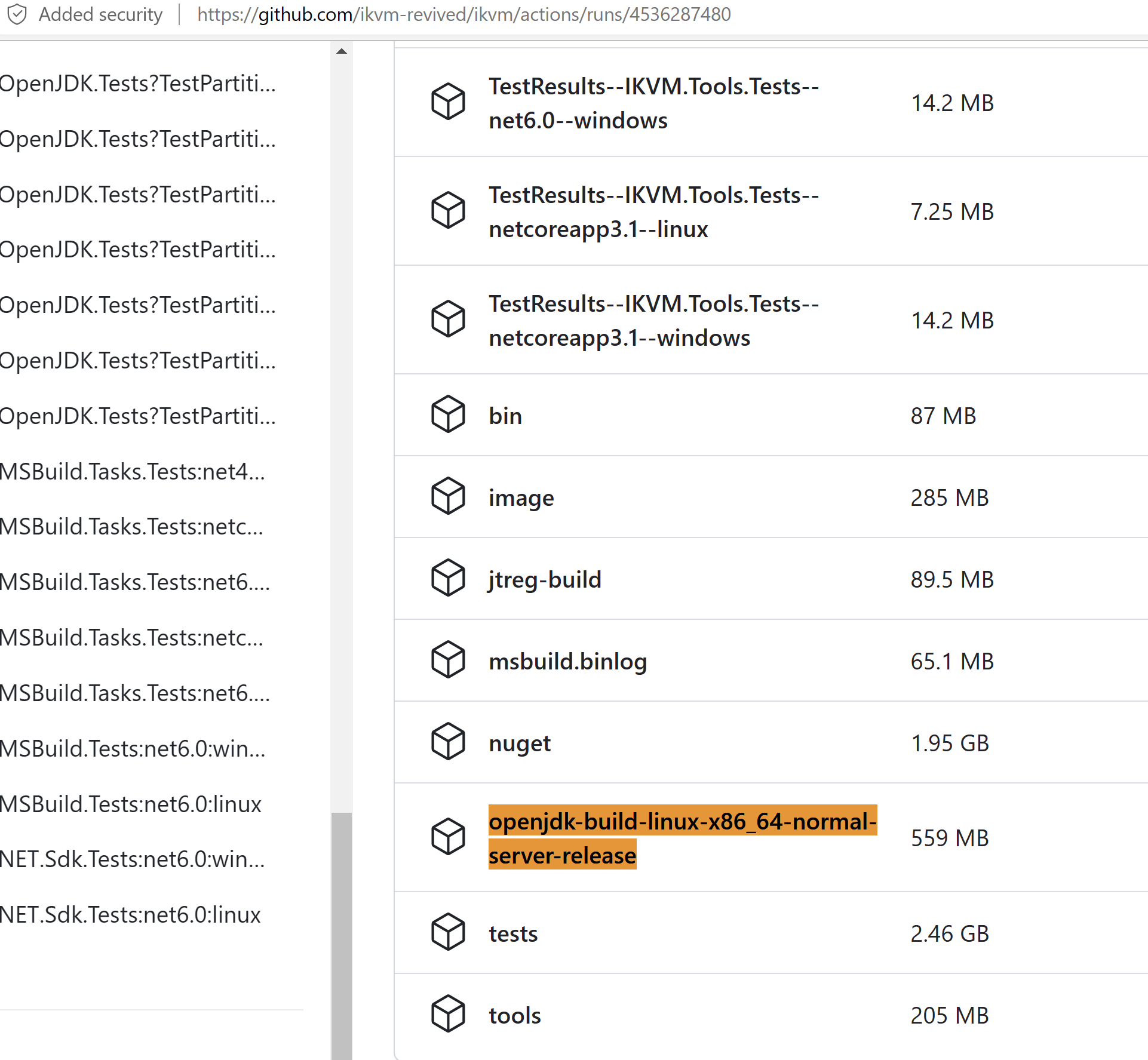
Scroll down to the bottom of the list to locate
openjdk-build-linux-x86_64-normal-server-release. Download this zip file from this link and unzip intoopenjdk/build.
The final folder structure
/openjdk/build/linux-x86_64-normal-server-release
Current: ikvm-jdk8u51-b34
Next___: ikvm-jdk8u60-b32
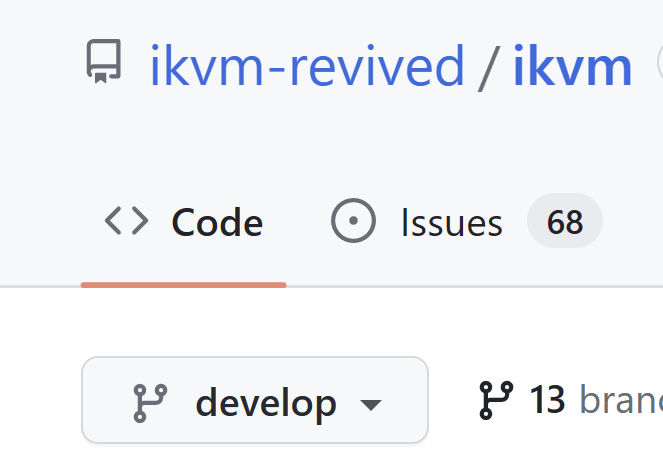
- Use Develop Branch
Native library was removed and replaced with LLVM generated trampolines. So it needs LLVM. But a plain install of LLVM is fine. No WSL needed
- Add LLVM through Visual Studio Installer (do not need => https://releases.llvm.org/download.html)
- Must use the Visual Studio Developer (Command Prompt|PowerShell) for Path extensions
[Abandoned PR]: Build OpenJDK without docker image
Previous
https://github.com/ikvm-revived/ikvm/blob/develop/CONTRIBUTING.md#build
The GitHub action's generated artifact can simply be extract into the appropriate spot in
openjdk/buildto avoid building it yourself. Navigate to the GitHub Actions, find the latest successfuly build for the branch you're concerned with, and download theopenjdk-build-linux-x86_64-normal-server-releaseartifact. Extract this zip file intoopenjdk/build.
