ghost
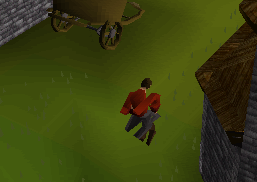 the win forms build: any pointers where to look to fix this? I still wonder if my cache is wrong, I had to source it piece by piece
#5 · closed · 6 comments
 the win forms build: any pointers where to look to fix this? I still wonder if my cache is wrong, I had to source it piece by piece
@communityus The best way to know if this is a Rs317.Sharp client problem is to run like a 317 Moparscape client, or another 317 client, to see if it also has the same problem. If you open a public server for me to connect to, I can connect with both the winforms client and a moparscape client to see if it's an issue with this project or just the server you're running.
It would also help to know what NPC that is, where it is and etc. The test server I downloaded doesn't have much on it, but maybe that NPC is there.
Has this been resolved?
Since I am revisiting this project. No it doesn't look like it is fixed. This is all part of the Document Server: https://github.com/HelloKitty/RS317.Sharp/issues/11 Recommend a 317 server: https://github.com/HelloKitty/RS317.Sharp/issues/2 issues. 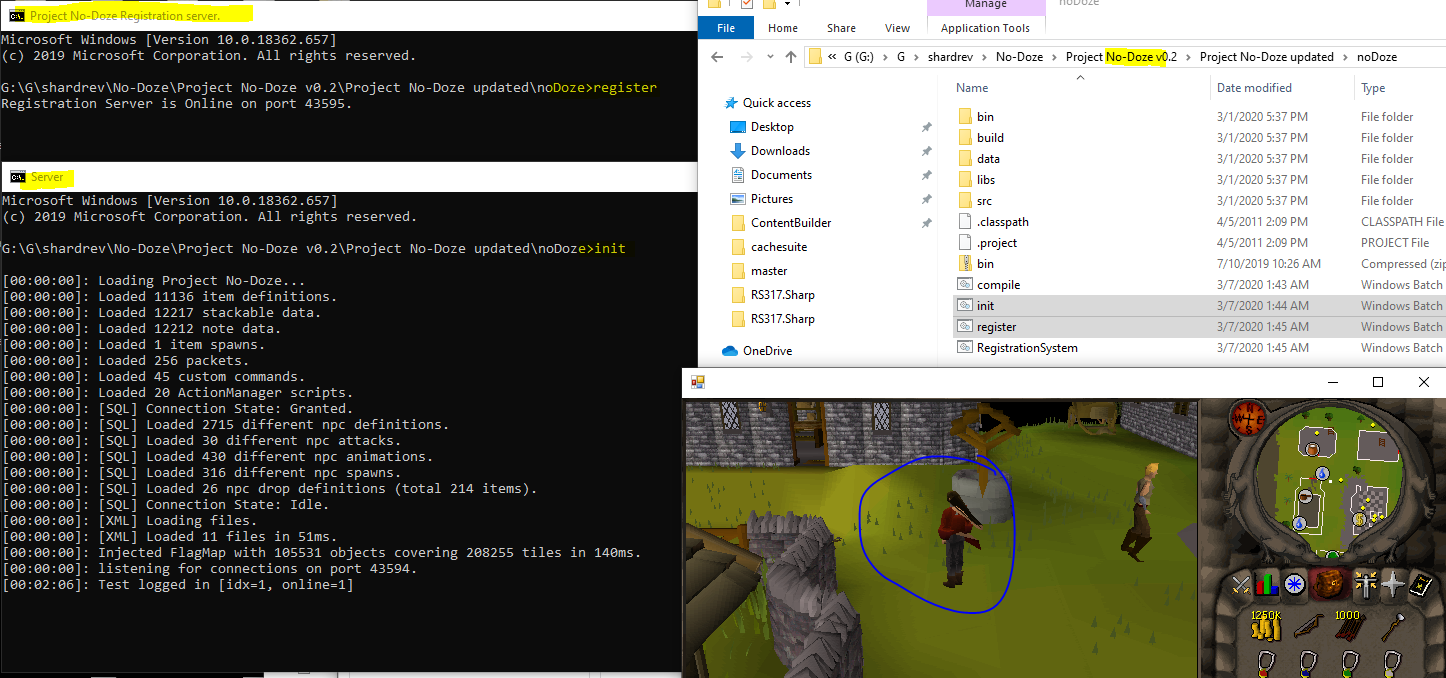 Thankfully, I had solved this way back when using the No-Doze server which (I assume during my research at that time was the closest to the server you mentioned using "shardrev") as that was the root folder name I put it in. Thank God I keep halfway decent notes lol. Anyways, even though today I was able to roll back to that old old commit and get the win forms working - it certainly doesn't work with present main branch. So not sure how to proceed until we get more information. So I am stuck here: https://github.com/HelloKitty/RS317.Sharp/issues/9#issuecomment-596056035
Its related to the player not having animations played. That is why the bones are all weird. If I click any animation - even in Unity the player looks normal. So do all the NPCs. 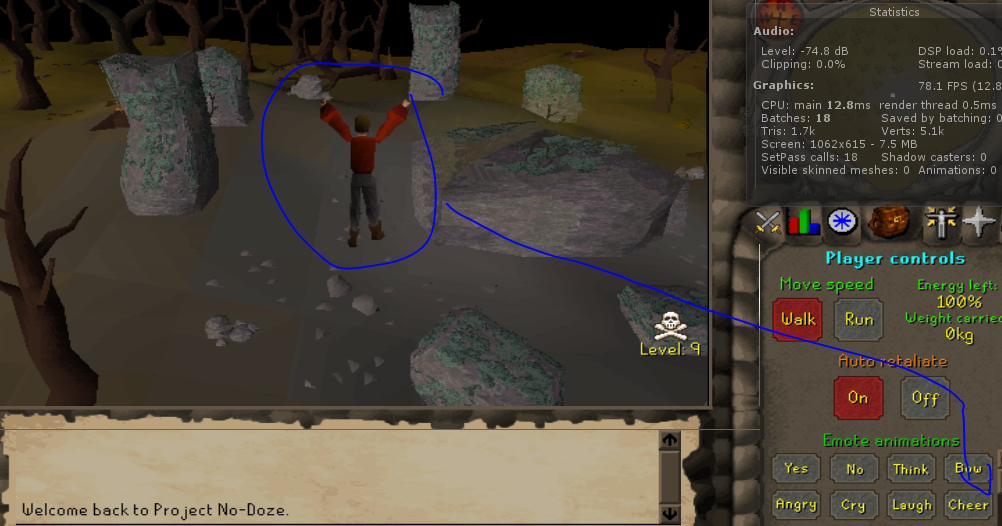 Tested on: https://github.com/HelloKitty/RS317.Sharp/tree/db5e5b662769edf5c3ff23006e7f954baf136901
Closing this out. https://github.com/HelloKitty/RS317.Sharp/issues/6