This is an app that allows a user to create and save notes in one sp
To install and run locally from Git Hub repository, got to the repository: https://github.com/Jdoyle5254/note_taker_w11.
Click CODE box, select SSH and copy the repository to your clipboard.
In your command-line navigate to the folder you want to hold the repository.
Once there type 'git clone' and paste the repository information into the line.
Once completed open the code in VS by typing the command code .
This will take you to VS Code and you will be in the repository on your local machine.Once cloned,
create package.json using npm init. The dependencies for this program are "express": "^4.16.4", "nodemon": "^2.0.6", "uuid": "^8.3.2".
To access from a browser: https://wonderful-note-taker.herokuapp.com/
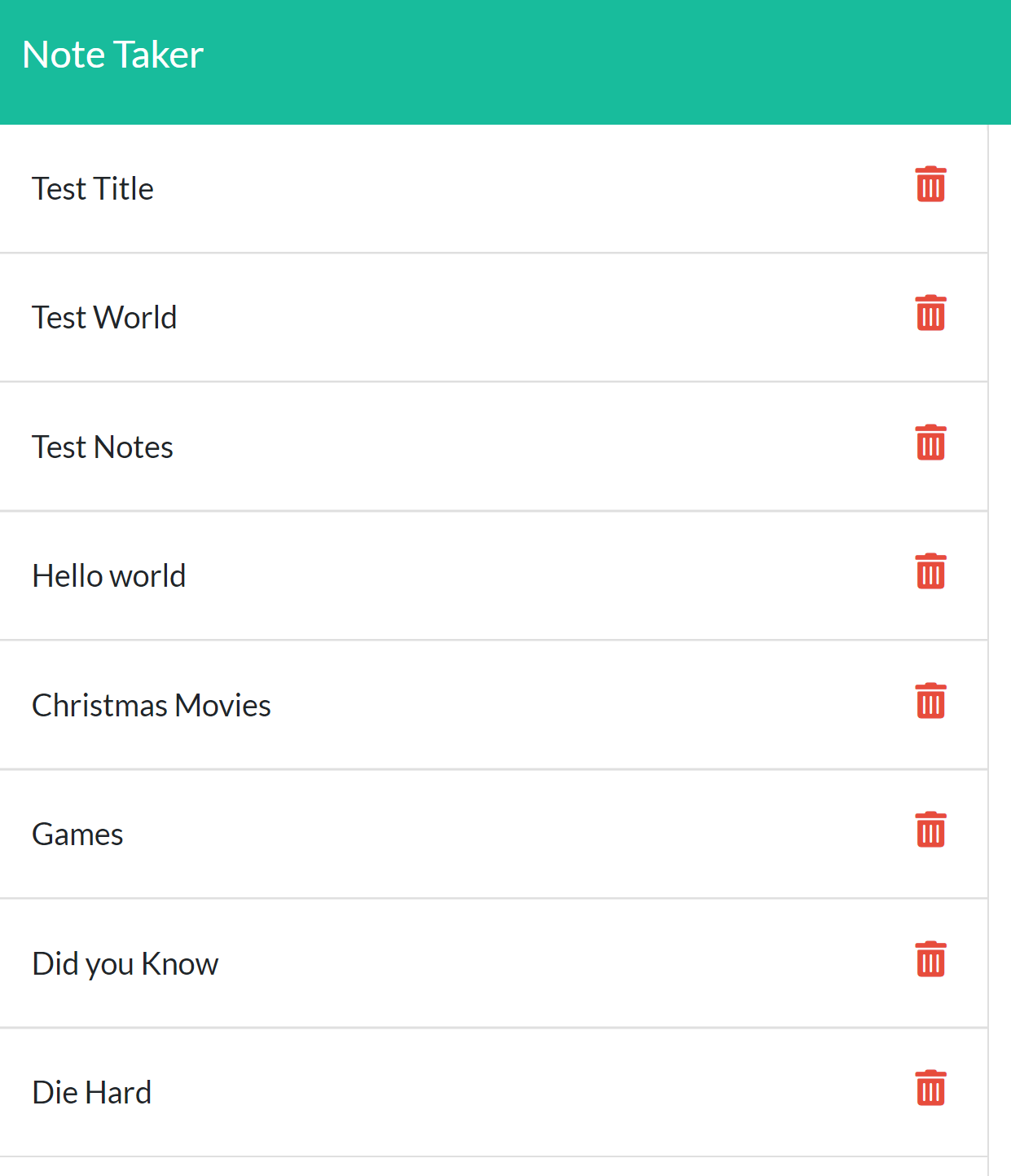
The user navigates to the site they are presented with a create note button, they can click that create and give the note a title and input text. The user will then be able to save the note and it will remain on the page saved for future use. The user will also be able to delete their notes as needed and the note will be removed from the note list.
I had a lot of help with this project. Of Course TA's and instructional team, and tutor. I also used a map and reference the following to guide and resolve issues.
https://evdokimovm.github.io/javascript/nodejs/2016/11/11/write-data-to-local-json-file-using-nodejs.html
https://youtu.be/L72fhGm1tfE
https://www.codementor.io/@oparaprosper79/understanding-node-error-err_http_headers_sent-117mpk82z8
For more information on this project, here is a link to GitHub: GitHub Link
Please reach out via email for any further questions: [email protected]
