
Simple, clean and consistent designed Theme for Playnite Desktop Mode. To achieve the best User Experience and Usability.
It's using Segoe Fluent Icons for the theme, you might need to download the Segoe Fluent Icons
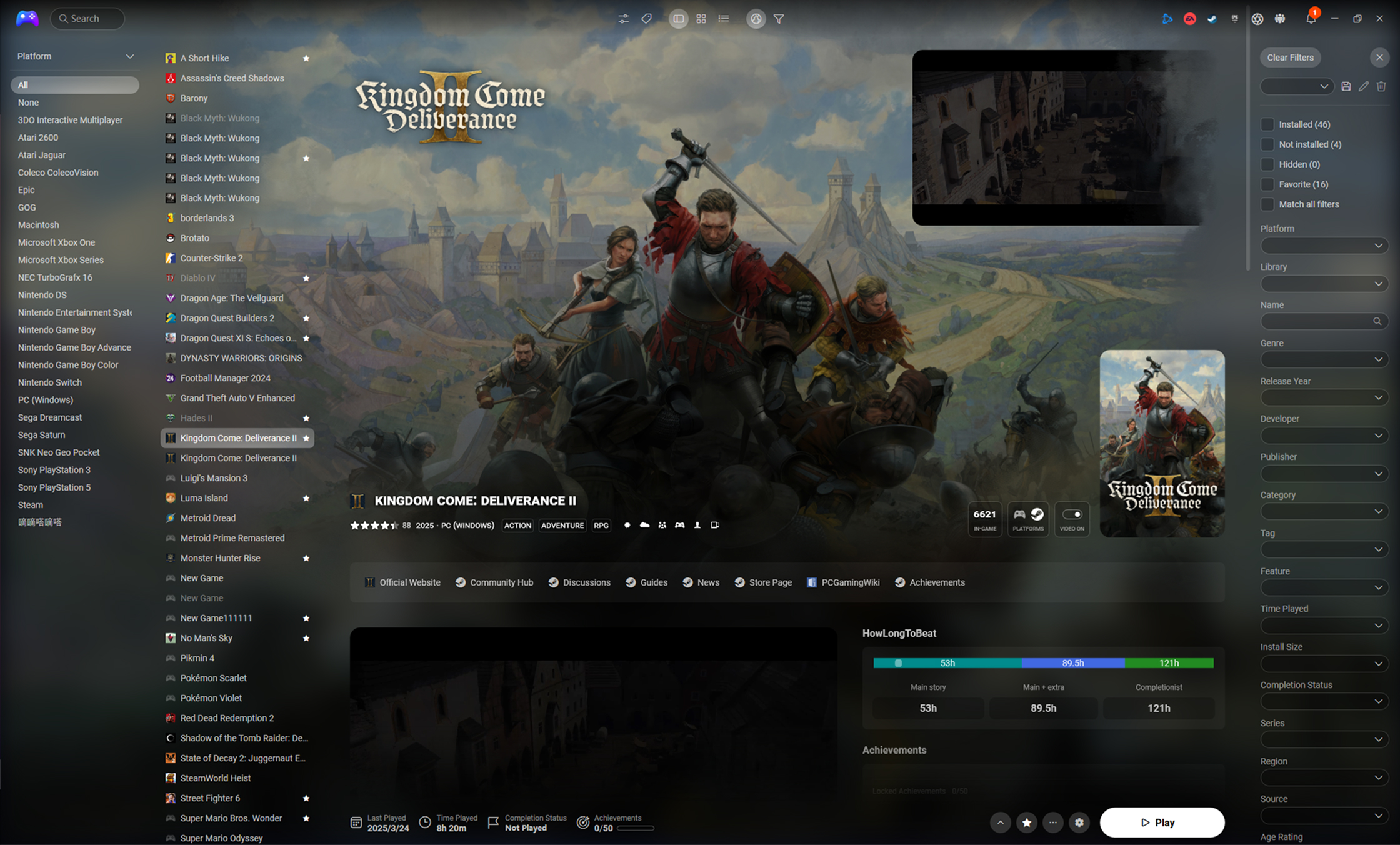
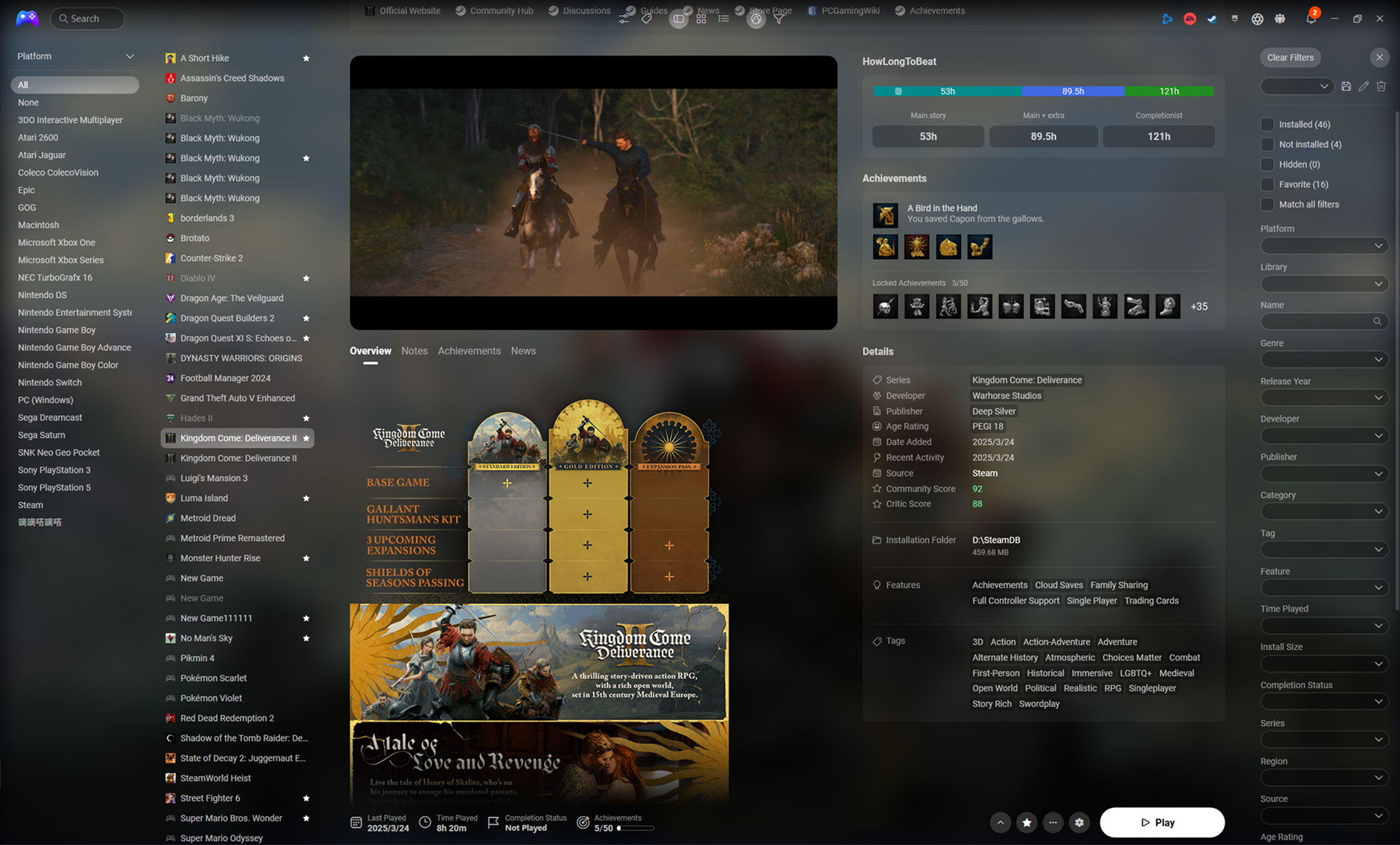
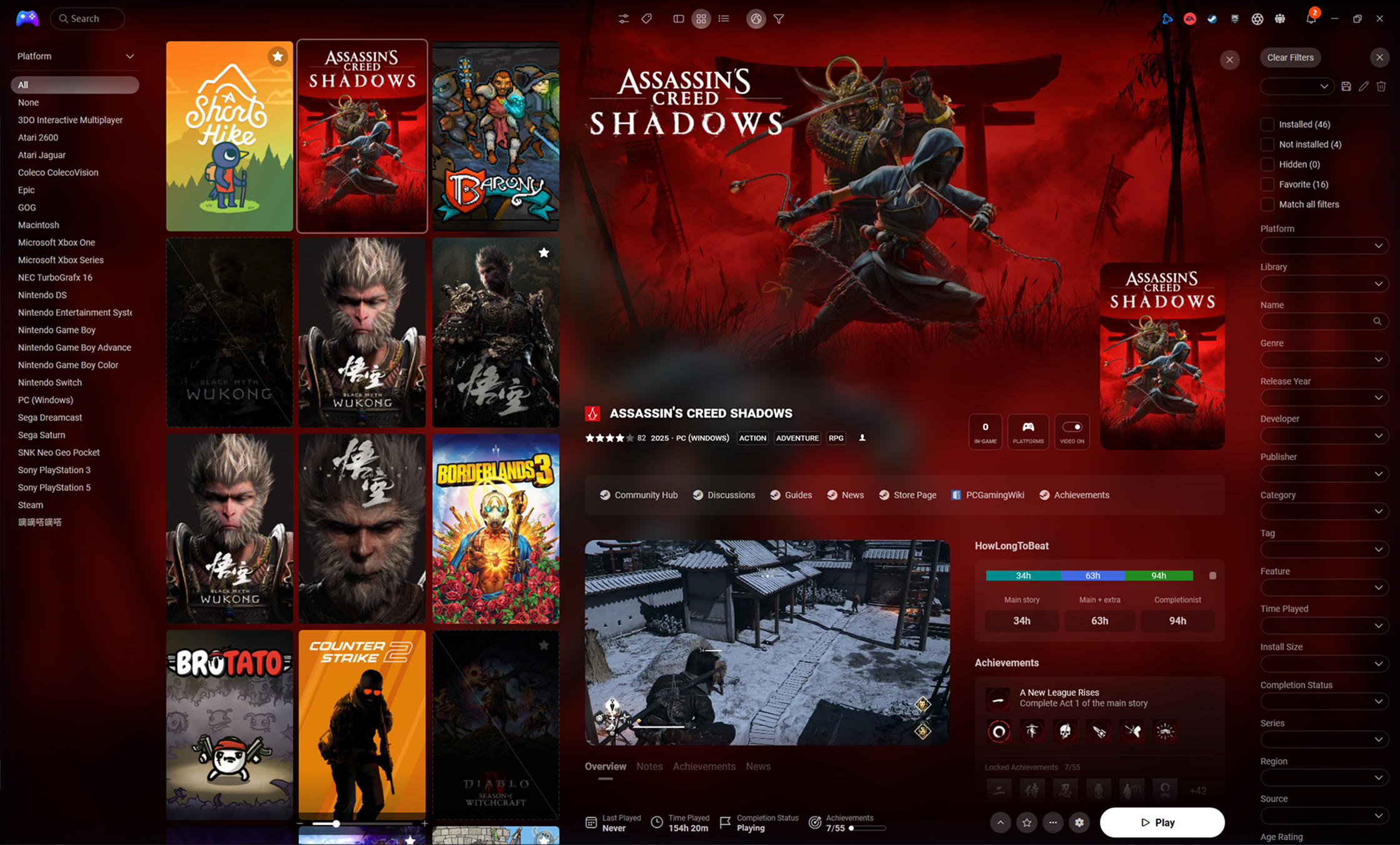
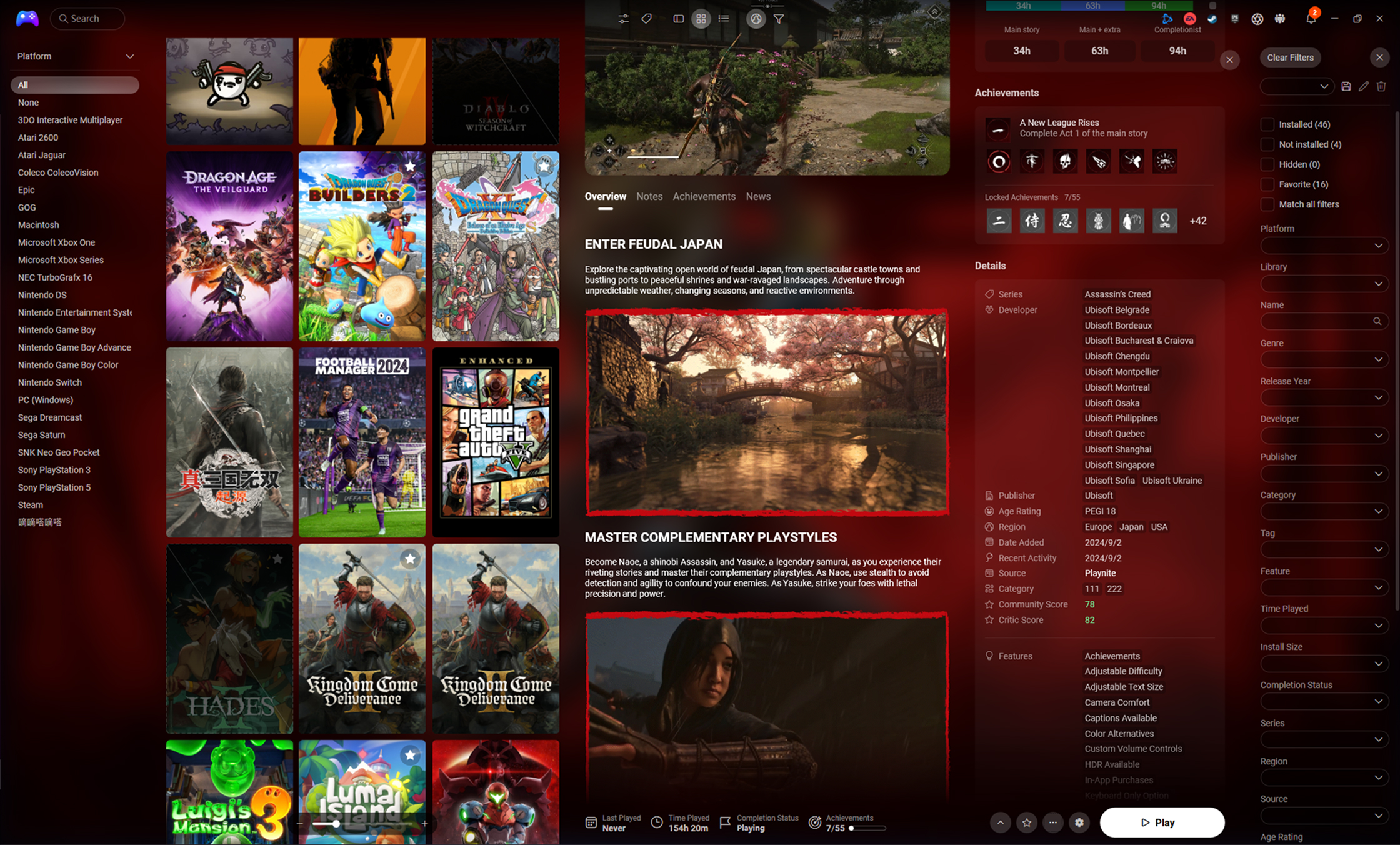
Please follow This guide
- If you found a bug or want to request a feature, please open a new issue in the Issues Tracker
- For general support, please contact me in the channel dedicated to themes support in the Playnite Discord
- A: Download the latest packaged
pthmtheme file from the Releases page and open it. - B: Click the
Downloadbutton on the Playnite addon page to start the install process. - C: Download from the Addons browser in Playnite.
Extra Metadata Loader is a very good and important component in the FusionX to achieve better effect.
At the beginning, just support:
- Achievements: SuccessStory extension.
- HowLongToBeat data: HowLongToBeat extension.
- Logos: Extra Metadata Loader extension.
- Screenshots: ScreenshotsVisualizer extension.
- Videos: Extra Metadata Loader extension.
- Theme Customized: ThemeModifier extension.
- Custom UI: ThemeExtras extension.
- Steam News: Steam News and Players Viewer extension.
- Steam Reviews: Steam Reviews Viewer extension.
- Steam Screenshots: Steam Store Screenshots Viewer extension. Addiing more...
If you like what I've done...

Special Thanks
- adrian5683
