
A modern in-browser database IDE & CLI for your dev & data workflows.
Install Now »
Join Discord Community
·
Explore the docs
·
Read Updates




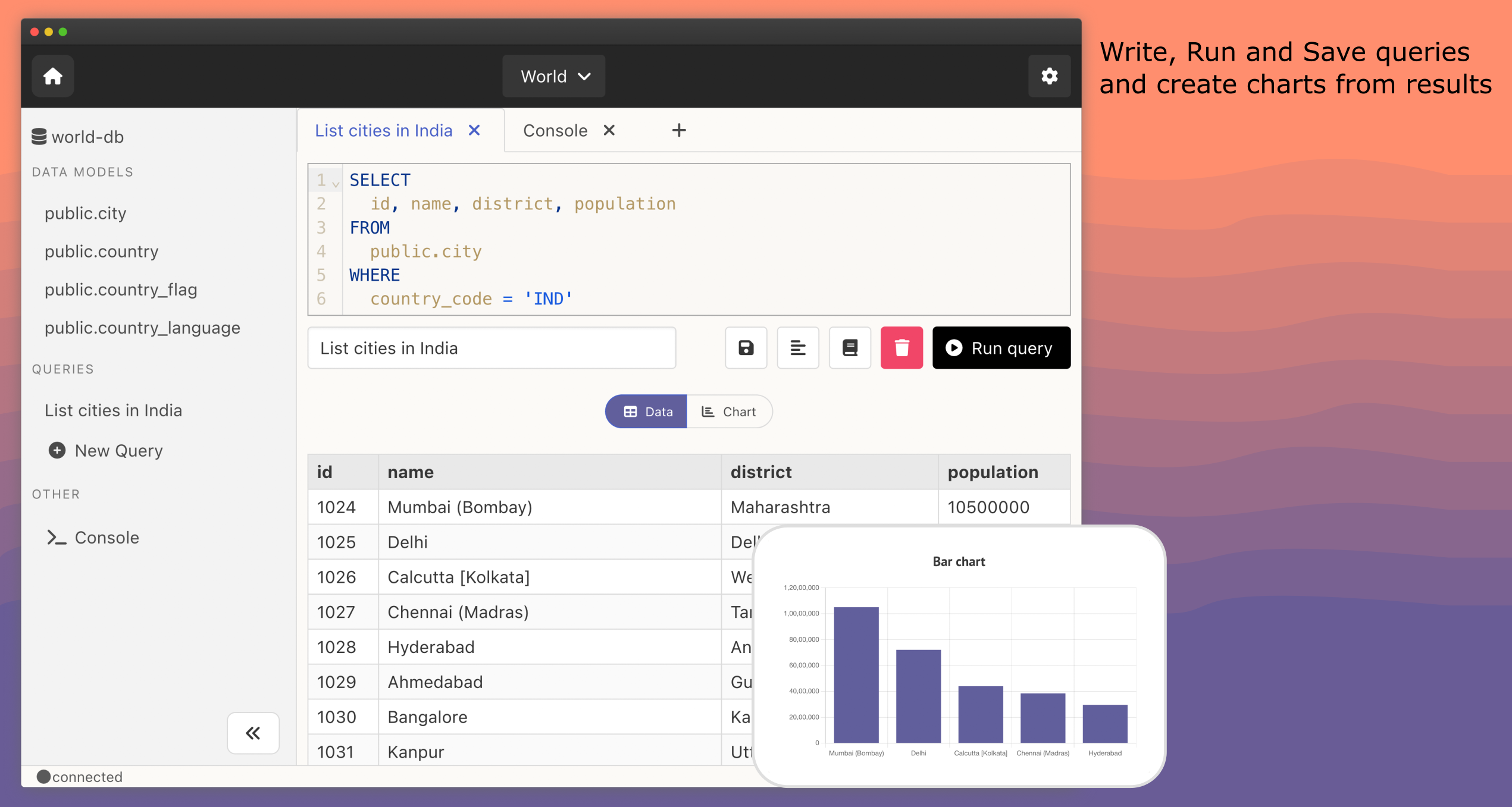
Slashbase is a modern in-browser database IDE & CLI for your dev/data workflows. Use Slashbase to connect to any of your database, browse data and schema, write, run and save queries, create charts, right from your browser. Supports PostgreSQL and MongoDB.
- 🧑💻 Browser & CLI based: Use as IDE in your browser or as CLI in terminal.
- 🪄 Modern Interface: With a modern interface, it is easy to use.
- ⚡️ Quick Browse: Quickly filter, sort & browse data and schema with a low-code UI.
- 💾 Save Queries: Write and Save queries to re-run in future.
- 📊 Create Charts: Create charts from your query results.
- 🗂 Projects: Organise all database connections into various projects.
- 📕 Query Cheatsheets: Search for query commands right inside IDE, no need to search online when you forget query syntax.
- ✅ Database Support: PostgreSQL and MongoDB.

The app should be installed on your desktop/laptop and should used as a part of your local development enviroment. Follow the steps below to download & start the app:
brew tap slashbaseide/brew
brew install slashbase
- Download the latest release and extract the zip.
- Run
./slashbaseon terminal to start the app.
- Download the latest release and extract the zip.
- Run
./slashbaseon terminal to start the app.
scoop bucket add kulfi-scoop https://github.com/Animesh-Ghosh/kulfi-scoop
scoop install slashbase
If you don't have scoop installed on windows:
iwr -useb get.scoop.sh | iex
- Download the latest release and extract the zip.
- Run
slashbaseon cmd terminal to start the app.
Run slashbase:
slashbase
Check slashbase version:
slashbase version
View slashbase help:
slashbase help
To connect to Slashbase IDE:
- Make sure Slashbase is running
- Visit http://localhost:22022
Detailed documentation is available on slashbase guide.
Join our community on discord and bip.
Read our contribution guide for getting started on contributing to the project.
If you face any issues installing or using slashbase, send us a mail on [email protected] or contact support chat on our website slashbase.com.
See the LICENSE file for license rights and limitations.


