Utility mod for performing Entity ID Suppression.
- See the Current Entity ID of the server you're playing on.
- Manipulate the Current Entity ID for testing EID Suppression.
- Benchmark your EID overflower with
/eid track.
EIDTracker displays the Current Entity ID in the F3 menu.
You can turn this on with F3+F6, under eidtracker:current_entity_id.
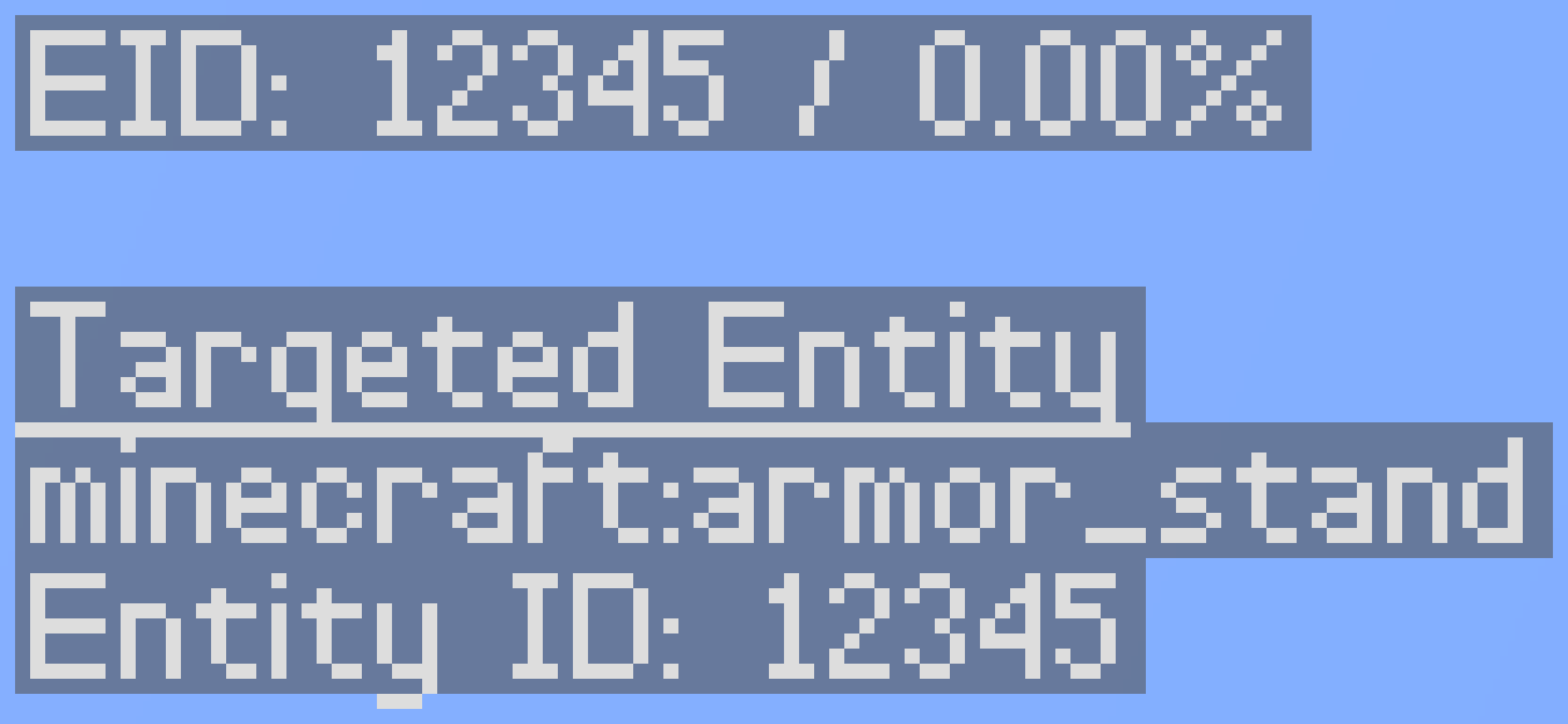
If you have looking_at_entity on in your F3 screen,
you can see the ID of the entity you're looking at.
If you have MiniHUD installed,
EIDTracker lets you add an info line for the Current Entity ID.

If you have infoLookingAtEntity turned on,
you can see the ID of the entity you're looking at.
In singleplayer, the Current Entity ID is always accurate and pulled
straight from the integrated server.
In multiplayer, there are three possible sources for the Current Entity ID.
- Directly from EIDTracker with
/eid subscribe. - Pulled from Carpet TIS Addition's
/log entityIdCounter. - Estimated from
add_entitypackets. (Default)
In singleplayer, you don't have to do anything, the Current Entity ID is already as accurate as possible.
On a server with EIDTracker installed, you can run /eid subscribe
to recieve the accurate Current Entity ID live, as it changes.
On a server without EIDTracker installed but with Carpet TIS Addition installed,
you can run /log entityIdCounter to log the Current Entity ID.
This updates slower than EIDTracker does, but it's more accurate than estimating.
On a server without EIDTracker or Carpet TIS Addition,
EIDTracker does its best to estimate the Current Entity ID from add_entity packets.
If EIDTracker is currently estimating the Current Entity ID,
you will see [est] in the F3 screen and the MiniHUD info line.
Due to MC-238384, in singleplayer, the Current Entity ID is incremented twice. Once on the server thread and once on the render thread. EIDTracker allows you to fix this bug.
If you have Tweakeroo installed, this is done via the new Tweakeroo setting, tweakSingleplayerEntityIdFix.

If you do not have Tweakeroo installed, the command /eid fix is available to you.
This will toggle between singleplayer and multiplayer behavior.
So long as EIDTracker is on the server and you have OP permissions, the following commands are available to you.
EIDTracker is not required on the client for these to work.
/eid get- Get what the Current Entity ID is./eid set <value>- Set the Current Entity ID to a specific value./eid increment [value]- Increment the Current Entity ID by a specific value./eid decrement [value]- Decrement the Current Entity ID by a specific value.
Using /eid increment or /eid decrement without specifying a value will increment/decrement by 1.
If you're designing an Entity ID Overflower for Entity ID Suppression,
you can use /eid track to see how fast your overflower will wrap around the Entity ID in practice.
/eid track startbegins tracking the Entity ID./eid track stopstops tracking the Entity ID./eid trackallows you to see the progress so far.
If you're not actively tracking the Current Entity ID,
/eid track is an alias for /eid track start.

Once the Current Entity ID has incremented 2^22 times,
your tracker will automatically stop and the benchmark
will display how fast you're overflowing.
The "Overflow in N ticks" line is always measured from when
you ran /eid track start, not from when the progress was printed.


