adds a gradient border to the Hyper terminal
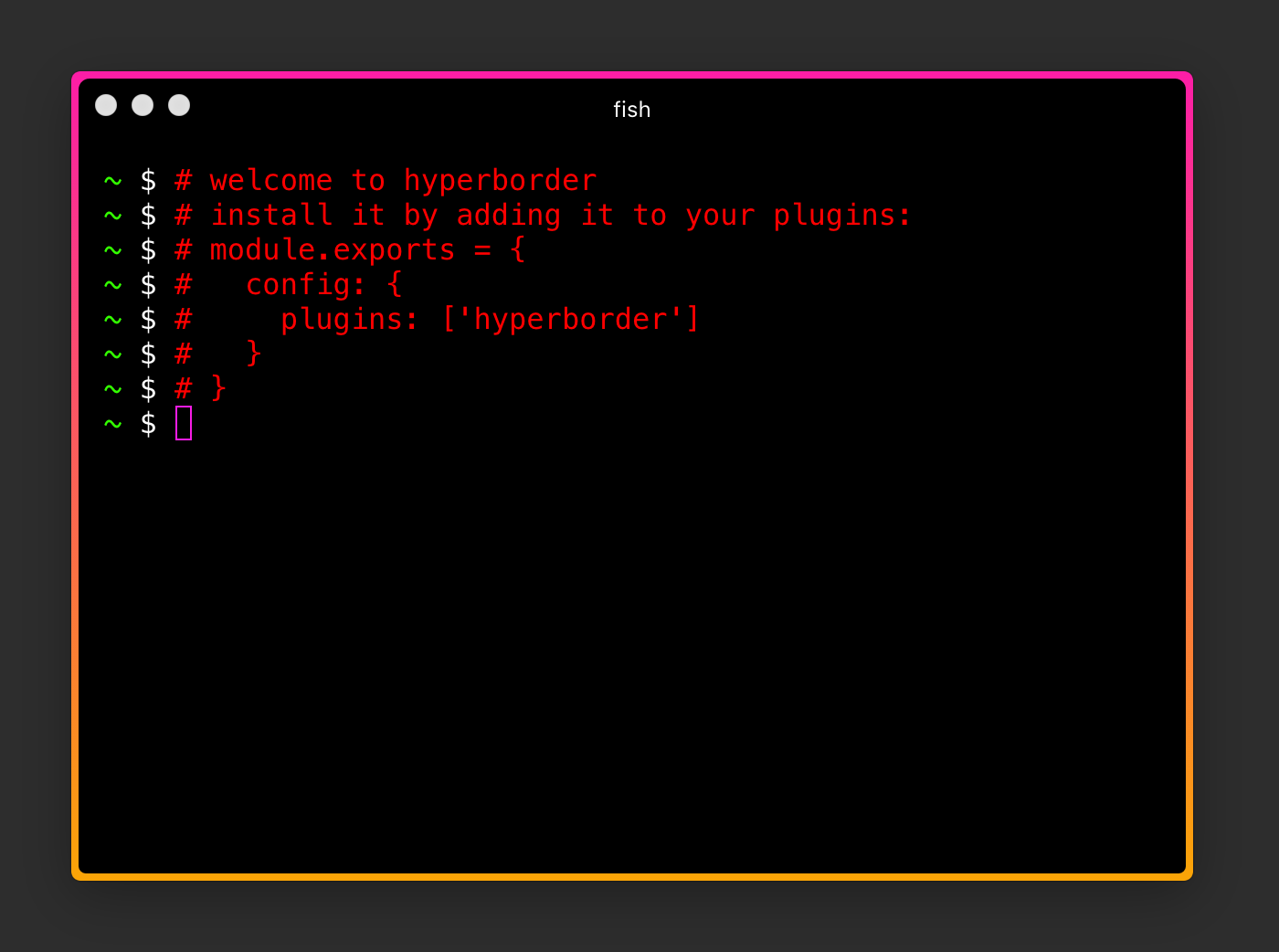
add it to plugins in your ~/.hyper.js configuration
module.exports = {
  ...
  plugins: ['hyperborder']
  ...
}
then just restart Hyper app or go to the menu 'Plugins / Update All Now'
It is now possible to change the gradient colors and the border width.
Just add the following to your .hyper.js:
module.exports = {
  config: {
    ...
      hyperBorder: {
        borderColors: ['#fc1da7', '#fba506'],
        borderWidth: '8px'
      }
    ...
  }
}In addition, you can set any color value to 'random' (string value):
module.exports = {
  config: {
    ...
      hyperBorder: {
        borderColors: ['random','random'],
        borderWidth: '8px'
      }
    ...
  }
}
Then every newly opened Hyper terminal window will have a different colored border.
You like some animations? Then try this:
module.exports = {
  config: {
    ...
    hyperBorder: {
      animate: true,
      ...
    }
    ...
  }
}Because we use CSS3's linear-gradient, we're able to specify angles at which to create the radius. Set your own angle like this:
module.exports = {
  config: {
    ...
    hyperBorder: {
      borderAngle: '180deg',
      ...
    }
    ...
  }
}