Ever since the onset of covid, the world has heavily been depending on various forms of online communication in order to keep the flow of work going. For the first time ever, we experienced teaching via zoom, Microsoft teams and various other platforms.
Understanding concepts without visual representation has never been easy and not all teachers or institutions can afford Edupen, iPads, or other annotation software.
Our product aims at building a richer bridge between machines and humans than primitive text user interfaces or even GUIs (graphical user interfaces). It is alternative user interface for providing real-time data to a computer instead of typing with keys thereby reducing the amount of effort required to communicate over platforms.
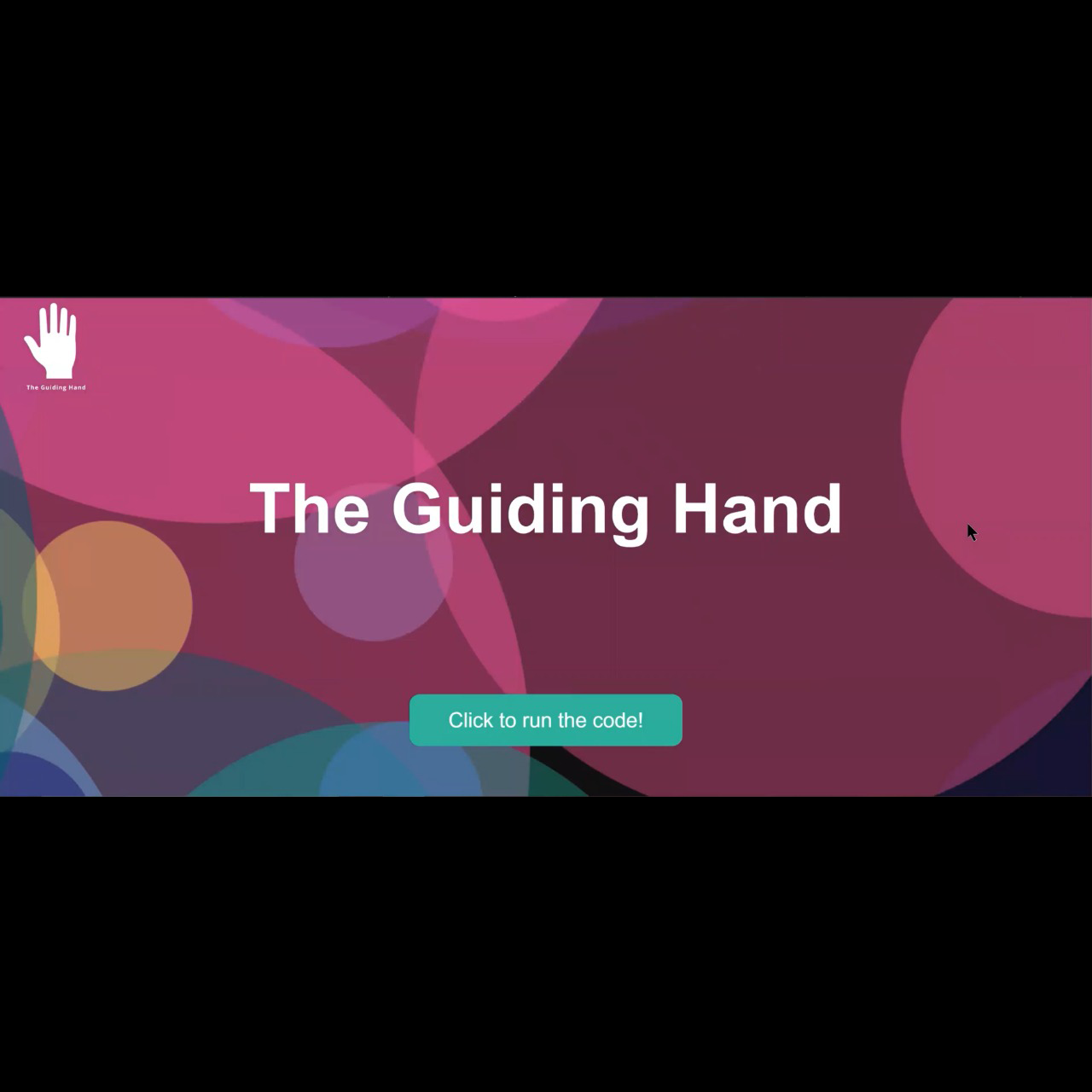
When a user opens the Guiding Hand's website they see a button. On clicking the button they are led to our application.
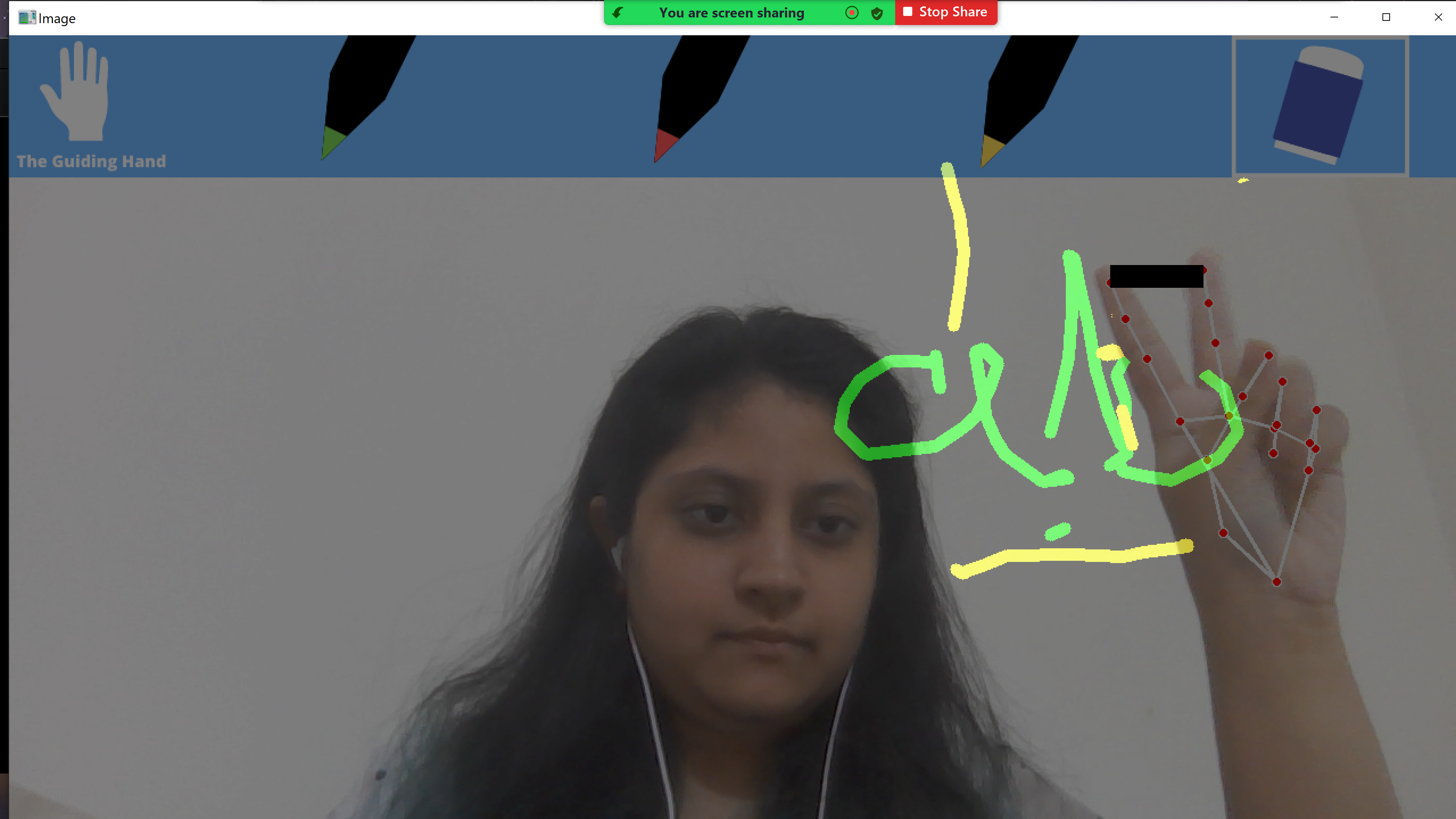
The application uses hand gestures to perform various functions.
- 1 finger to draw on the screen.
- 2 fingers to change pen color or select eraser.
- 3 fingers to take a screenshot.
- 4 fingers to clear the screen.
- ReactJS for the site
- Python- libraries such as opencv, mediapipe, numpy, and pyscreenshot.
- Flask to build the server that runs the Python application
NodeJs and Python need to be installed.
cd draw-app
npm install
(if any vulnerabilities)
npm audit fix
npm install --save particles-bg
npm install styled-components
npm start
pip install Flask
pip install mediapipe
pip install numpy
pip install opencv-python
pip install pyscreenshot
cd flaskapp
flask run
On performing the npm start command, a react server will open up. Click on the button on the site to start the application. (Ensure that camera access is enabled) A Python window will open up. Enjoy using our interface!
- Adding more hand gestures for more features.
- Allowing multiple people to draw on the same screen simultaneously.
- Annotating over a shared screen.
- Converting hand-drawn text on-screen to text and saving it in a document.