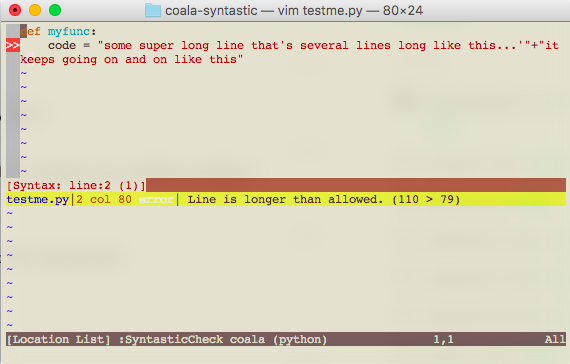
Installation Instructions:
There are 3 ways to install this plugin to begin using it with vim.
1) Manually (for vim)
-
Navigate to your
.vimdirectory -
Create a
bundledirectory inside your.vimfolder -
git clone https://github.com/RohanVB/syntastic-coala.gitinside the bundle directory -
Find your vim runtimepath. This can be done by running
:set runtimepath?inside the vim editor -
Edit
~/.vimrcto containset runtimepath^=~/.vim/bundle/ctrlp.vim(replace it to what your runtimepath is) -
Reload your
~/.vimrcby:source ~/.vimrc
2) Using vim-plug (for vim)
Add Plug https://github.com/RohanVB/syntastic-coala.git to the vim-plug section of your ~/.vimrc
3) Using vim-plug (for neovim)
Add Plug https://github.com/RohanVB/syntastic-coala.git to the vim-plug section of ~/.config/nvim/init.vim