SwiftMarkdownView is a surprisingly performant SwiftUI view that renders Markdown content.
I call it surprising because the underlying view is a WKWebView,
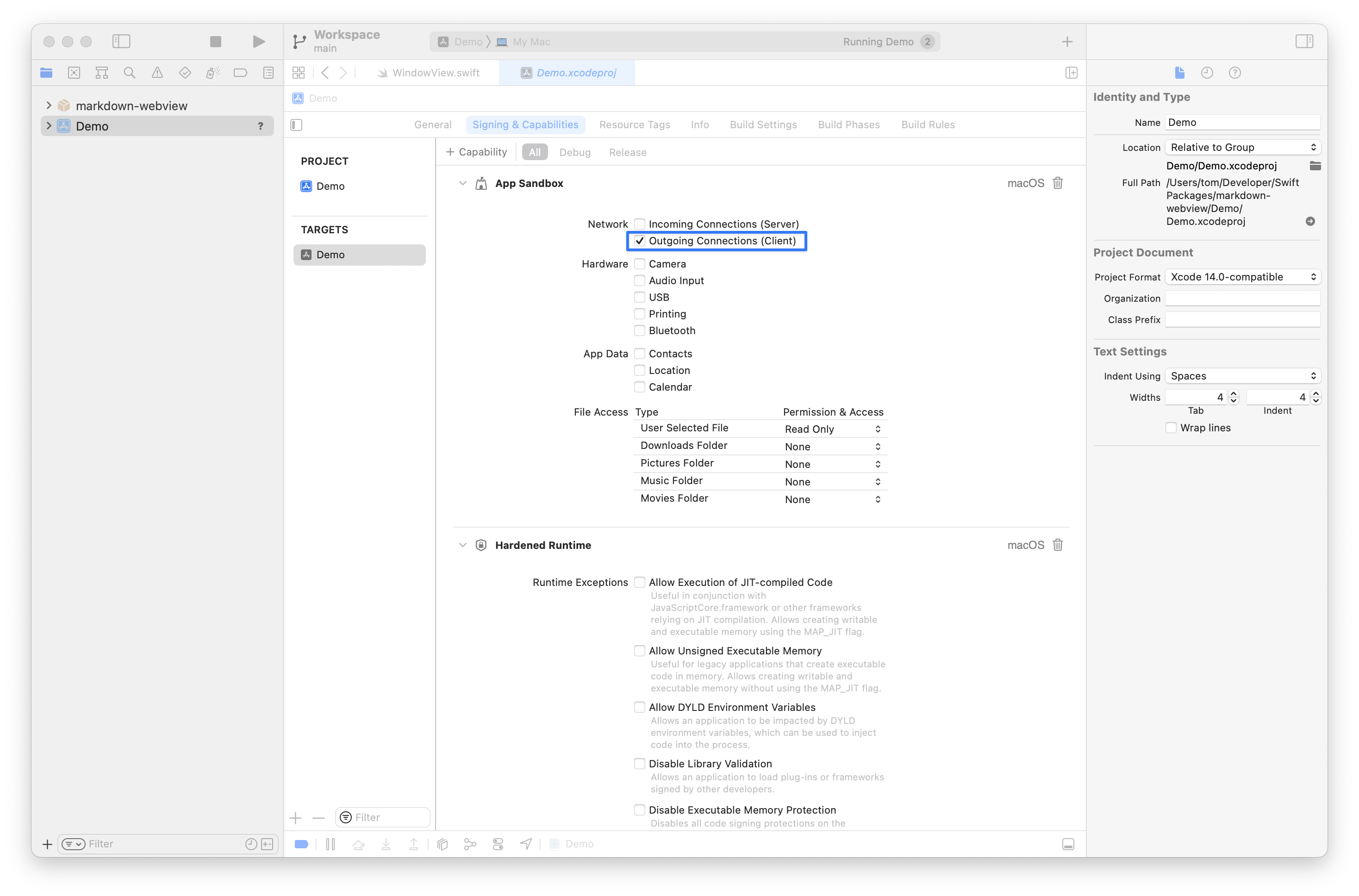
The underlying web view loads an HTML string. For the package to work in a macOS app, enable the "Outgoing Connections (Client)" capability.
What it looks like in Xcode
v3.mp4
Auto-adjusting View Height
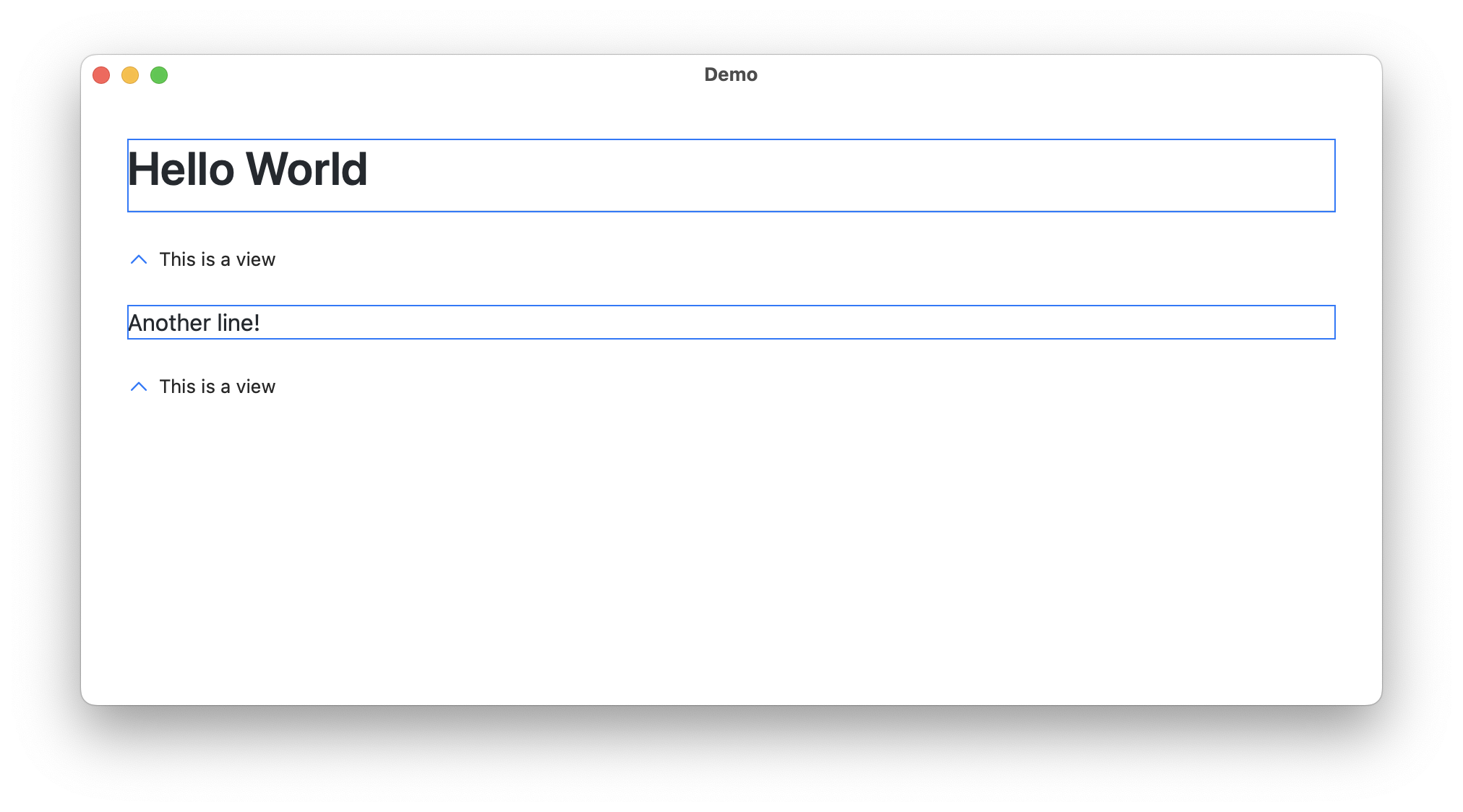
The view's height is always the content's height.
Text Selection
Dynamic Content
v3.mp4
Code Block Themes
Multiple predefined themes are available for syntax highlighting, including GitHub, Atom, Tokyo Night, and more.Text Highlighting
Highlight specific text within the markdown content for search or emphasis.Font Size Customization
Easily adjust the font size of the rendered content.- macOS 11 and later
- iOS 14 and later
Add this package as a dependency.
See the article “Adding package dependencies to your app” to learn more.
import SwiftUI
import SwiftMarkdownView

struct ContentView: View {
    @State private var markdownContent = "# Hello World"

    var body: some View {
        NavigationStack {
            SwiftMarkdownView(markdownContent)
        }
    }
}import SwiftUI
import SwiftMarkdownView
struct ContentView: View {
@State private var markdownContent = "# Hello World"
var body: some View {
NavigationStack {
SwiftMarkdownView(
markdownContent,
fontSize: 18
)
}
}
}import SwiftUI
import SwiftMarkdownView
struct ContentView: View {
@State private var markdownContent = """
# Code Example
```swift
print("Hello, World!")
```
"""
var body: some View {
NavigationStack {
SwiftMarkdownView(
markdownContent,
codeBlockTheme: .tokyo
)
}
}
}Available themes: .github (default), .atom, .a11y, .panda, .paraiso, .stackoverflow, .tokyo
import SwiftUI
import SwiftMarkdownView

struct ContentView: View {
    @State private var markdownContent = "# Hello World\nThis is some sample text."
    @State private var searchText = "sample"

    var body: some View {
        NavigationStack {
            SwiftMarkdownView(
                markdownContent,
                highlightString: searchText
            )
        }
    }
}import SwiftUI
import SwiftMarkdownView
struct ContentView: View {
@State private var markdownContent = "# Hello World"
@State private var contentHeight: CGFloat = 0
var body: some View {
NavigationStack {
SwiftMarkdownView(
markdownContent,
calculatedHeight: $contentHeight
)
Text("Content height: \(contentHeight)")
}
}
}SwiftMarkdownView(
markdownContent, // The markdown string to render
calculatedHeight: $height, // Binding to get the calculated content height
fontSize: 16, // Font size (default: 16)
highlightString: "search term", // Text to highlight (default: "")
baseURL: "https://example.com", // Base URL for relative links (default: "")
codeBlockTheme: .github // Code syntax theme (default: .github)
)Links are automatically opened in the default browser. Currently, custom link handling is not supported but may be added in future versions.
The underlying web view loads an HTML string. For the package to work in a macOS app, enable the “Outgoing Connections (Client)” capability.
What it looks like in Xcode
Portions of this package may utilize the following copyrighted material, the use of which is hereby acknowledged.
- markdown-it
© 2014 Vitaly Puzrin, Alex Kocharin - Punycode.js
© Mathias Bynens - highlight.js
© 2006 Ivan Sagalaev - markdown-it-mark
© 2014-2015 Vitaly Puzrin, Alex Kocharin - markdown-it-task-lists
© 2016, Revin Guillen - github-markdown-css
© Sindre Sorhus
