







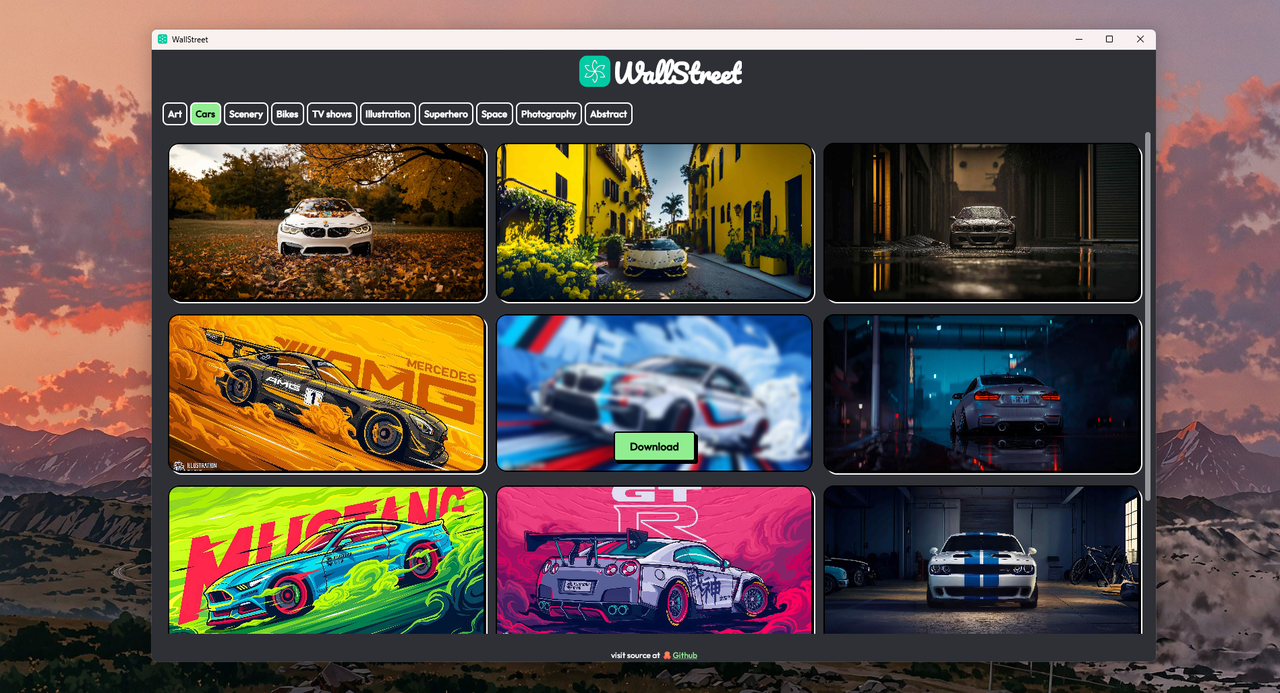
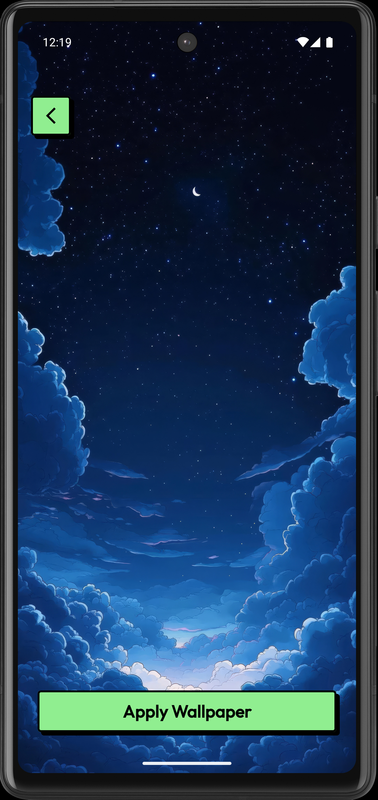
This app leverages Jetpack Compose / Kotlin Multi-Platform to create a beautiful and responsive Wallpaper app for above mentioned platforms. While there are a lot of Wallpaper app and alternatives out there, Here's why you could choose WallStreet.
✅ Always free and OpenSource
✅ No Ads or purchases
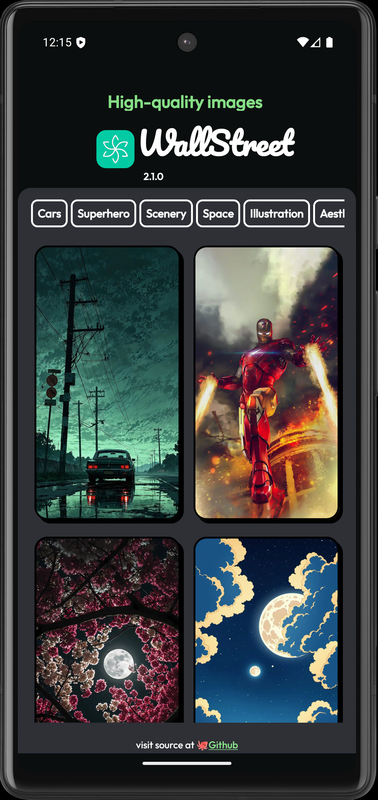
✅ Performant, Responsive and Beautiful UI (NeoBrutalism)
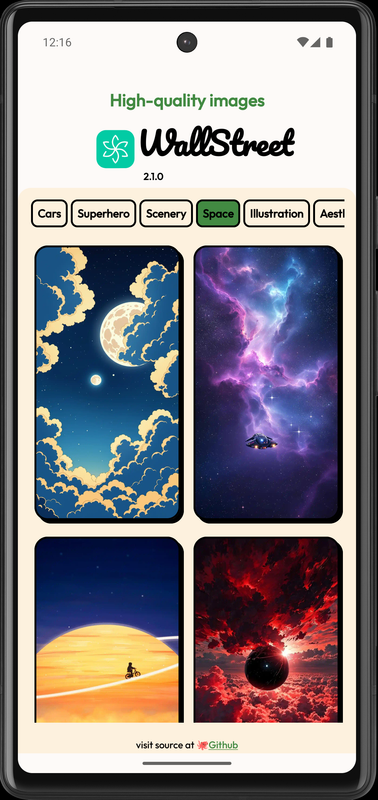
✅ Dynamic app theme based on wallpaper
✅ All the goodness of Jetpack compose in one place
✅ Your app, your own wallpaper collection (Read below to know how you can add more wallpapers yourself)
✅ Multi-platform compatibility
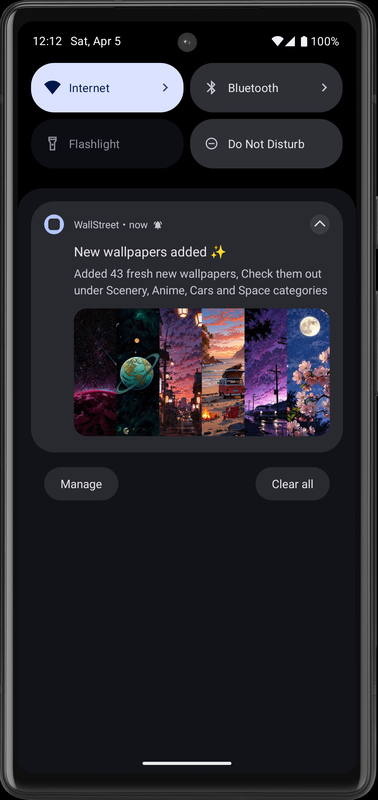
✅ Wallpapers constantly refreshed and added
✅ Fits devices of all screen sizes
✅ Single click to apply
✅ Quickly filter through various wallpaper categories
✅ Download 4k wallpapers instantly
✅ Actively maintained and evolving
✅ Lightweight in size


| Platform | Compatibility |
|---|---|
| Windows | ✅ |
| MacOS | ✅ |
| Linux | ✅ |
| Android | ✅ |
| IOS | ❌ |
Note
Although the project is OpenSource, It is appreciated not to re-package and sell this project with the same name. This helps maintain authenticity of the project.
To build and run the application on your local machine, follow these instructions:
- IntelliJ IDEA installed
- Java Development Kit (JDK) installed (JDK 18 or higher)
-
Clone this repository to your local machine:
git clone https://github.com/StarkDroid/WallStreet.git
-
Open the project in IntelliJ IDEA.
-
Ensure that you have the required JDK configured in IntelliJ IDEA.
Build package using Gradle within the IDE to make your life easier
Gradle icon > Tasks > compose desktop > packageReleaseDistributionForCurrentOS
The above step creates the installer package, i.e .exe and .dmg
To simply run the project on (desktop) using
Gradle icon > Tasks > compose desktop > run
Any pull request that can make a difference and or improve the project is highly appreciated!
Feel like there's quite less count on wallpapers inside? 😟
Be the first one to contribute! 🫵
Head over to the WallStreet-API repo to know more
Refer to these links, to learn more about the project in code level
While I love to give to the community than take, I wouldn't say no to some coffee 😁☕️

If you liked the project, star the repository to encourage me 🌟
Copyright (C) 2025 Trishiraj

This program is free software: you can redistribute it and/or modify
it under the terms of the GNU Affero General Public License as published
by the Free Software Foundation, either version 3 of the License, or
(at your option) any later version.

This program is distributed in the hope that it will be useful,
but WITHOUT ANY WARRANTY; without even the implied warranty of
MERCHANTABILITY or FITNESS FOR A PARTICULAR PURPOSE. See the
GNU Affero General Public License for more details.

You should have received a copy of the GNU Affero General Public License
along with this program. If not, see <https://www.gnu.org/licenses/>.
