Portable is a sandbox framework targeted for Desktop usage and offers ease of use for distro packagers, which should work on any recent FHS compliant system (plus, enables unprivileged user namespaces and uses recent version of systemd). It offers many useful features for users and packagers:
See Docs
- Minecraft
- AUR
- WeChat (aur/wechat)
- Wemeet (aur/wemeet-bwrap)
- Prism Launcher (aur/prismlauncher-bwrap)
- Obsidian (aur/obsidian-bwrap)
- Z-Library (aur/z-library-bwrap)
- Wiliwili (aur/wiliwili-wayland)
- WPS (aur/wps-office-cn-bwrap)
- Genshin Impact Launcher
- Bottles (aur/bottles-bwrap)
- Visual Studio Code (aur/visual-studio-code-portable)
- Discord (aur/discord-bwrap)
- Larksuite (aur/larksuite-portable)
- Firefox (aur/firefox-portable)
- Thunderbird (aur/thunderbird-portable)
- Baidu Netdisk (aur/baidunetdisk-portable)
- DaVinci Resolve (aur/davinci-resolve-portable)
- Zen Browser (aur/zen-browser-portable)
- PCSX2 (aur/pcsx2-portable)
- Spotify (aur/spotify-portable)
- QQ (aur/linuxqq-portable)
- Bitwarden (aur/bitwarden-portable)
- SlopeCraft (aur/slopecraft-portable)
- Netease Cloud Music (aur/netease-cloud-music-portable)
- Google Earth Pro (aur/google-earth-pro-portable)
- Running untrusted code is never safe, sandboxing does not change this.
- WebKitGTK on a hybrid graphics laptop may require
gameMode=on, otherwise may display a blank screen. - Steam will not work due to the requirement of Flatpak spawn portal.
- On KDE Plasma window grouping may not work properly unless your desktop file name exactly matches certain arguments.
- Due to some desktop portal implementations being insecure (without requiring user consent), some features will only be available on GNOME
- The Location portal is only available on GNOME
- Portable acts like Flatpak, to trick XDG Desktop Portal.
Discuss Development at #portable-dev:matrix.org
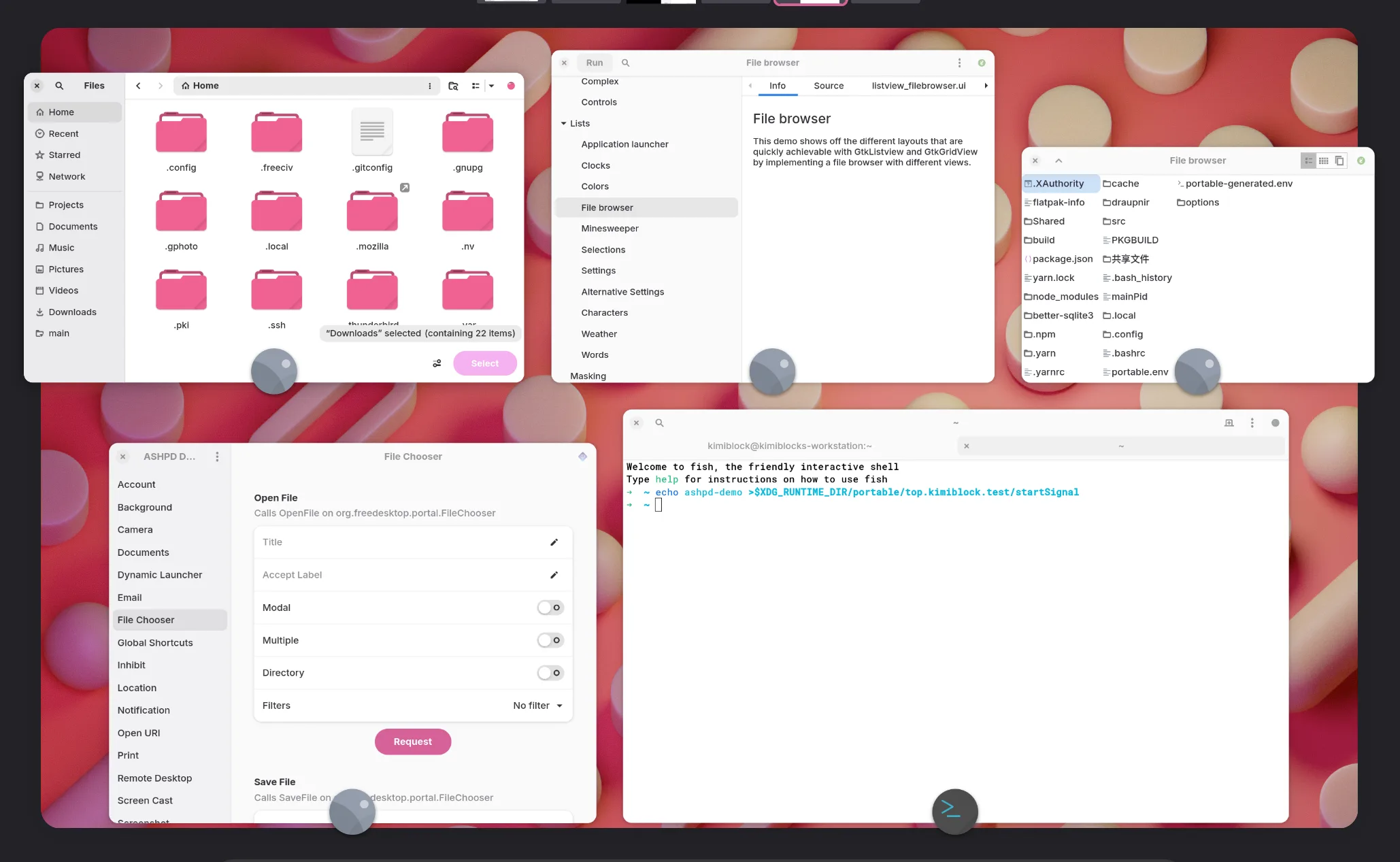
See Docs
Start portable with environment variable _portableConfig, which can be 1) the appID of the sandbox, 2) an absolute path (if exists), 3) a file name interpreted as $(pwd)/${_portableConfig}. It searches for each of them respectively.
- Debugging output can be enabled using a environment variable
PORTABLE_LOGGING=debug
Portable itself allows multiple instances. It automatically creates an identical sandbox and launches the application. Application itself may or may not support waking up itself. It is advised to set SingleMainWindow=true for applications that doesn't have well multi-instance support.
To manually execute programs instead of following the launchTarget config, start portable with argument --actions debug-shell. This will open a bash prompt and gives you full control of the sandbox environment.
Pools is a user friendly sandbox generator. To create and enter a user sandbox, simply execute portable-pools with your sandbox name.
Example: Create a test sandbox:
portable-pools test

╰─>Portable Sandbox·top.kimiblock.test·🧐⤔
Usage:
portable-pools [Options] <Sandbox Name>

Options:
	--quit: Terminates the sandbox
Portable and any of its social environment follows the Kraftland Code of Conduct. Please be sure not to violate such rule set.
Portable follows a major.minor.patch version scheme. We thrives to provide a stable experiences with no breaking changes, however, if said change is necessary, will land in a major release.
The patch release is exclusive for bug fixes. Whereas minor releases contain new features. If a feature or a set of features needs time to test or is important enough, we conduct a major release.
Portable has and always will be only supporting the latest release. Generally users can upgrade without manual intervention, but between major releases it's advised to run systemctl --user stop portable.slice to stop the portable framework.


