Enhanced implementation of the Xbox rain droplets from SkyGFX for other games.


Every game has a release of its own, and its notes hold the installation steps of that game.


| Game | Screenshot |
|---|---|
| PPSSPP - GTA LCS / VCS, Splinter Cell Essentials | 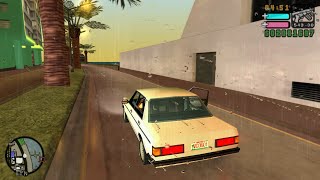 |
| PCSX2F - GTA LCS / VCS, True Crime NYC | 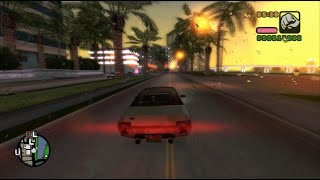 |
| Game | Screenshot |
|---|---|
| Splinter Cell |  |
| Splinter Cell: Pandora Tomorrow |  |
| Splinter Cell: Chaos Theory |  |
| Splinter Cell: Double Agent |  |
| Splinter Cell: Blacklist |  |
| Game | Screenshot |
|---|---|
| Need for Speed: Underground 2 |  |
| Need for Speed: Most Wanted |  |
| Need for Speed: Carbon |  |
| Game | Screenshot |
|---|---|
| Max Payne 2: The Fall of Max Payne | 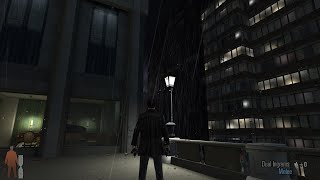 |
| Max Payne 3 |  |
| Game | Screenshot |
|---|---|
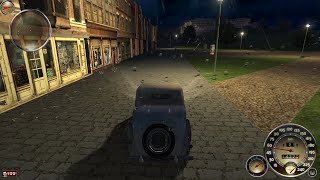
| Mafia: The City of Lost Heaven | 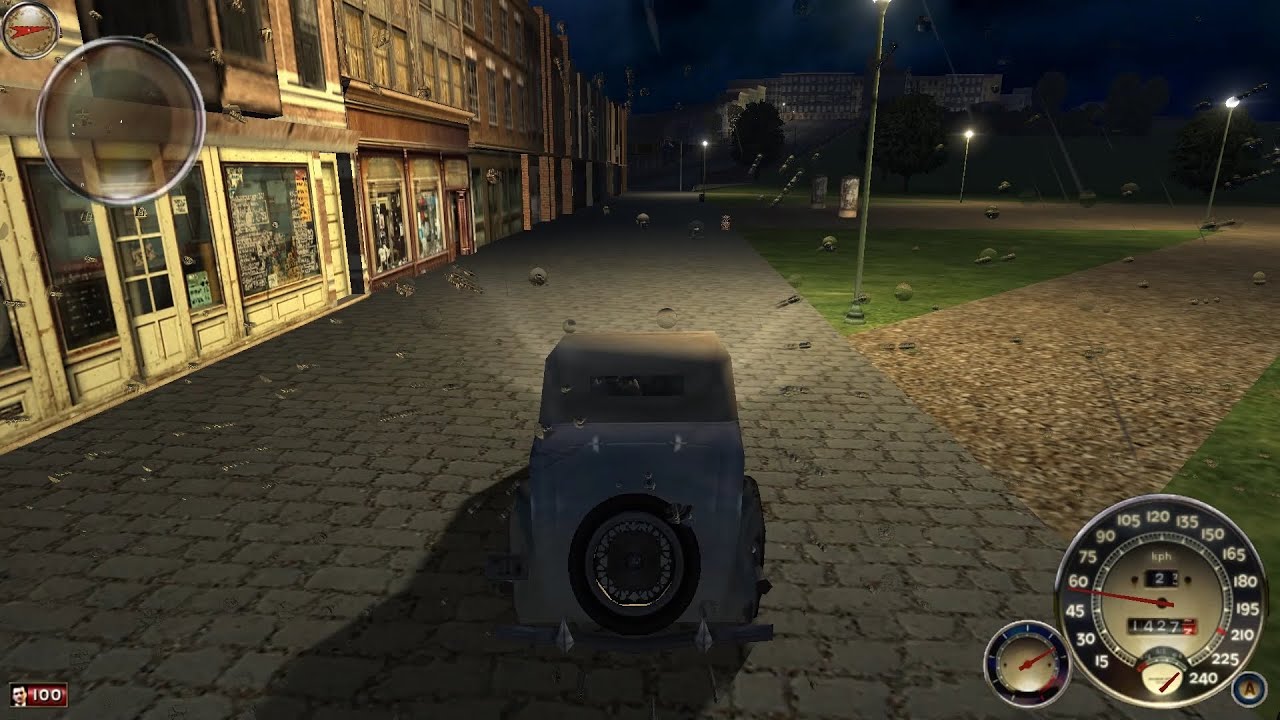 |
| Manhunt | 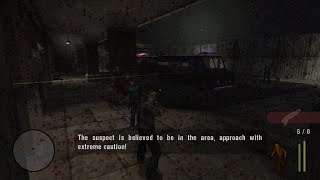 |
| Scarface: The World Is Yours | 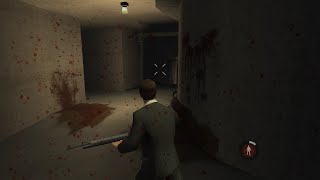 |
| Driv3r | 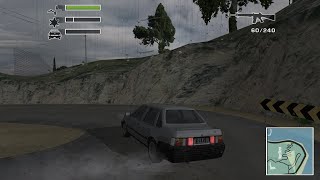 |
| Driver: Parallel Lines |  |
| True Crime: New York City |  |
| King Kong - Gamers Edition |  |
| Saints Row 2 | 
|

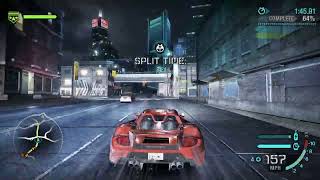
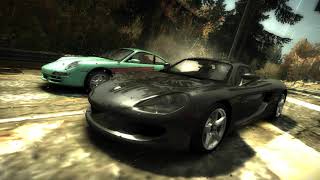
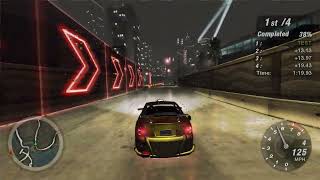
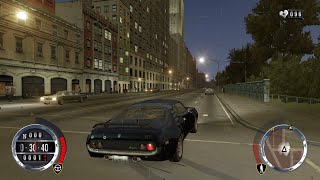
Every game has its own release, and its notes hold the folder the plugin goes to.
- Download the release of your game from the Releases page and unpack it.
- Install the ASI Loader, or the fix the release asks for, which includes it.
- Put the
.asiand.inifiles into thescriptsfolder of the game (pluginsfor GTA IV and Max Payne 3, the root folder of the emulator for PPSSPP and PCSX2F). - Launch the game and wait for it to rain.
Direct3D 8 games automatically use the Direct3D 9 droplet renderer when a wrapper such as d3d8to9 exposes its underlying device and resources. Otherwise they keep the native Direct3D 8 renderer. No INI setting is needed.
The ini of a plugin is read at startup and again whenever the file is written to, so a value can be changed in the middle of a game.
Run premake5.bat to generate the Visual Studio solutions in build, then build them.
All shader sources and generated assets live in source/shaders. Every project runs tools/BuildShaders.ps1, which verifies the outputs and rebuilds only changed shaders using source/shaders/manifest.json. Direct3D bytecode, Vulkan SPIR-V, and embedded OpenGL/Thin3D sources have the same build entry point. See the shader README for compiler requirements and regeneration commands.
Native Direct3D and Vulkan renderers use precompiled shaders. OpenGL and the emulator's Thin3D API compile their embedded sources during resource preparation. All renderers prepare resources during effect initialization, including dry frames, and repeat preparation after resets. Driver initialization can still take time; precompiled bytecode does not eliminate pipeline creation costs.
Renderer tests accept --headless --frames 45 --startup-check --lens-light. This checks preparation before any drops appear and after a reset, then verifies the first visible drops. Use --expect-d3d8 or --expect-d3d9 with the D3D8 test to check native or d3d8to9 rendering.
To deploy to your game automatically after each build, create a .env file in the repository root pointing the key of each game at its folder, then run premake5.bat again, for example:
GTA_SAN_ANDREAS_DIR=C:\Program Files (x86)\Rockstar Games\GTA San Andreas
The keys are the ones of the games above (GTAIII_DIR, GRAND_THEFT_AUTO_VICE_CITY_DIR, GTA_SAN_ANDREAS_DIR, GTA_SAN_ANDREAS_DEFINITIVE_EDITION_DIR, SAINTS_ROW_2_DIR and so on, see premake5.lua). The build copies the built .asi into the folder of that game and debugging starts the game from there. The .env file is ignored by git, only a plugin that is already installed is replaced, and a game without a key is not deployed at all.
![dependabot[bot]](https://avatars.githubusercontent.com/in/29110?v=4)