Developed with ❤️. This extension for Visual Studio Code adds the dark theme titled "Dukana".
I have been using this theme for a while and it's nice on most screens. The theme is still in its early version.
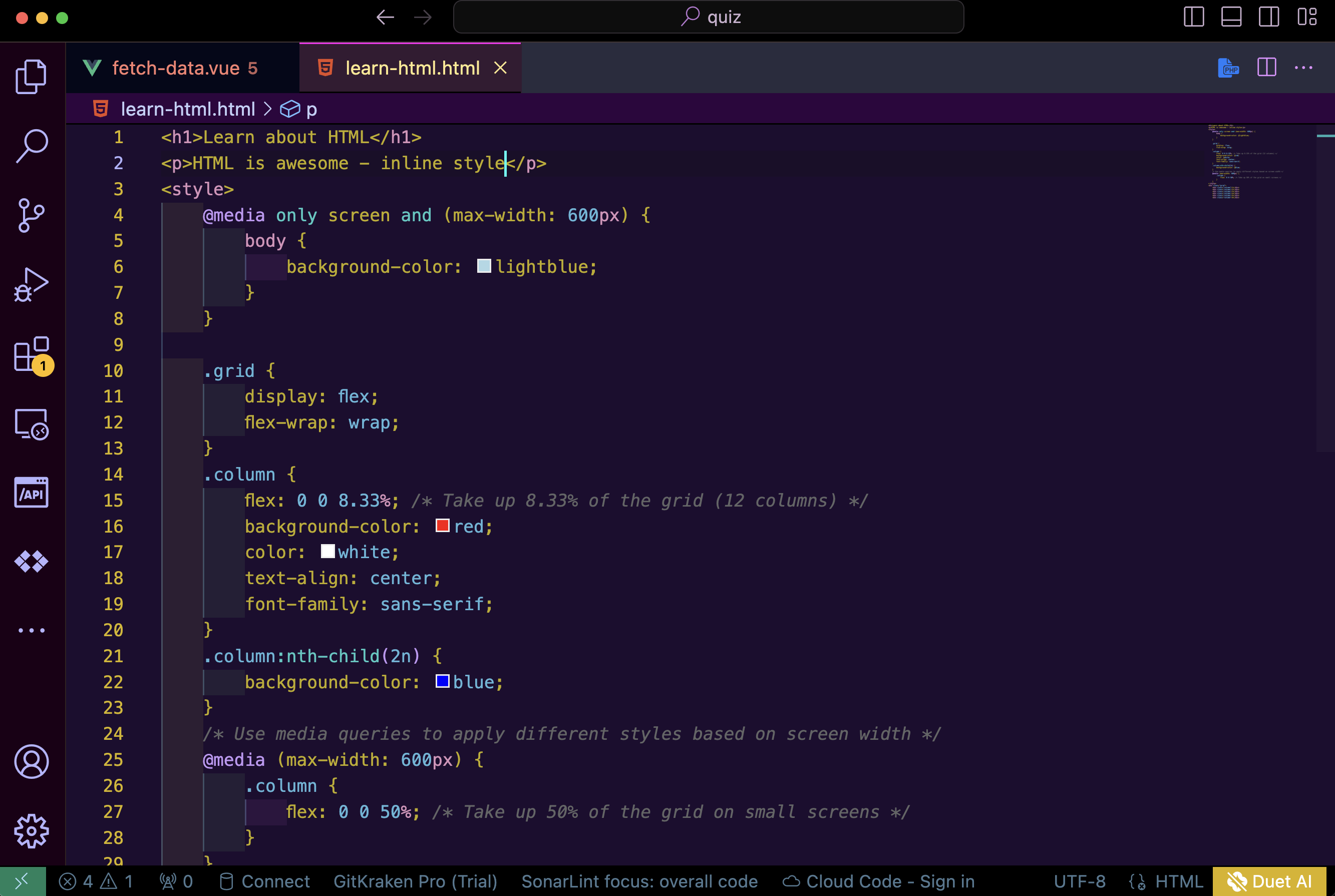
Dark Royal HTML
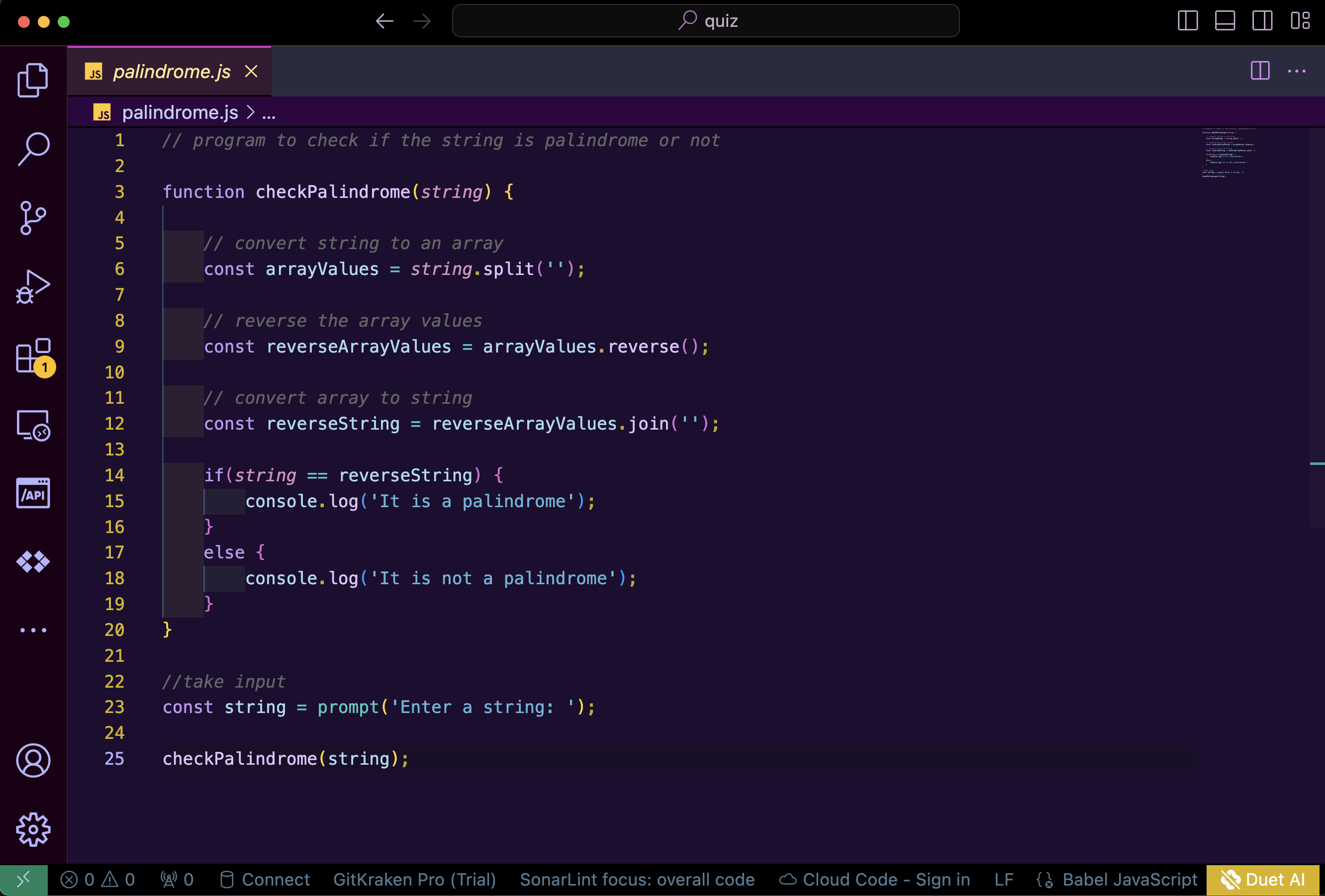
Dark Royal JavaScript
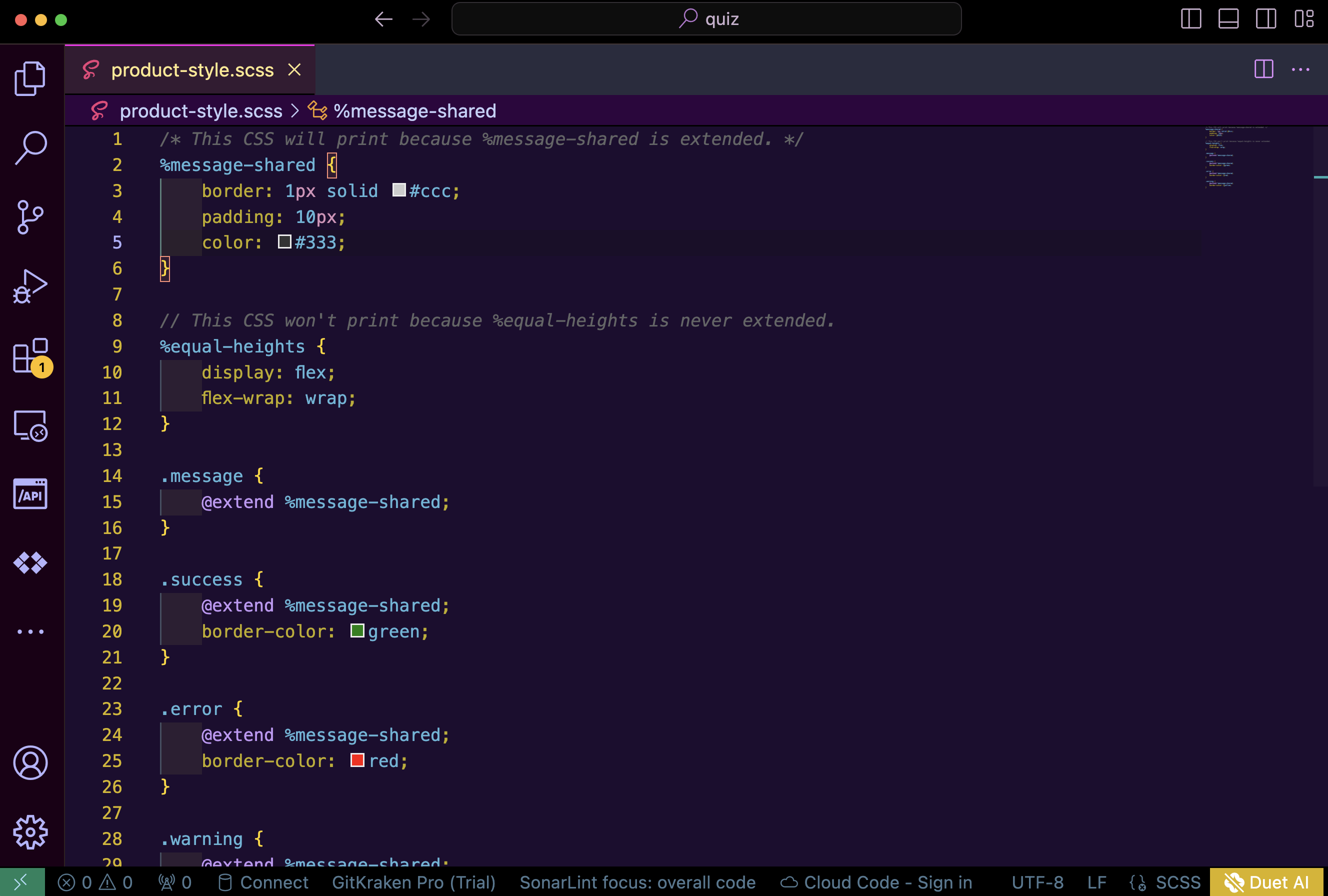
Dark Royal SCSS
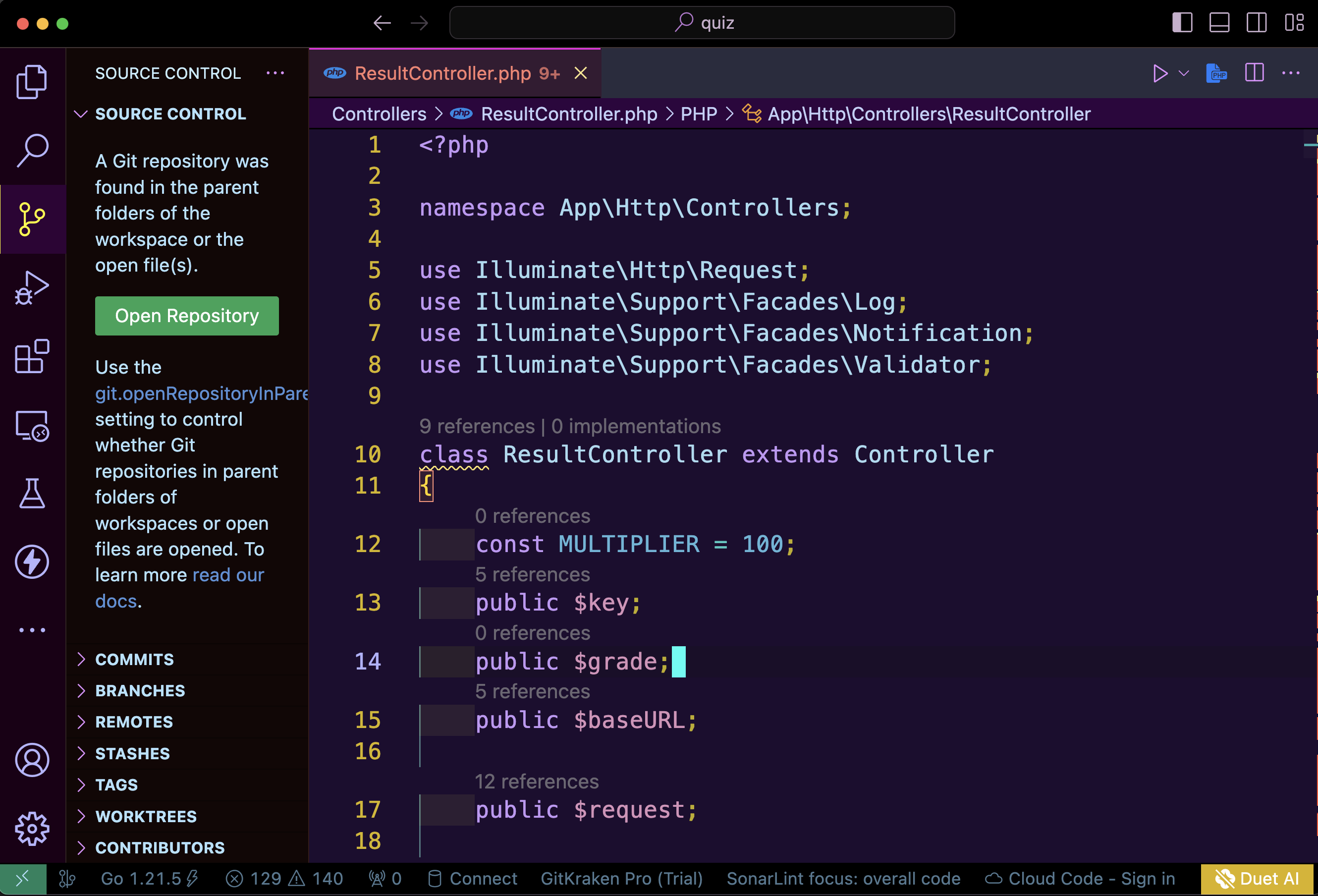
Dark Royal PHP
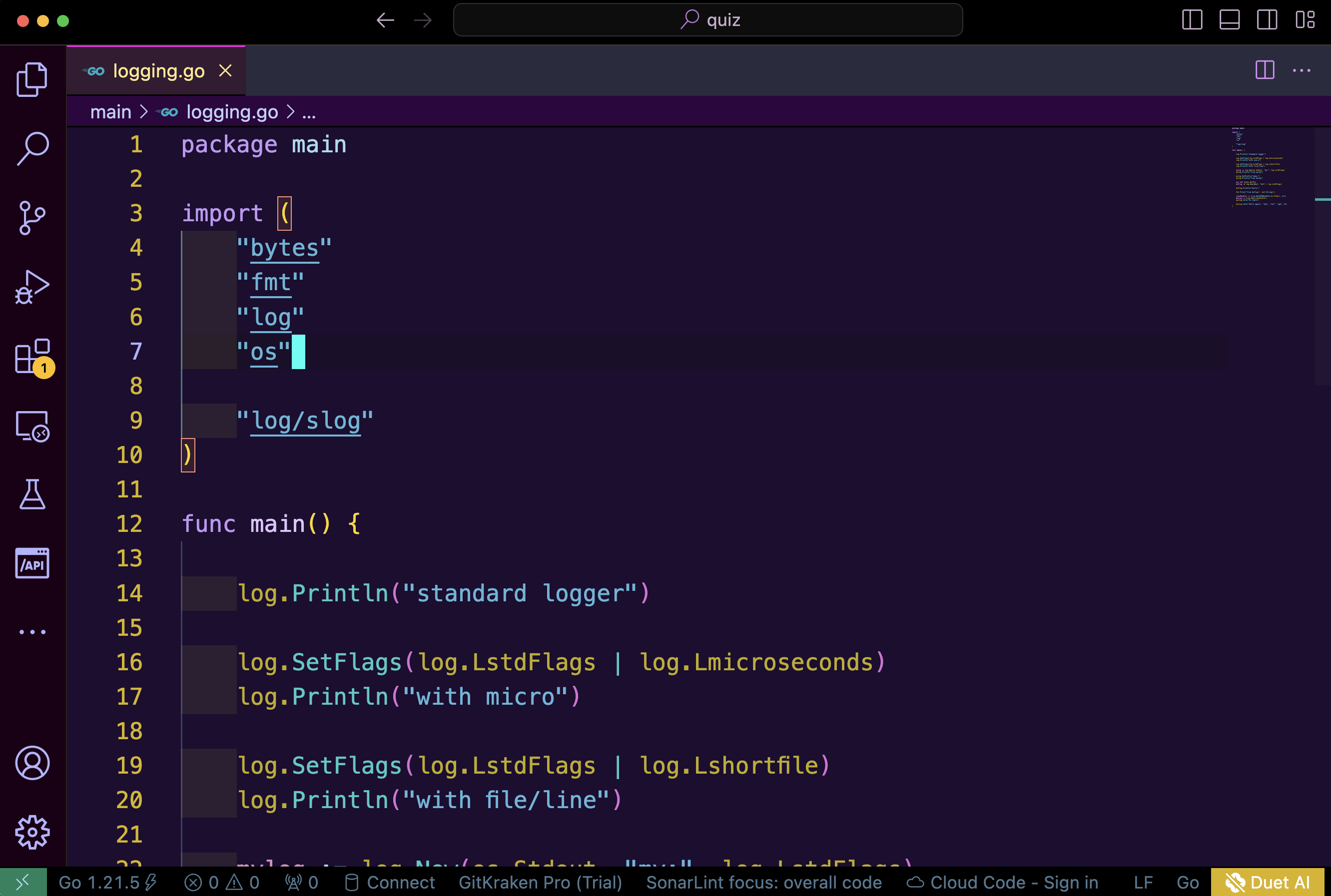
Dark Royal Go
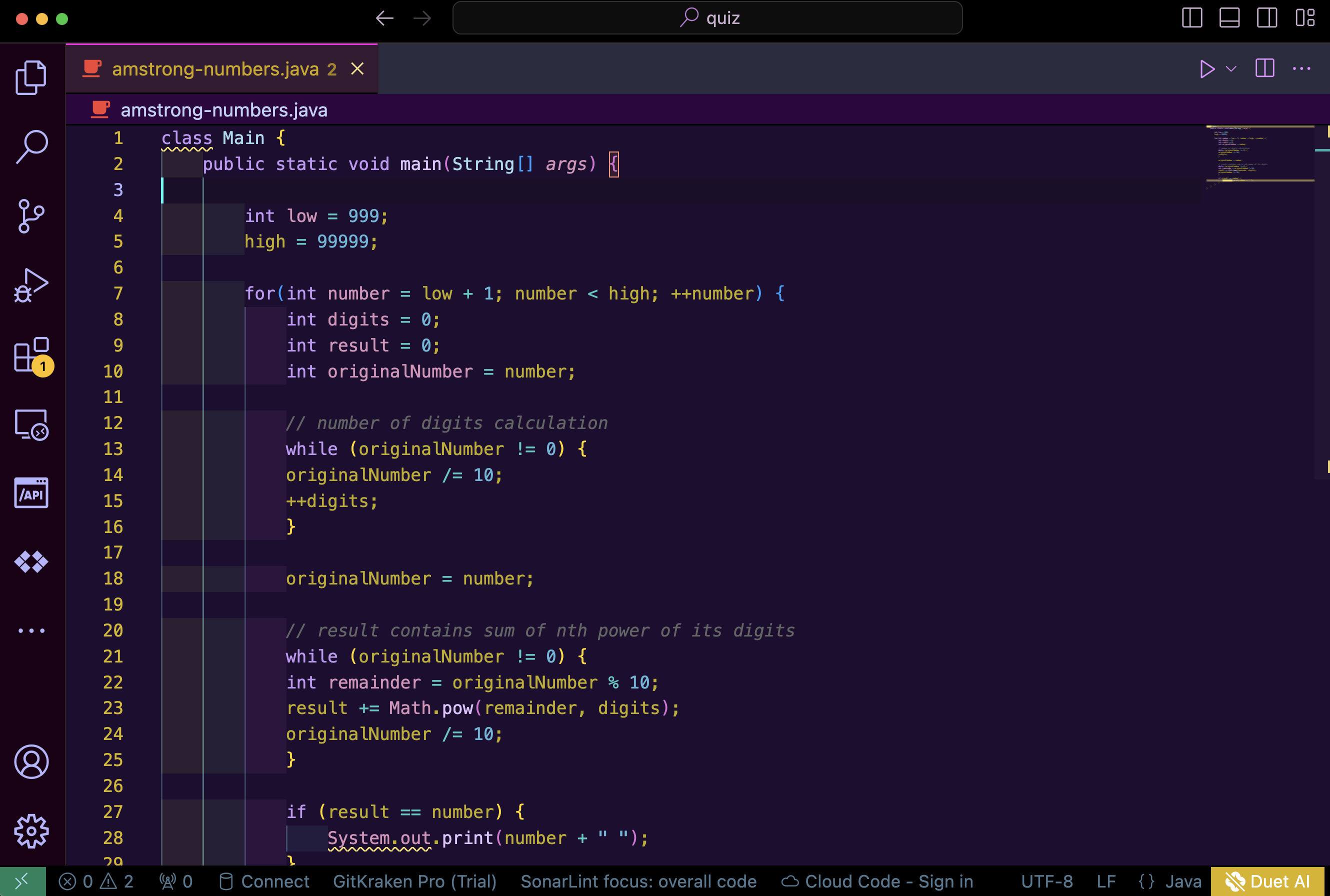
Dark Royal Java
- Open Extensions sidebar panel in Visual Studio Code.
View → Extensions - Search for
Dukana - Click Install
- Click Reload
- File > Preferences > Color Theme > Dukana (Royal)
Follow the recommended settings for a fun experience. You can tweak the theme as much as you wish.
{
  "files.autoSave": "afterDelay",
  "workbench.iconTheme": "material-icon-theme",
  "editor.fontSize": 16,
  "window.zoomLevel": 2,
  "workbench.colorTheme": "Dukana (Royal)",
  "redhat.telemetry.enabled": true,
  "editor.fontLigatures": true,
  "editor.tabSize": 2,
  "editor.wordWrap": "on",
  "editor.tabCompletion": "on",
  "editor.suggestSelection": "first",
  "editor.formatOnPaste": true,
  "editor.formatOnType": false,
  "editor.formatOnSave": true,
  "editor.letterSpacing": 0.2,
  "editor.lineHeight": 22,
  "editor.minimap.enabled": false,
  "search.showLineNumbers": true,
  "zenMode.centerLayout": false,
  "editor.cursorSmoothCaretAnimation": "on",
  "editor.autoIndent": "full",
  "editor.cursorBlinking": "blink",
  "editor.cursorStyle": "line",
}
If you have suggestions, please open an issue or better yet, a pull request.
Be nice.
Duakana was inspired by Dukana, a fictitious town in the novel Sozaboy and Visual Studio Material Theme by Matia Astorino
Authored by Gospel Lekia
co-authored Faith Ahiamadu
