Extension for Hyper that allows you to search text in your terminal.
Install Hyper and add hyper-search
to plugins in ~/.hyper.js and restart hyper.js.
Usage:
- A new 'find' submenu should be available in the 'Edit' menu.
- Type
<Cmd>+ F to toggle the search controls. - Hit
<Cmd>+ G to find the next occurrence. - Hit
<Shift>+<Cmd>+ G to find the previous occurrence. - Hit
<Esc>to hide the search dialog.
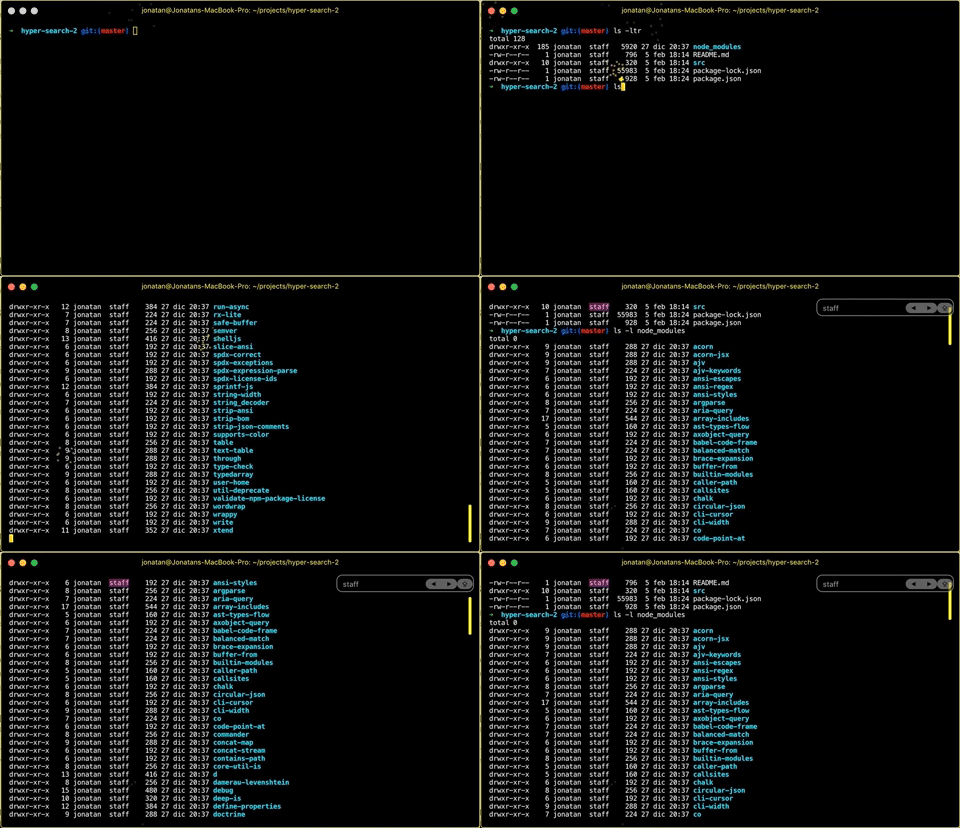
- regular expressions.
Jonatan Anauati ([email protected])
- Alek Zdziarski (https://github.com/aldudalski)
- Emmanuel Salomon (https://github.com/ManUtopiK)
- Timo Sand (https://github.com/deiga)
- Will Stern (https://github.com/willrstern)
ISC