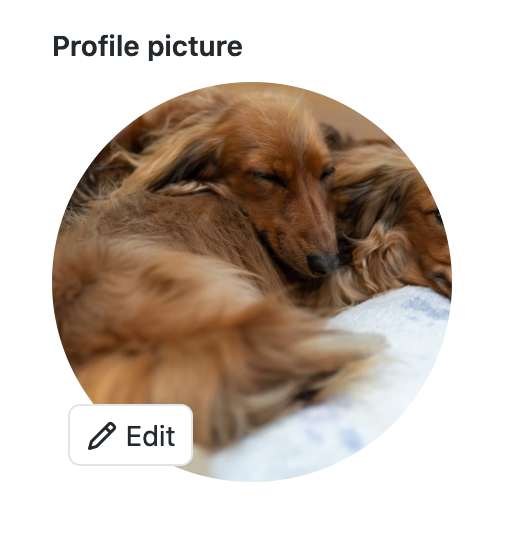
This action changes your GitHub/Gravatar photo to a different cute animal each day...

- Must have a Gravatar/Wordpress.com Account
- Ensure the primary email you use with GitHub is associated with your Gravatar account
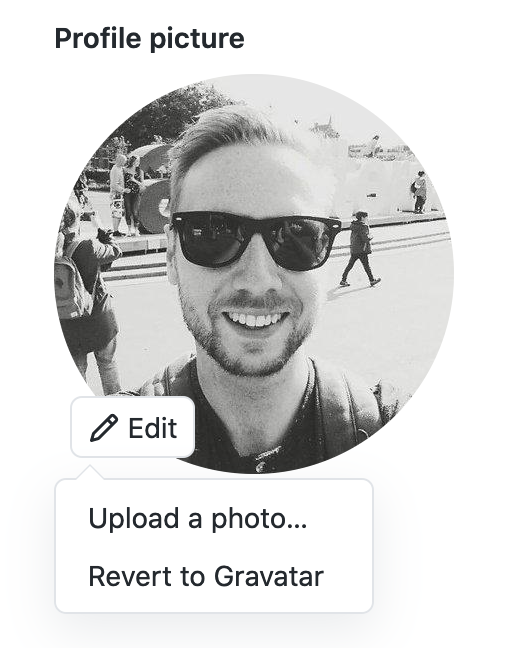
- If you've previously uploaded a profile image to GitHub, "Revert to Gravatar" (re. Settings > Profile > Edit)
- Create a
.github/workflows/pet-a-day.ymlfile in any repo... - Add the following...
name: "Pet-a-Day"
on:
  schedule:
    - cron: "0 0 * * *"
jobs:
  update-avatar:
    runs-on: ubuntu-latest
    steps:
    - uses: darcyclarke/[email protected]
      with:
        email:  ${{ secrets.EMAIL }}
password: ${{ secrets.PASSWORD }}- Required The primary email used for your GitHub account
- Note: You should use GitHub Action Secrets to set this value (re.
https://github.com/<username>/<repo>/settings/secrets/actions)
- Required The password associated with your Gravatar/WordPress.com account
- Note: You should use GitHub Action Secrets to set this value (re.
https://github.com/<username>/<repo>/settings/secrets/actions)
- Optional Comma delimited list of categories to be used to choose the image (ex.
frogs,birds) - Default
dog,cat,dogs,cats,kittens,puppies,puppy,kitten
- "How long does it take to see an update?"
- After a job run it can take a little while to see your profile update based on GitHub's caching (you can confirm a new photo was uploaded/mapped by checking Gravatar)
- "How often does this run?"
- Well, the cron scheduling is actually up to you... "daily" is probably nice/fine... definitely be mindful of the platform's limitations/policies though ❤️
- "How does this work?"
- Under the hood, we use unsplash.com's random image endpoint along with the defined
query(aka. "categories") param to fetch a lovely animal image, upload that to Gravatar, set it as the default profile photo & thus, setting it as your default GitHub profile photo (* if you followed the steps above of course...)
- Under the hood, we use unsplash.com's random image endpoint along with the defined
- "Why does this exist?"
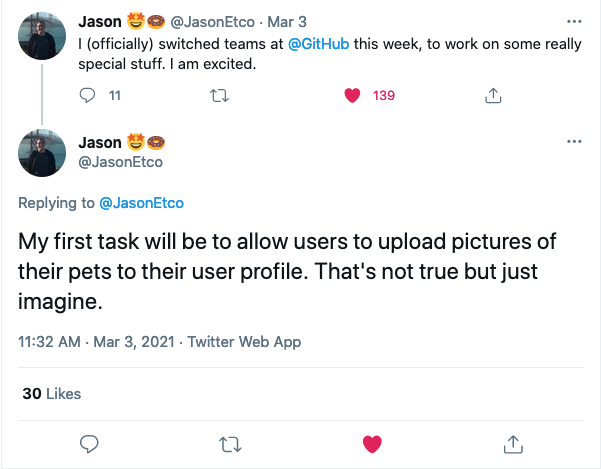
- You can thank &/or blame @JasonEtco