
A seedbox management application for iOS, macOS and watchOS.
Seed Truck will be available on the App Store for iPhone, iPad, Mac and Apple Watch. It remains open source, so you can also compile and install it yourself.
It uses SwiftUI, and as such, can run on iOS/iPadOS/watchOS/macOS.
- Transmission 4.1 or newer (JSON-RPC 2.0)
- qBittorrent 5.0 or newer (WebUI API v2)
For Transmission, configure the full JSON-RPC endpoint, such as
http://server.local:9091/transmission/rpc.
For qBittorrent, configure the Web UI base URL, such as
http://server.local:8080. Reverse-proxy prefixes such as
https://example.com/qbittorrent are supported; do not include /api/v2 in
the configured endpoint. Seed Truck uses qBittorrent's cookie-based Web UI
authentication and also supports servers configured for authentication bypass.
Optional custom HTTP headers can be configured for servers behind an additional authentication layer such as Cloudflare Access, Authelia, or Authentik. Header values are stored with the server record in the synchronizable Keychain and are sent with both authentication and normal API requests.
A stateful Transmission mock server for development and manual testing is
available in Tools/mockserver. It requires Go 1.22 or newer and has no external
dependencies. From the repository root, run:
go -C Tools/mockserver run .Configure a Transmission server in Seed Truck without credentials using:
http://localhost:9091/transmission/rpc
The mock supports listing, adding, starting, stopping, and removing torrents, as well as global speed limits. Its state is kept in memory and resets whenever the process restarts.
For a physical device, localhost refers to the device rather than the Mac.
Expose the mock on the local network with:
go -C Tools/mockserver run . -listen 0.0.0.0:9091Then use http://<mac-lan-address>:9091/transmission/rpc. Binding to
0.0.0.0 exposes the unauthenticated mock to the local network, so only use it
on a trusted network.
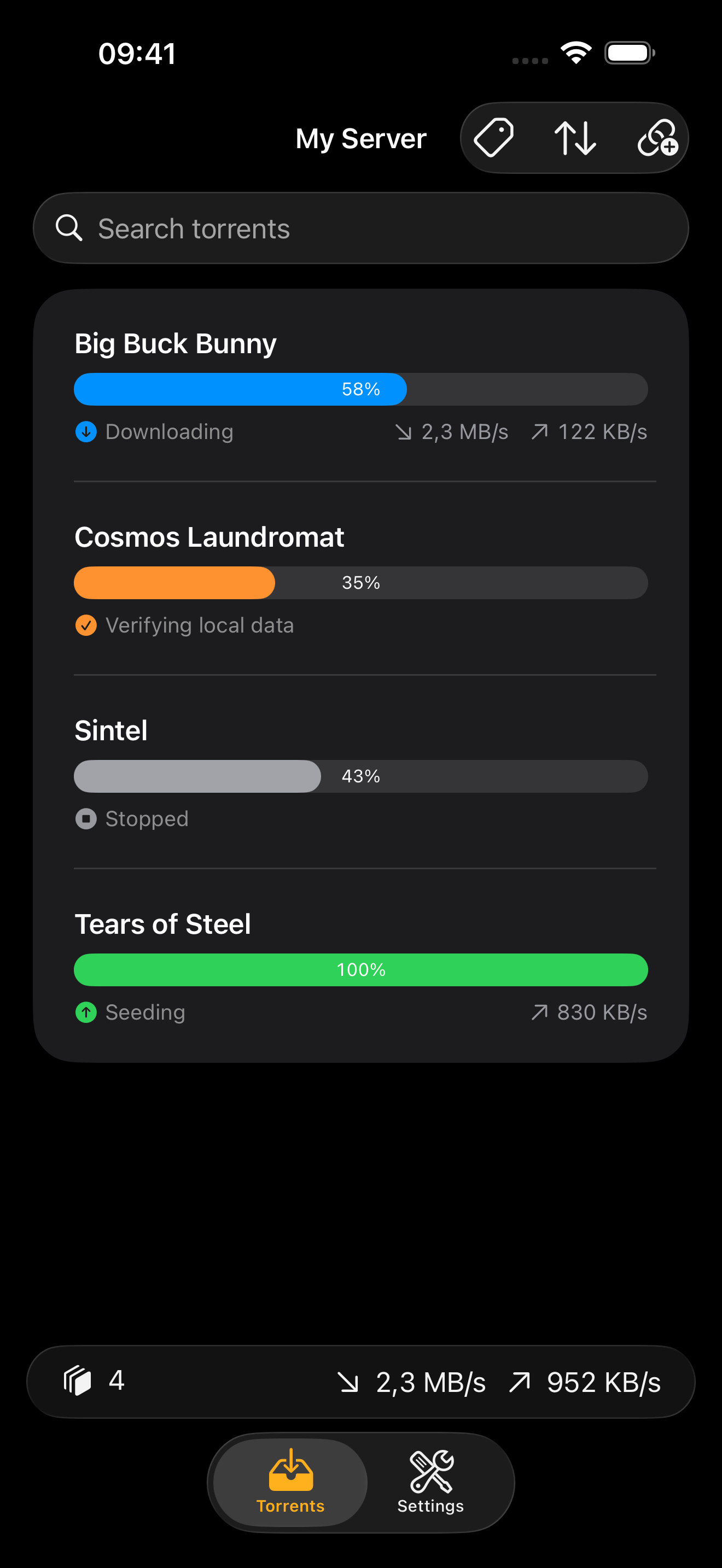
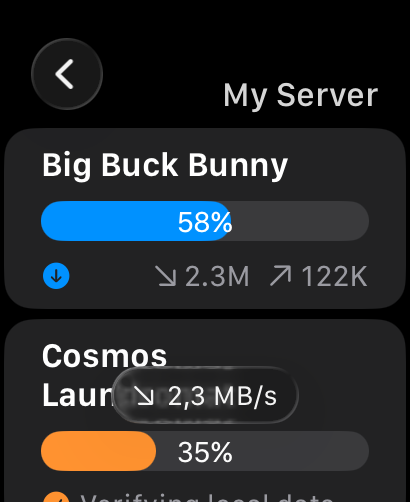
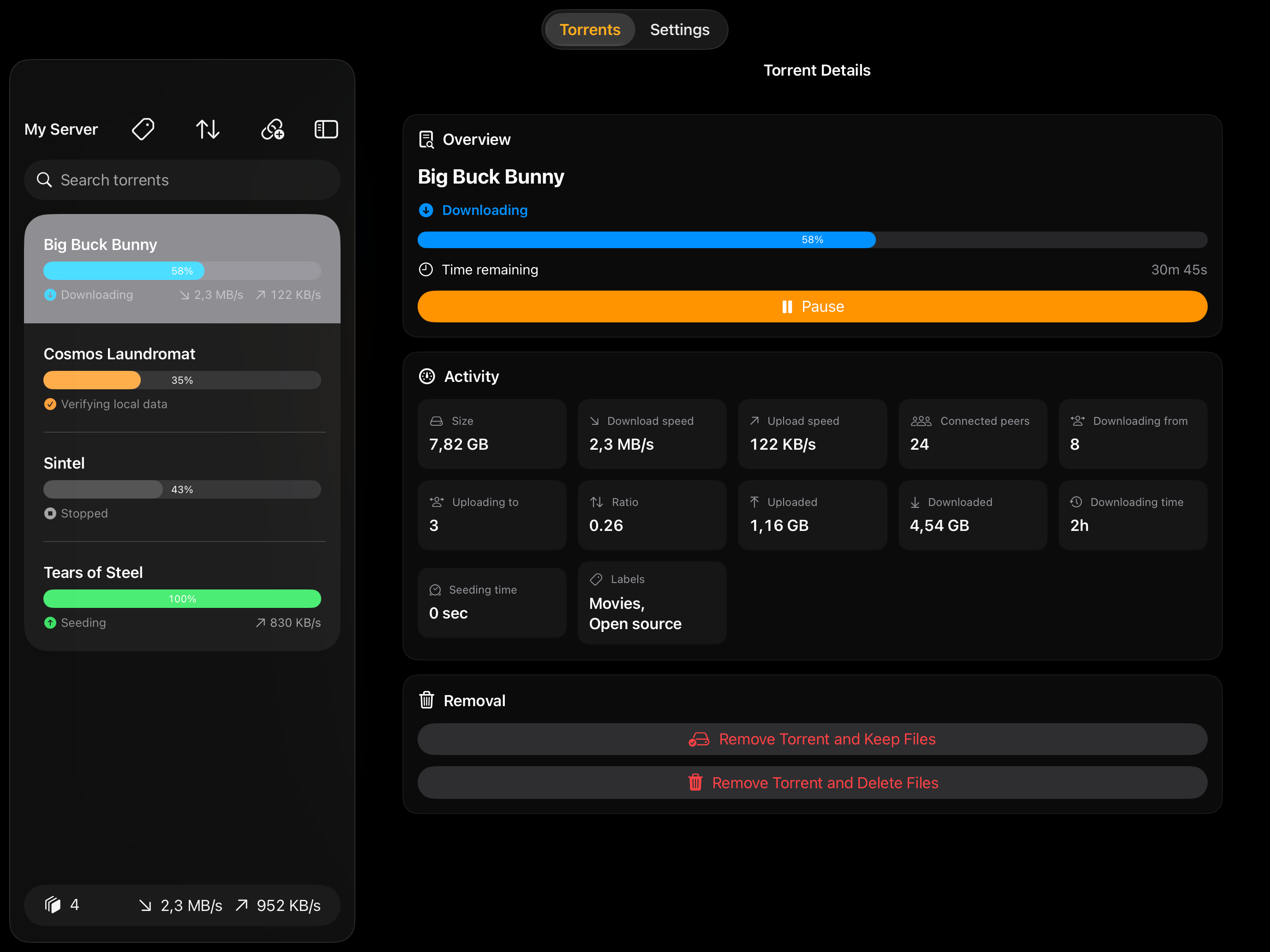
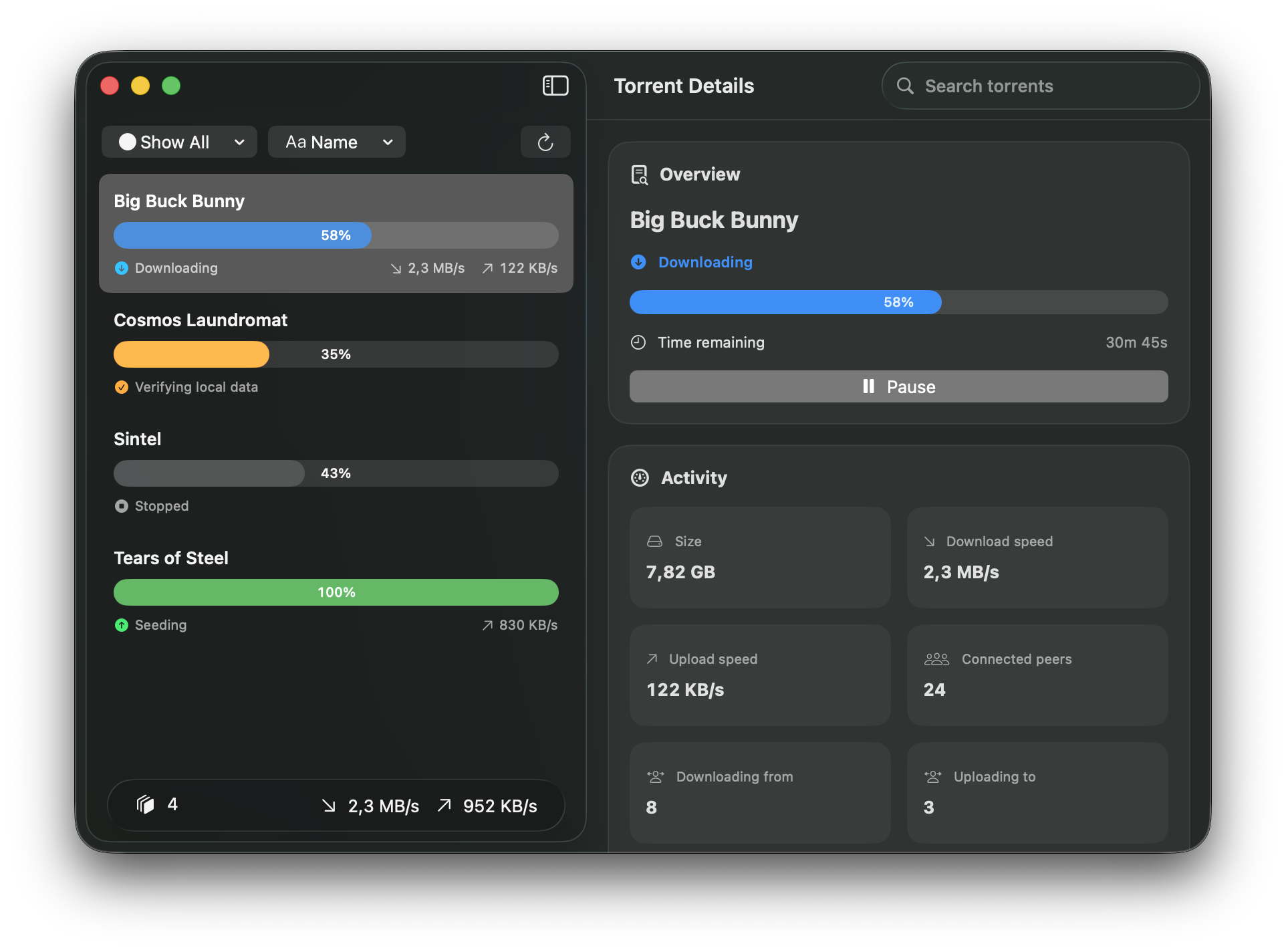
- Connect to Transmission and qBittorrent seedboxes.
- View/manage torrents, their status, and remove them.
- Import torrents using a torrent file or magnet link.
- Assign Transmission labels or qBittorrent tags when adding torrents.
- Manage global upload and download speed limits.
- Authenticate through reverse proxies with custom HTTP headers.
GPL-3.0-only
