Keep your place when jumping between a different parts of your code. This is a vscode extension that will highlight lines as you edit them, fading as you move away.
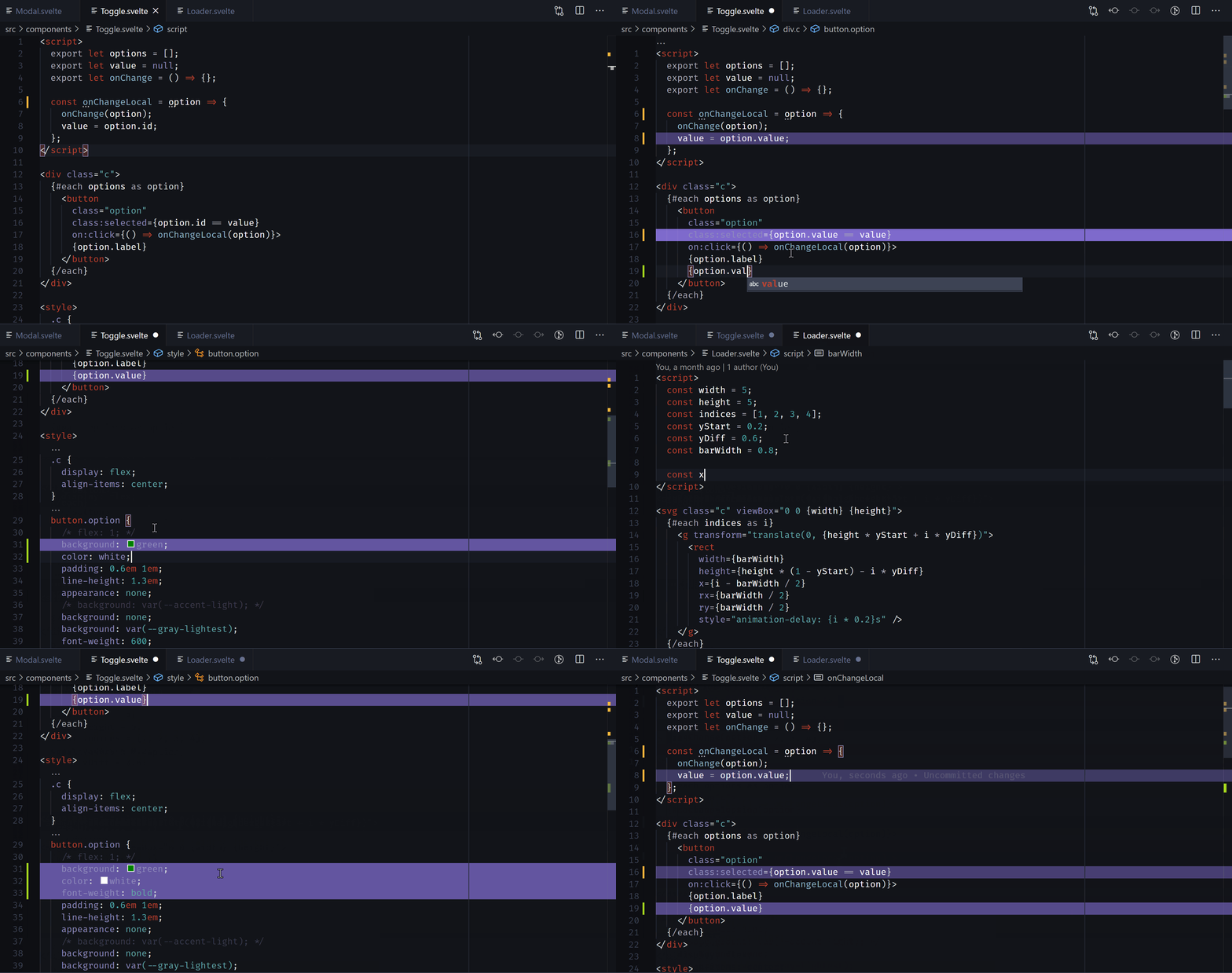
This extension contributes the following settings:
-
footsteps.highlightColorThe color of the highlighted trail (in rgb format)
-
footsteps.maxNumberOfChangesToRememberThe number of changes to save in history
d
-
footsteps.maxNumberOfChangesToHighlightThe number of changes to highlight. A lower number drops off more quickly.
This extension doesn't have any default commands, to prevent from clashing with your setup. Bind your own keybindings to these commands:
-
footsteps.skipBackSkip back in footsteps. Suggested:
alt+ctrl+left -
footsteps.skipForwardsSkip forwards in footsteps. Suggested:
alt+ctrl+right -
footsteps.skipBackSameFileSkip back in footsteps (stay in the same file)
-
footsteps.skipForwardsSameFileSkip forwards in footsteps (stay in the same file)
-
footsteps.skipBackDifferentFileSkip back in footsteps (skip between files)
-
footsteps.skipForwardsDifferentFileSkip forwards in footsteps (skip between files)
