A repo for My FireFox browser settings and configurations
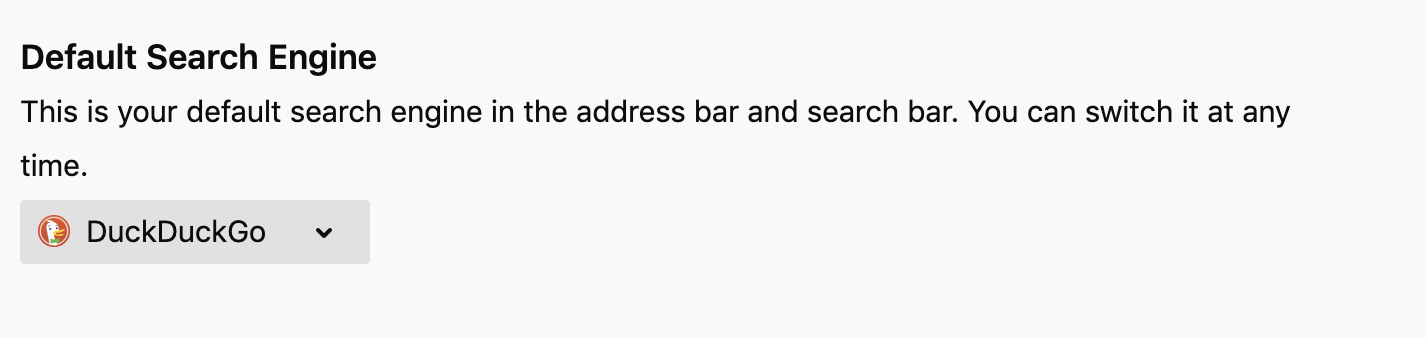
I prefer DDG and use only that.
Enable DND

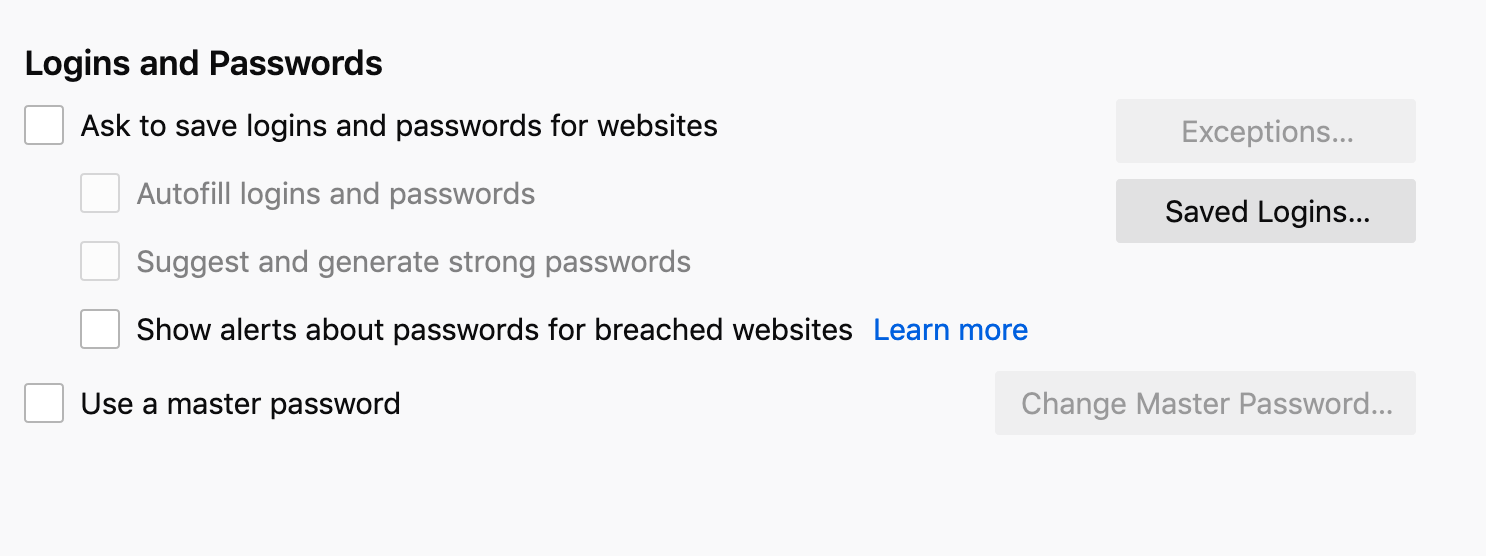
Logins and Passwords
Turn off password storage in browser.
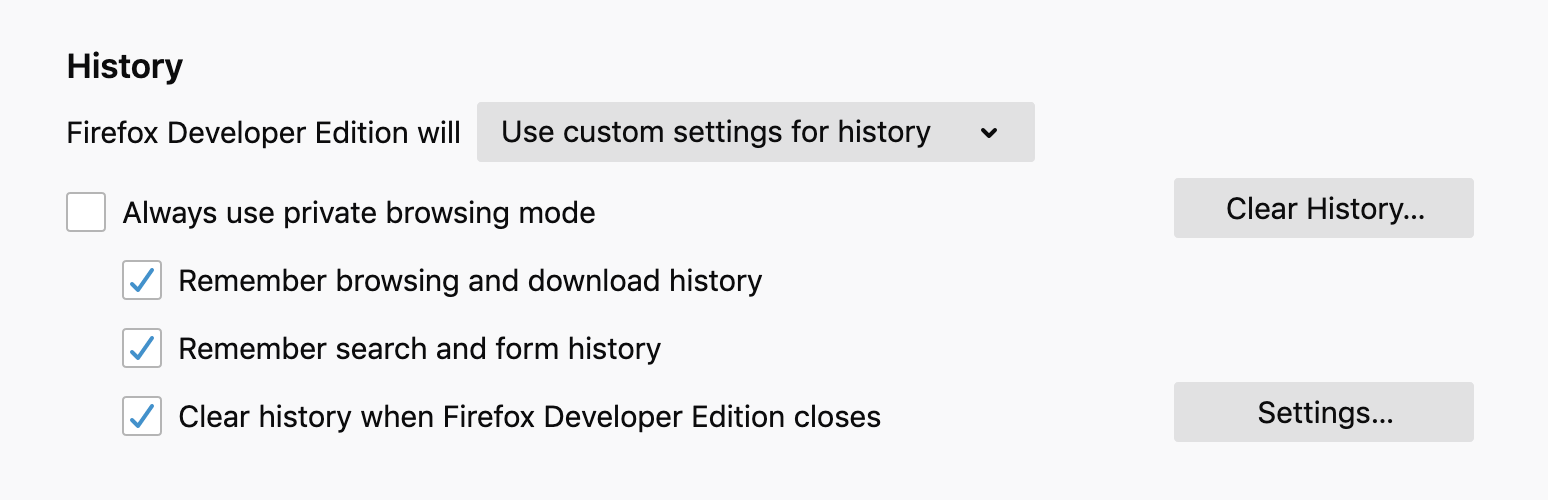
History
I've set my browser to clear history as soon as I exit the browser. This helps to be mindful on what I work and check my social media consumption.
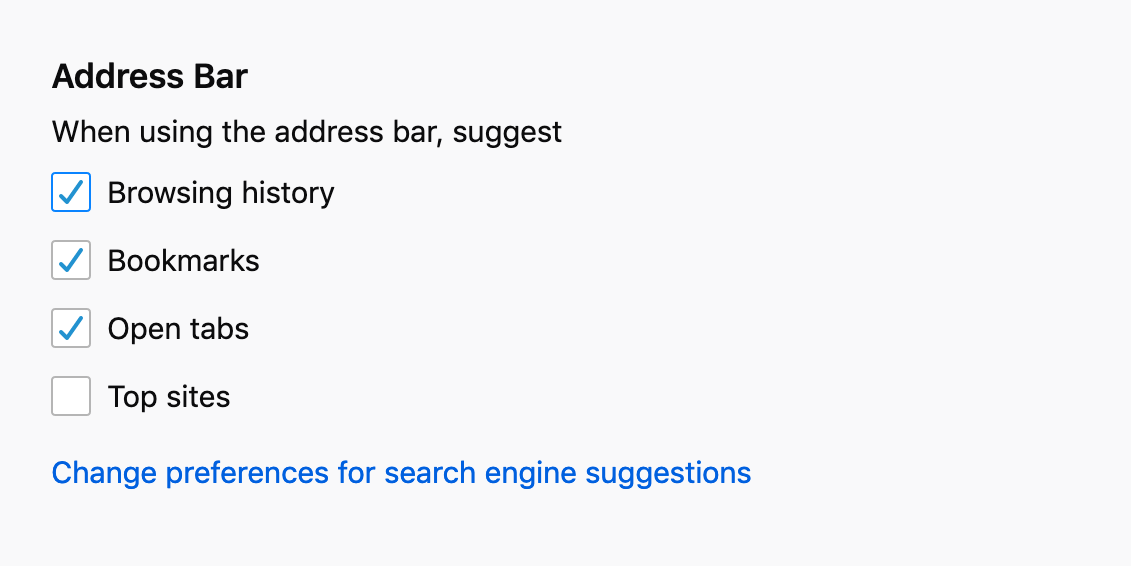
Address Bar
Show only the URLs that I typed after the last exit. No need to suggest popular sites.
Notification
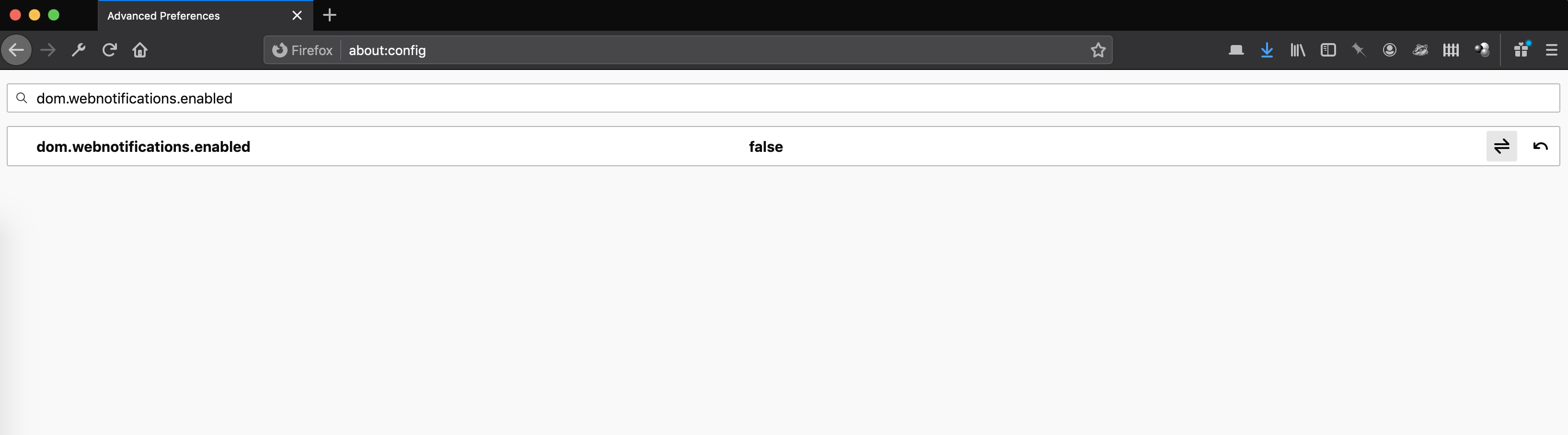
If you want to stop all sites from ever asking you whether to allow notifications. Set dom.webnotifications.enabled to false.
Block new requests to allow notifications
Options > Permissions > Notification Settings > Block new requests asking to allow notifications. Or on Mac, Preferences > Permissions > Settings > Block new requests to allow notifications.


Plugins whose source code is available is preferred.
- Pinboard+ - Firefox extension for Pinboard.
- uBlock Origin - General purpose blocker for ads and resouce hogging JavaScript.
- Privacy Badger - send Do Not Track signal and block invisble trackers.
- HTTPS Everywhere - rewrite requests to HTTPS
- Wave - WAVE Web Accessibility Evaluation Tool #a11y
- axe DevTools - Web Accessibility Testing - Accessibility auditing on the Firefox Developer Tools #a11y
- ClearURLs - Remove
utm_source,utm_medium,utm_campaignand similar tracking parameters from URL before loading them. - TabPro - My Open source addon for closing tabs with shortcuts.
