


Drop-in Markdown viewer for any folder — installable via pip.
Zero dependencies. Install once, use everywhere as mdview.

pip install md-viewer-pyOr with pipx (recommended for CLI tools):
pipx install md-viewer-pyOr install directly from source:
pip install .Then run from any directory:
mdview                        # serve current directory on port 8080
mdview 3000                   # custom port
mdview /path/to/docs          # custom directory
mdview /path/to/docs 3000     # both
Or run as a Python module without installing:
python -m md_viewer- Zero dependencies — Python standard library only, nothing to install
- pip/pipx installable — install once, use anywhere as
mdview - Dark theme UI — polished dark interface, easy on the eyes
- File tree sidebar — folder navigation with collapsible directories
- Full-text search — search across all Markdown files instantly
- Table of contents — auto-generated with scroll spy and collapsible groups
- Collapsible sections — click any heading to collapse/expand its content
.gitignoresupport — respects ignore patterns, skips.git,node_modules, etc.- Keyboard shortcuts — arrow keys to navigate,
/to search - Reading progress bar — visual indicator of scroll position
- Mobile responsive — works on small screens with hamburger menu
- Print-friendly — clean print stylesheet for hard copies
- Custom port and directory — point it at any folder, pick any port
- Live content refresh — file list and content auto-refresh as files change
pip install md-viewer-py
mdview
A browser tab opens automatically at http://localhost:8080.
- Mermaid Diagrams — flowcharts, sequence diagrams, gantt charts, and more
| Key | Action |
|---|---|
/ or Ctrl+K |
Focus search |
← ↑ |
Previous file |
→ ↓ |
Next file |
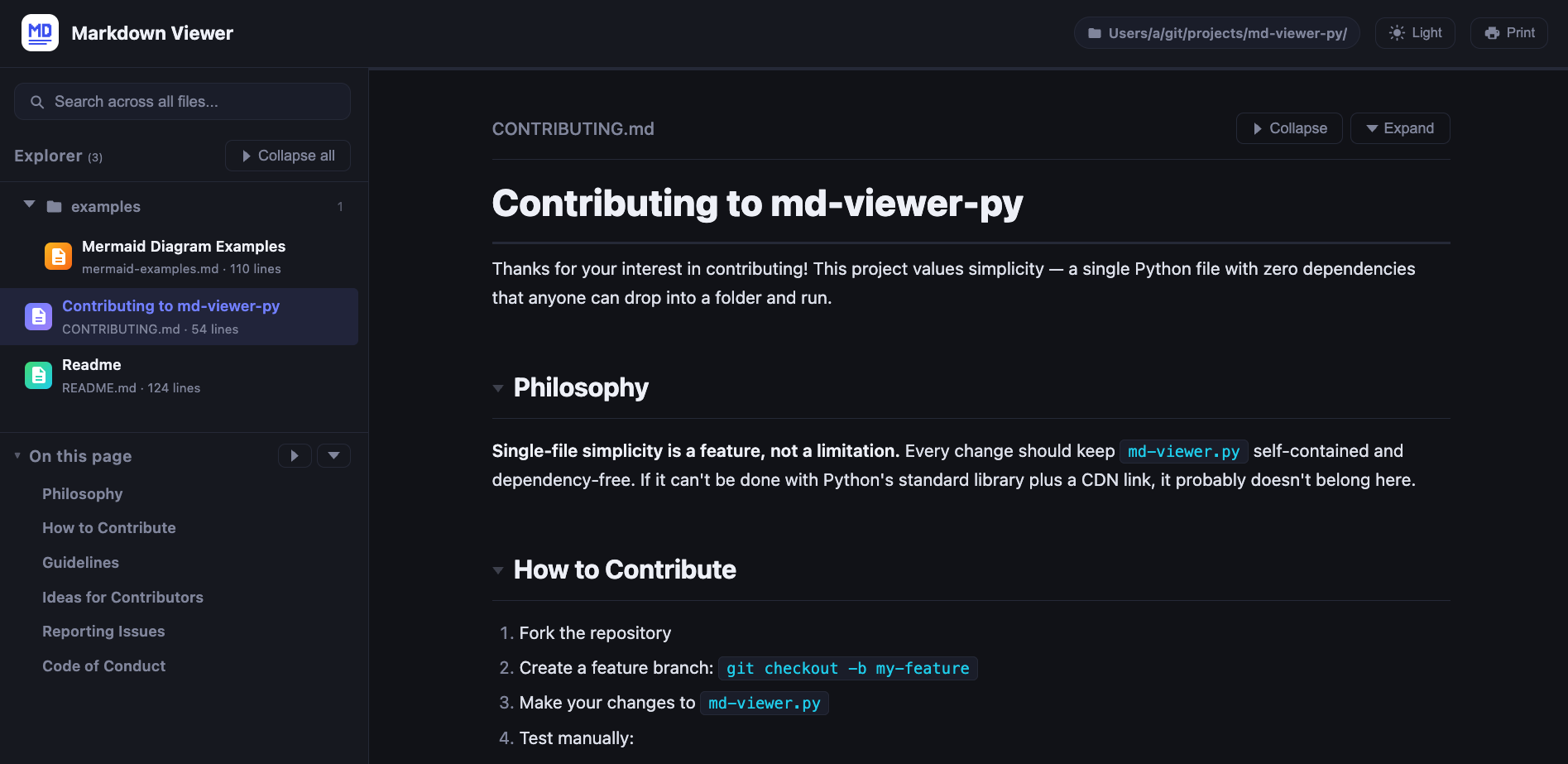
md-viewer-py is a pip-installable HTTP server built on Python's http.server. It scans the directory for .md files, serves a single-page dark-themed UI, and renders Markdown client-side using marked.js from a CDN. No build step, no config files, no virtual environments beyond the install itself.
No install needed — just drop the wrapper into any folder:
python3 md-viewer.pyContributions are welcome! See CONTRIBUTING.md for guidelines.
If you'd like to help but aren't sure where to start, see the full improvements & ideas list or pick from these highlights:
- Light theme / theme switcher
- Syntax highlighting for code blocks (highlight.js)
- Mermaid diagram support
- Live reload on file changes
- Export to PDF or static HTML
Feel free to open an issue to discuss ideas before starting work.
